
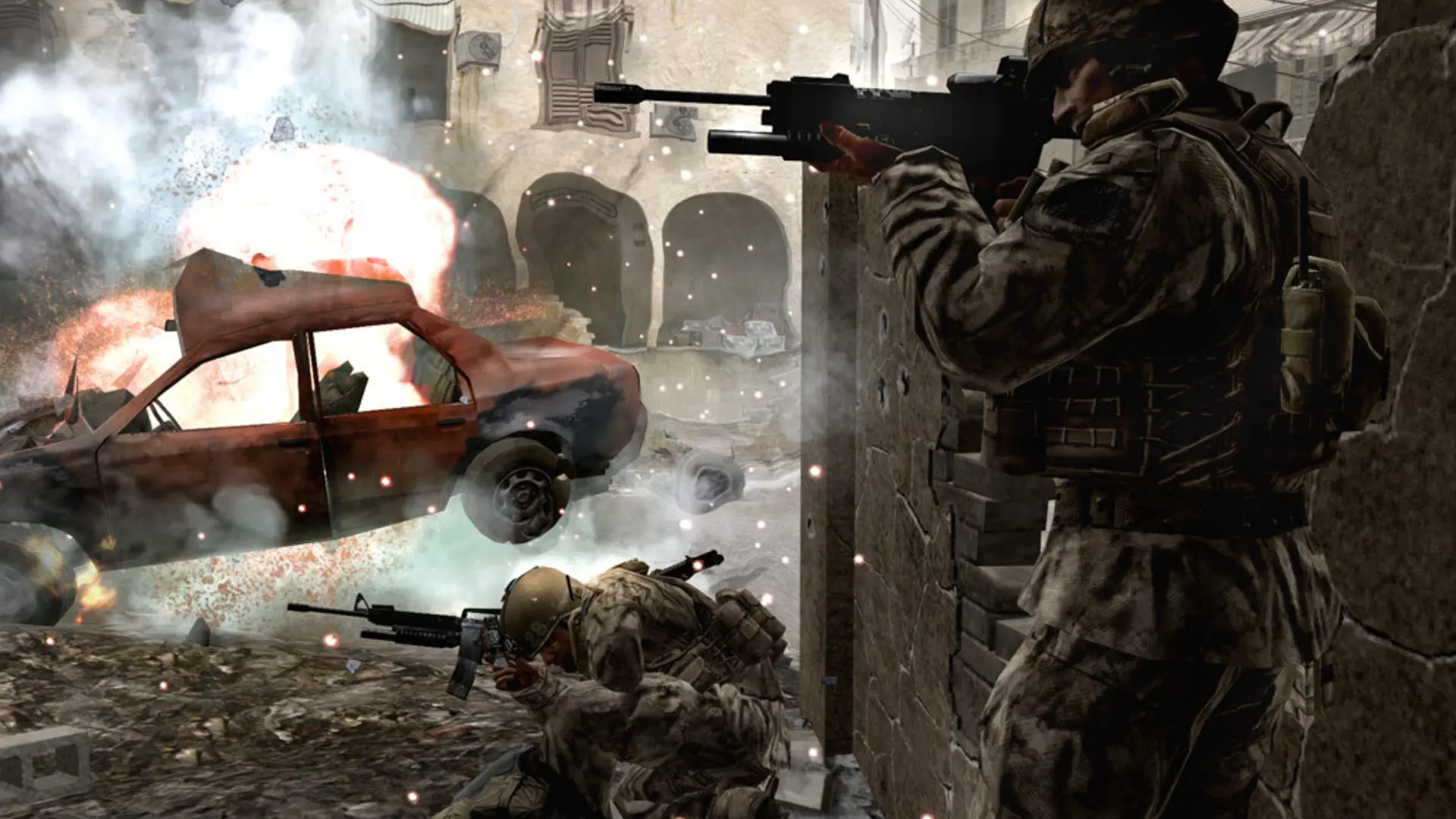
The map rotation is the list of maps your server plays, in order. By default your server plays every stock map, including the Variety Map Pack.
Changing The Map Rotation
- 1Log in to Bropanel and select your server.
- 2In the sidebar, go to
Settings. - 3Under
Gameplay, findMap Rotationand type the maps you want, separated by spaces, for examplemp_crash mp_backlot mp_strike. - 4Click
Save & Restartto apply your changes.
Clear Map Rotation to go back to every stock map.
| Map | Name |
|---|---|
| Ambush | mp_convoy |
| Backlot | mp_backlot |
| Bloc | mp_bloc |
| Bog | mp_bog |
| Broadcast | mp_broadcast |
| Chinatown | mp_carentan |
| Countdown | mp_countdown |
| Crash | mp_crash |
| Creek | mp_creek |
| Crossfire | mp_crossfire |
| District | mp_citystreets |
| Downpour | mp_farm |
| Killhouse | mp_killhouse |
| Overgrown | mp_overgrown |
| Pipeline | mp_pipeline |
| Shipment | mp_shipment |
| Showdown | mp_showdown |
| Strike | mp_strike |
| Vacant | mp_vacant |
| Wet Work | mp_cargoship |
| Winter Crash | mp_crash_snow |
Mixing Game Types
To change the game type between maps, write the full rotation with gametype and map, for example gametype sd map mp_strike gametype dom map mp_crash. The game type names are war, dm, sd, dom, koth and sab.
Note
Custom maps go in the rotation by their file name, the same way as stock maps.