
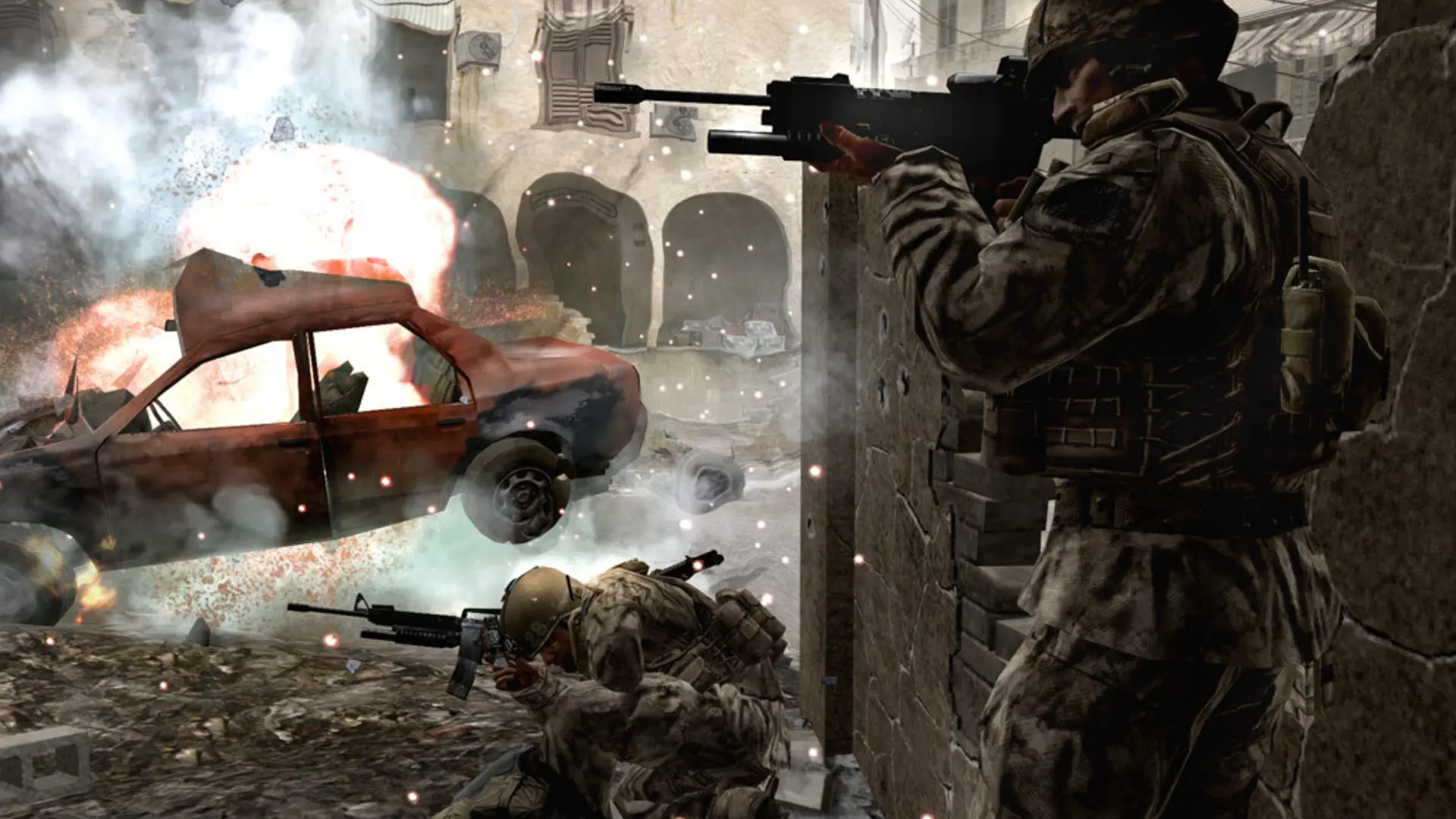
Hardcore mode lowers player health so most weapons kill in one or two shots, and hides most of the HUD, including the minimap.
Turning On Hardcore Mode
- 1Log in to Bropanel and select your server.
- 2In the sidebar, go to
Settings. - 3Under
Gameplay, turnHardcoreon. - 4Click
Save & Restartto apply your changes.
Turn Hardcore off and click Save & Restart to go back to normal mode.
Note
Promod has its own hardcore ruleset. If your server runs Promod, set Promod Mode to Public Hardcore instead.