
Here is how you change your CS2 server game mode from Competitive to something else:
- 1Visit Bropanel and log in.
- 2Select your Counter-Strike 2 server.
- 3In the sidebar, go to
Settings. - 4Choose your desired
Game Modefrom the dropdown menu.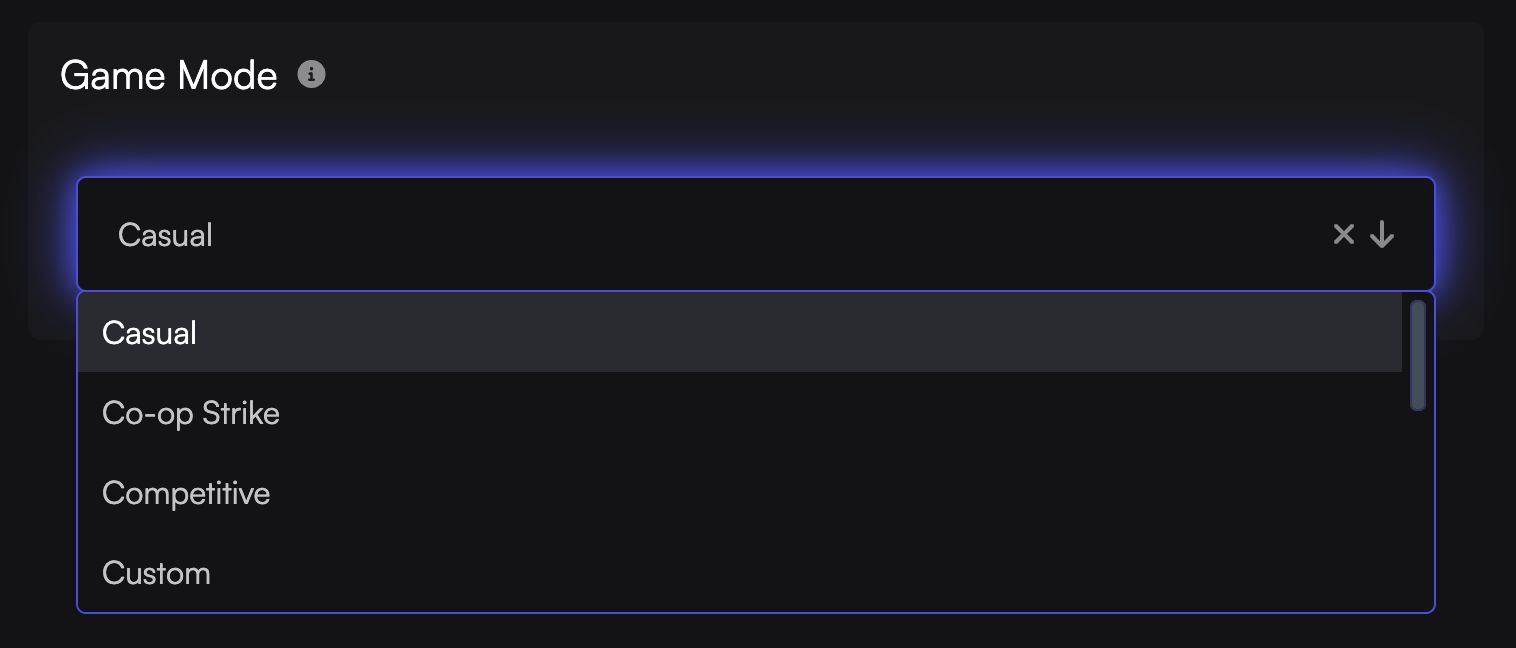
- 5Click
Save & Restartto apply your changes.
Each game mode has its own config files you need to edit to change settings. You can find how to edit your game mode configs here.