
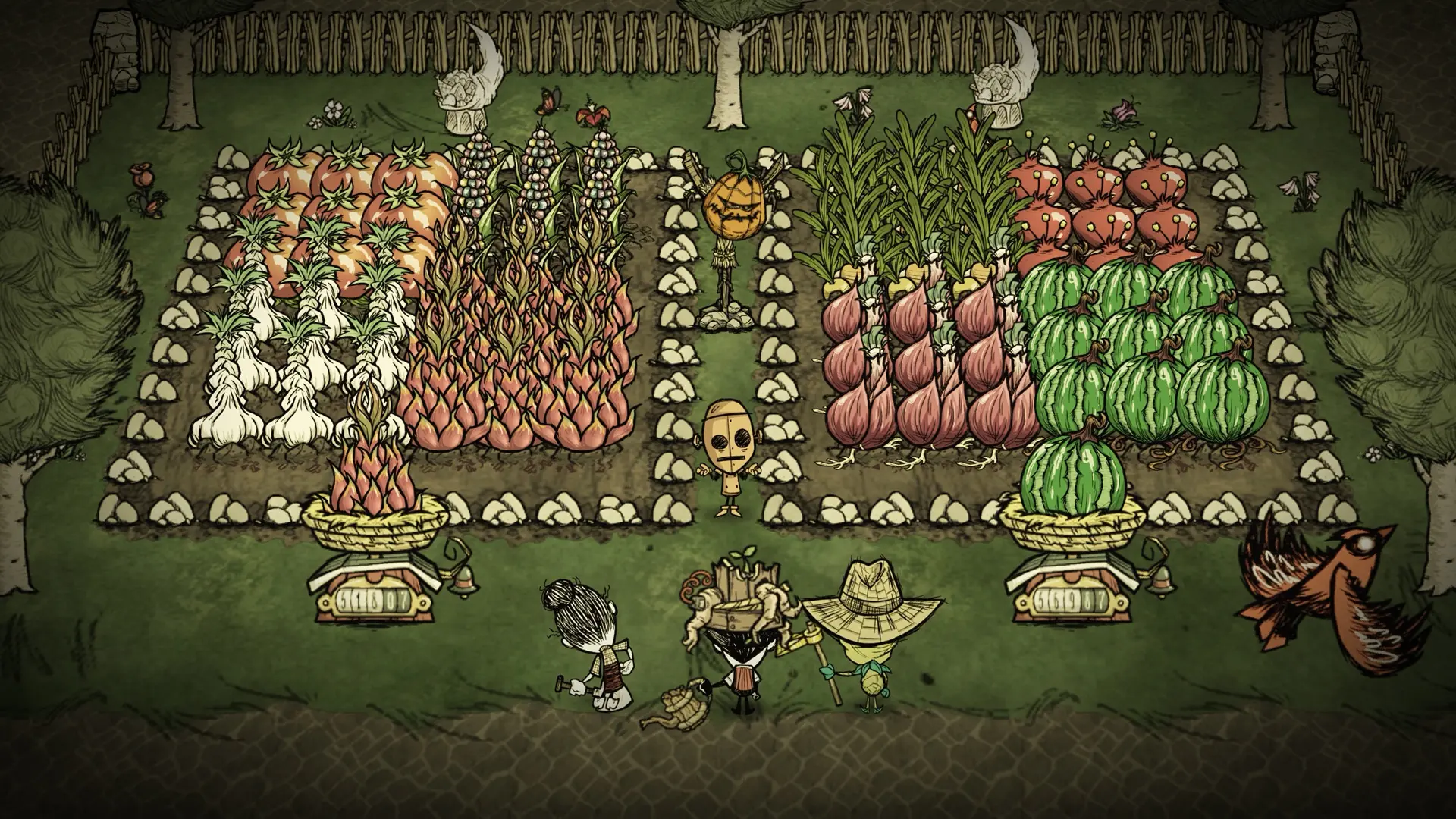
With Pause When Empty on, your Don't Starve Together world pauses while nobody is online, so no days pass, crops don't grow and seasons don't change until a player joins. It is on by default.
Turn it off to keep the world running while nobody is online, for example so crops keep growing. Days and seasons keep passing too.
Changing Pause When Empty
- 1Log in to Bropanel and select your server.
- 2In the sidebar, go to
Settings. - 3Under
Gameplay, enable or disablePause When Empty. - 4Click
Save & Restartto apply your changes.