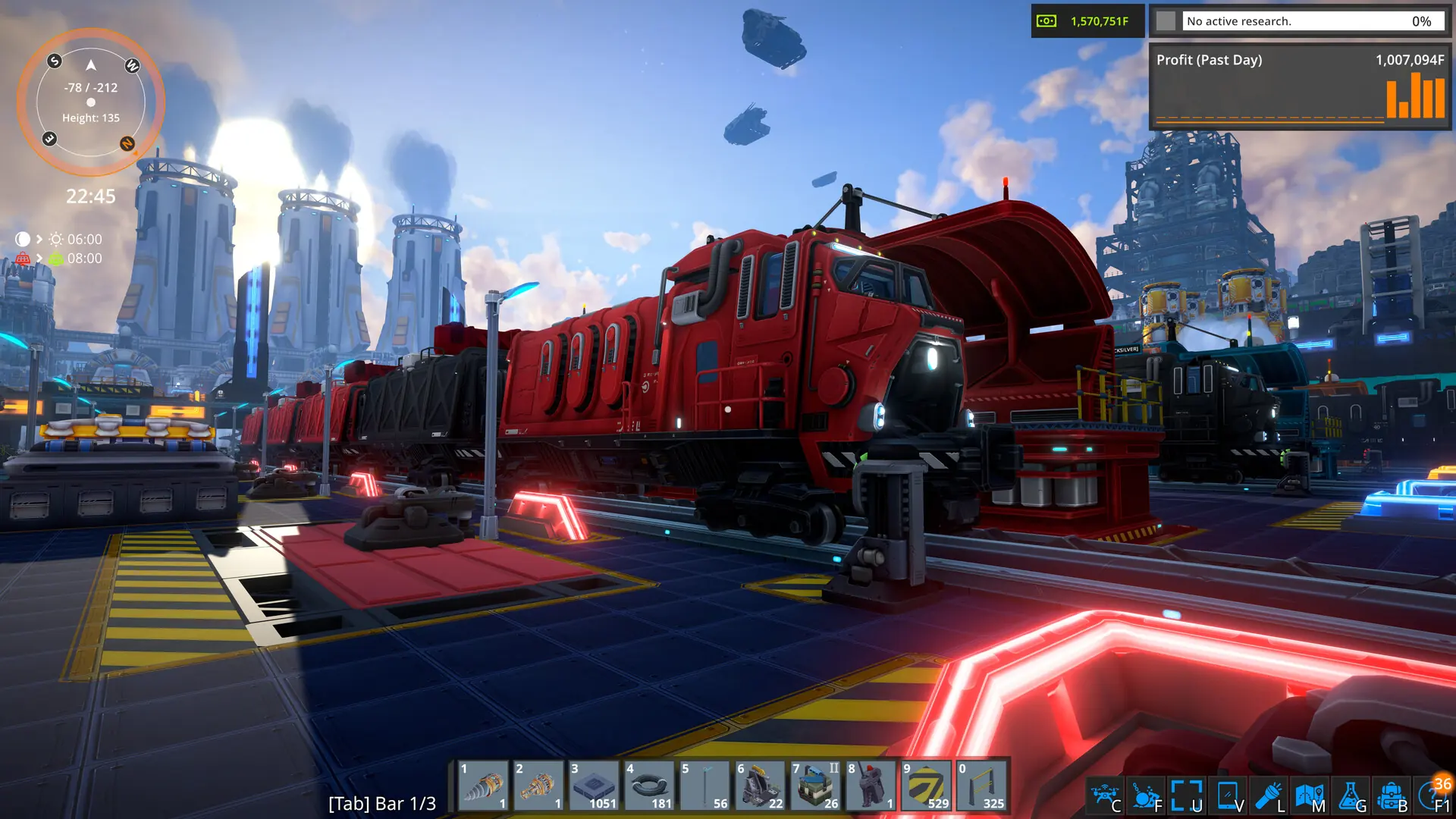

Running a FOUNDRY server with Game Host Bros gives you and your friends a shared world of your own. These guides walk you through everything you can manage yourself from Bropanel, from your first connection to installing mods and bringing over an existing world.
What These Guides Cover
Most FOUNDRY settings live in Bropanel under Settings, grouped into sections like Basic, Advanced, Modding, and Updates. You change a value, click Save & Restart, and your server picks it up. The guides below cover:
- Connecting: copy your IP address and port from the
Overviewpage, then useMultiplayer → IP Direct Connectin game. See Connect to Your Server. - Server name and visibility: change the name shown in the server browser with Change Server Name, or hide your server from the Steam server browser with Public Server.
- Worlds and saves: start a fresh world by setting a new
World Name(and optionally aMap Seed) with Create World, or move an existing world save onto your server with Upload Save. - Mods: add Steam Workshop mods from the
Modspage, or by pasting Workshop IDs. Mods that aren't on the Workshop can be uploaded to theModsfolder. See Install Mods. - Upkeep: keep
Auto Updateenabled with Update Server, pause the server when nobody is online with Pause When Empty, or start completely fresh with a new world with Reset Server.
Common Setup Tasks
If you've just ordered your server, these are the usual first steps:
- Set a
Server NameunderBasicso your friends can recognize your server. - Decide whether it should be public or invite-only. Turning
Server Publicoff and setting aServer Passwordkeeps it private, and friends can still join by IP address and port. - Upload your existing world (stop your server first), or set a new
World Nameto generate a fresh one. - Add any mods you want, including all of the dependencies each mod lists on its Workshop page.
- Click
Save & Restart, then connect using the IP address and port from theOverviewpage.
If you get stuck at any time, reach out to a bro on Discord. Game Host Bros offers free save transfers too.