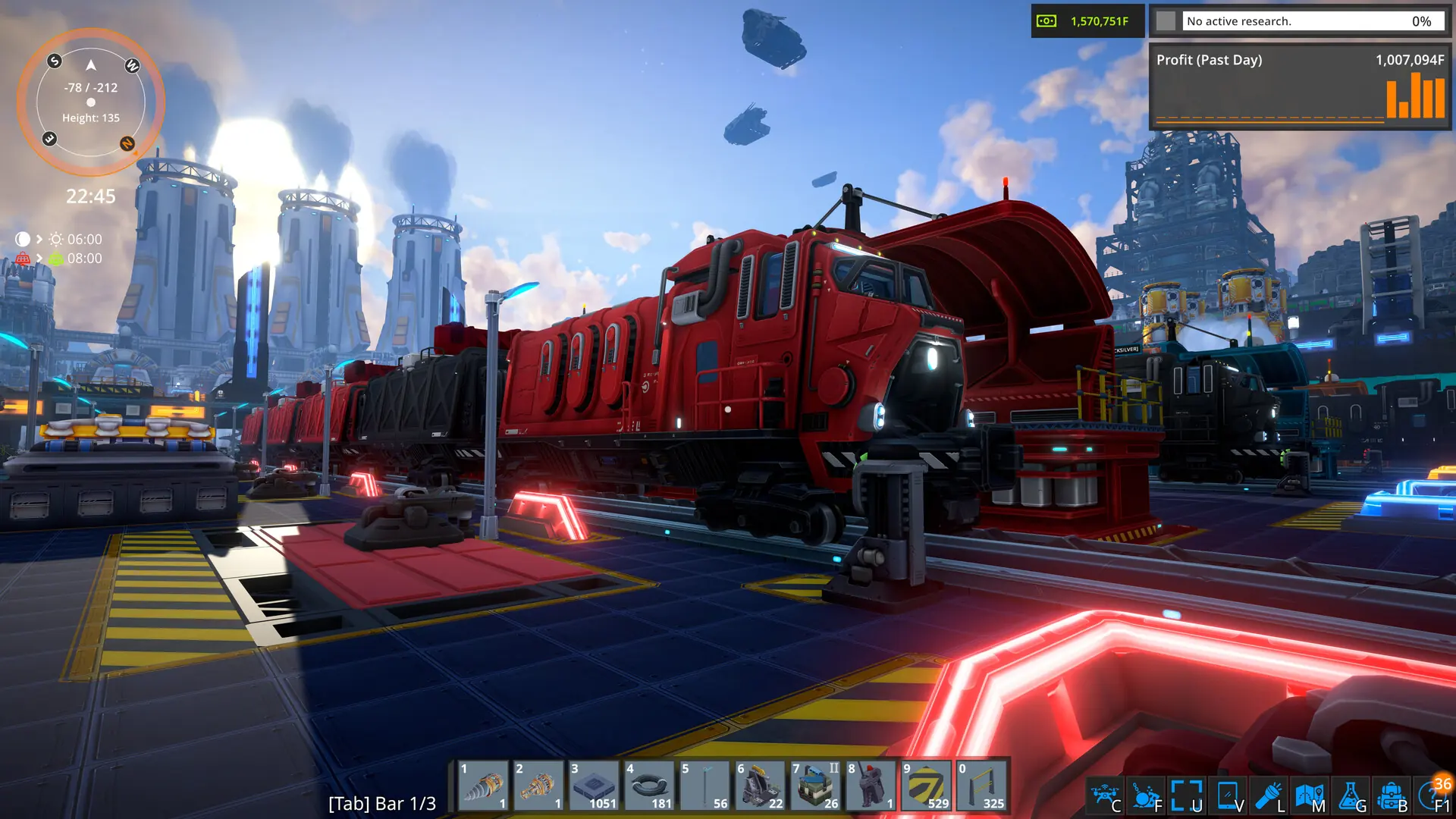
In this tutorial, we will guide you through the process of uploading an existing world save to your FOUNDRY server.
If you get stuck at any time, Game Host Bros offers free save transfers. Just reach out to a bro on Discord.
Finding Your Save Files
- Open FOUNDRY and click
Load Gamefrom the main menu. - Click the
Open SaveGame Folderbutton. This opens the folder containing your save files. - Find the folder of the world you want to upload and copy it.
Example: A save folder is named after your world with a random number attached to it, like ghbworld_1213232.
Uploading Your World
- Log in to Bropanel and
Stopyour server. - In the sidebar, go to
Files. - Navigate to
serverfiles/save/and upload your world folder. - Right-click the folder, click
Rename, and remove the trailing numbers (example:ghbworld_1213232→ghbworld). - In the sidebar, go to
Settings. - Under
Advanced, setWorld Nameto match your renamed save folder's name. - Click
Save & Restartto apply your changes.