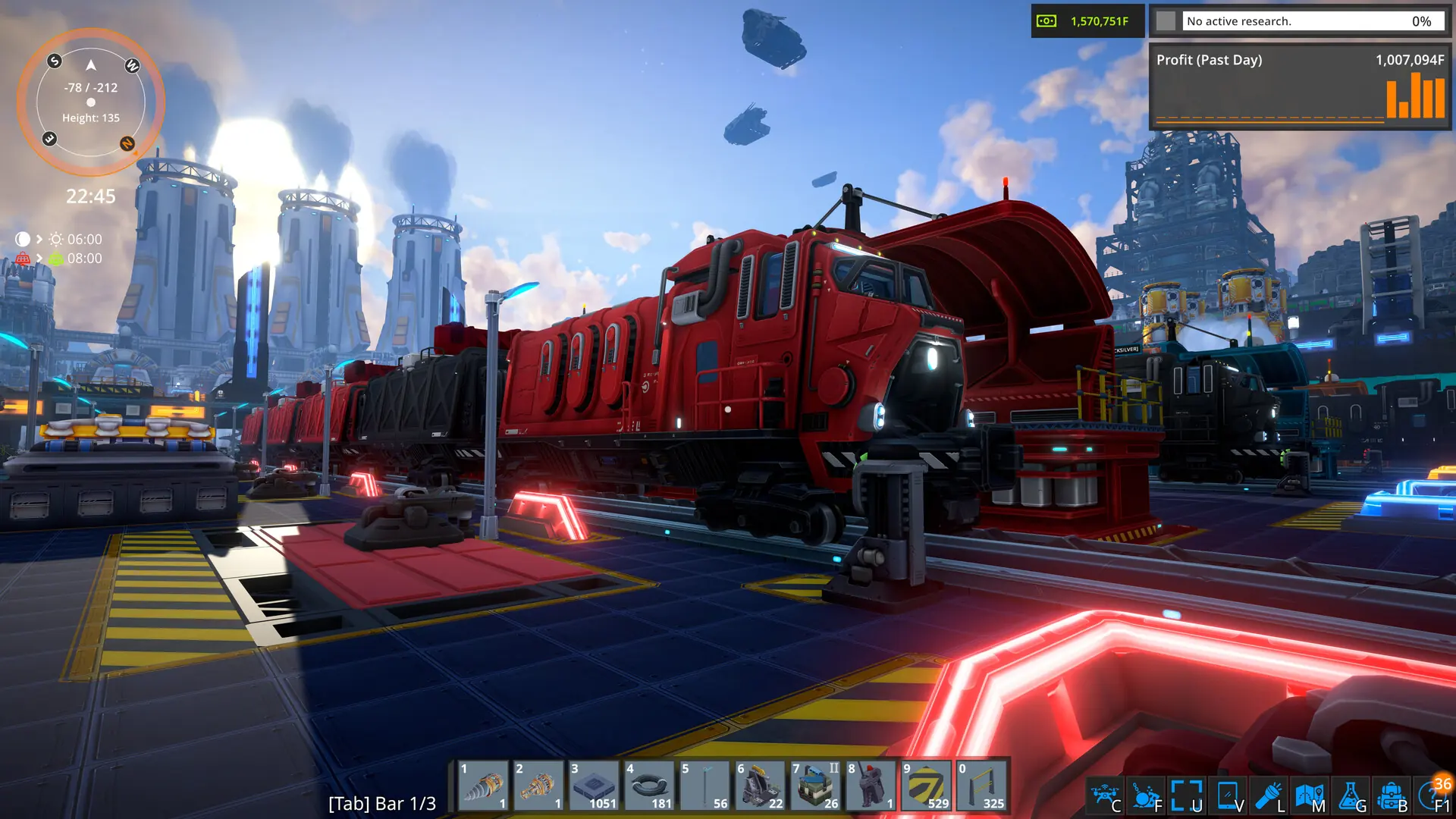
FOUNDRY servers are public by default, meaning they're listed in the Steam server browser for anyone to find and join. Here's how to change that from Bropanel.
Changing Server Visibility
- Log in to Bropanel and select your FOUNDRY server.
- In the sidebar, go to
Settings. - Under
Basic, findServer Publicand toggle it on or off. - Click
Save & Restartto apply your changes.
If you get stuck at any time, you can reach out to us on Discord.