
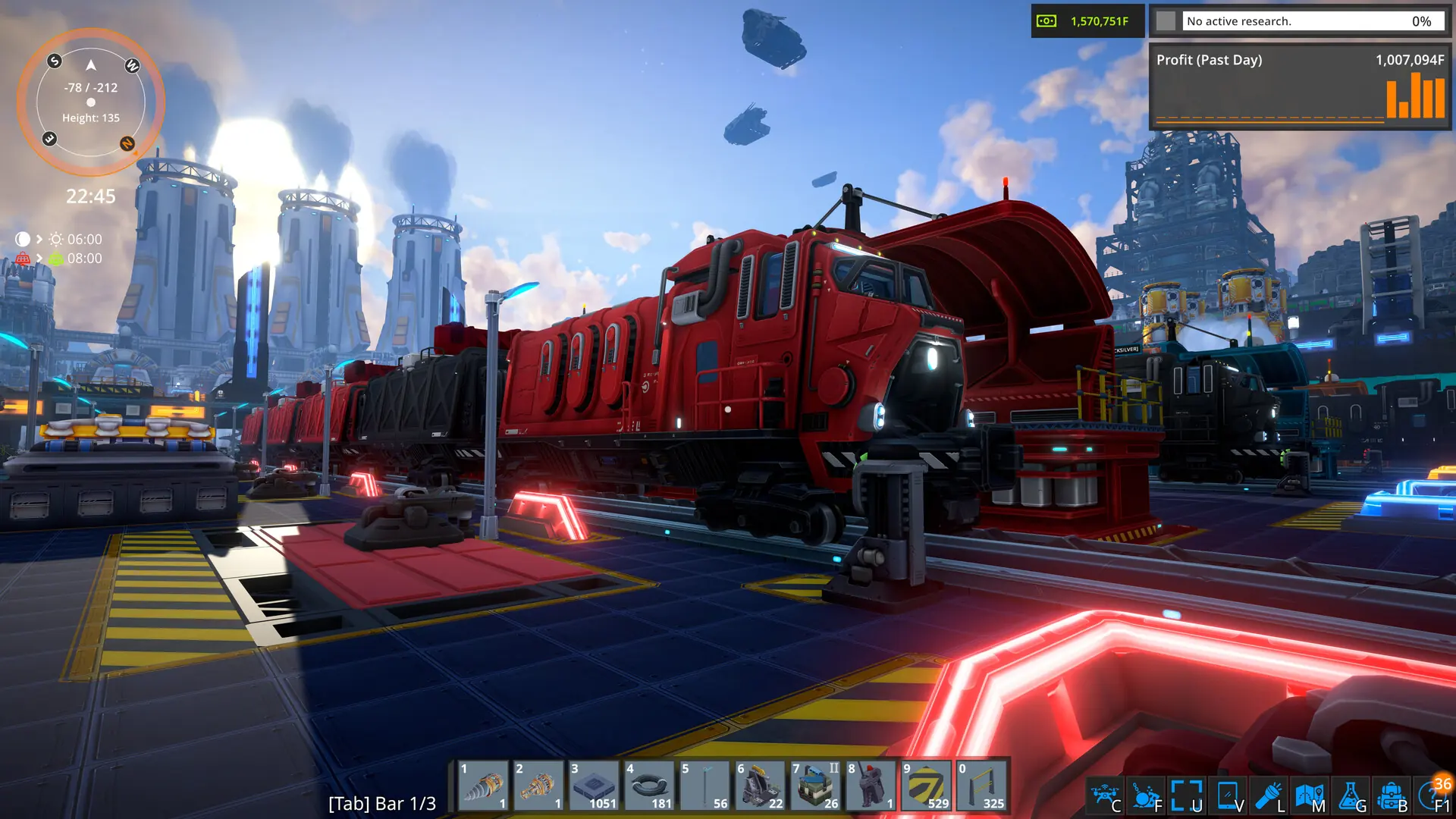
This guide will cover where to find and add Steam Workshop mods to your FOUNDRY server.
Note
Steam Workshop items are downloaded when the server starts, so changes apply after saving and restarting your server.
Caution
Please make sure to also add ALL dependencies each mod lists on its Workshop page, otherwise your server will skip the mod.
Using the Steam Workshop Installer Recommended
The easiest way to install mods is directly through the panel.
- 1Log in to Bropanel and select your FOUNDRY server.
- 2In the sidebar, go to
Modsand open theBrowsetab. - 3Search for the mod you want and click
Add. - 4Click
Save & restart.
Installing Mods Using Workshop IDs
As an alternative, you can install mods by pasting their Workshop IDs directly into your server's Settings.
You will need to know how to get a Workshop ID for each mod you want to install. You can view all the FOUNDRY mods here.
Once you find the mod you want, you need to copy the URL. Let's use this URL for example: https://steamcommunity.com/sharedfiles/filedetails/?id=3297627927. The Workshop ID is the numbers at the end of the URL; in this case, the Workshop ID is 3297627927.
- 1
Log in to Bropanel and select your FOUNDRY server.
- 2
In the sidebar, go to
Settings. - 3
Under
Modding, findWorkshop Modsand paste the Workshop ID of the mod you'd like to install. You can also add multiple mods by separating them with a comma.3297627927,3298669549- To change the mod load order, simply rearrange them in the list and restart your server. Mods that another mod depends on always load first.
- 4
Click
Save & Restartto apply your changes.
The mods will automatically download, stay up-to-date and enable once your server starts.
Manually Installing Mods
For mods that are not on the Steam Workshop, you can manually install them by uploading the mod's folder to your server. The server finds and enables new mods in the Mods folder when it starts.