
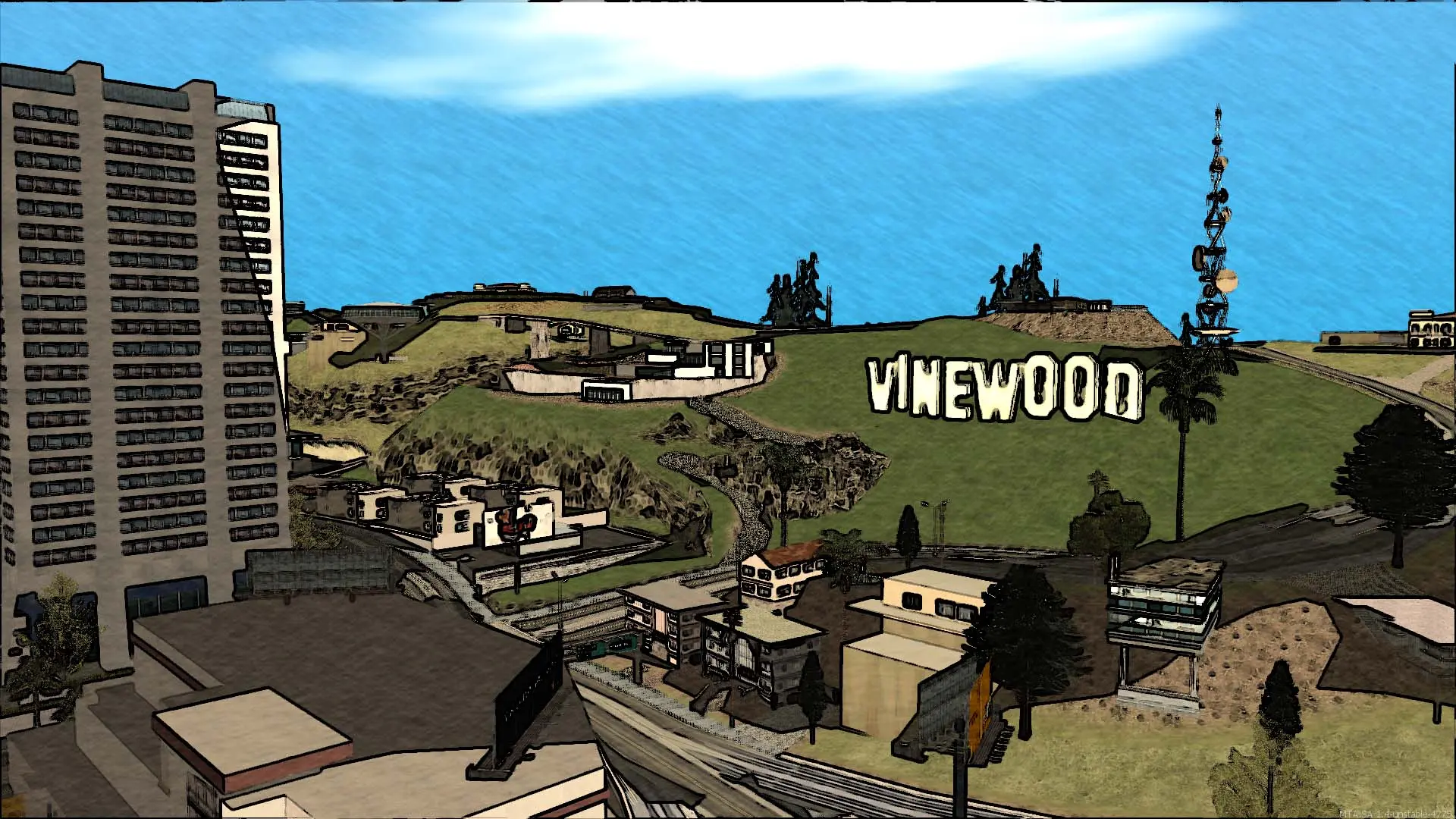
Your Multi Theft Auto: San Andreas server comes with the official game modes installed. Pick one in the panel and the server switches to it on the next restart, no reinstall needed.
Game Mode | What players do |
|---|---|
Freeroam | Explore San Andreas freely, spawn vehicles and weapons from the freeroam menu (F1). |
Race | Race checkpoint tracks against each other, with top times saved. |
Deathmatch | Every player for themselves in arena maps. |
Team Deathmatch | Teams fight on deathmatch maps. |
Team Deathmatch Arena | Round-based team fights in small arenas. |
Capture the Flag | Teams steal the other team's flag and bring it home. |
Capture the Vehicle | Teams fight over a vehicle and deliver it. |
Assault | One team attacks objectives while the other defends. |
Stealth | Teams sneak and fight with spy gadgets. |
Briefcase Race | Grab the briefcase and carry it to the goal. |
Fallout | Stay on the breaking floor longer than everyone else. |
Hay | Climb a tower of moving hay bales to the top. |
Custom | Starts the game modes you set up yourself in the server config. |
Round-based modes start on a random map, and players vote on the next map when a round ends.
Changing The Game Mode
- 1Log in to Bropanel and select your server.
- 2In the sidebar, go to
Settings. - 3Under
Gameplay, editGame Mode. - 4Click
Save & Restartto apply your changes.
Tip
Use Custom when you run your own game mode. Add it to mods/deathmatch/mtaserver.conf as shown in Install Resources and the server starts exactly what that file lists.