
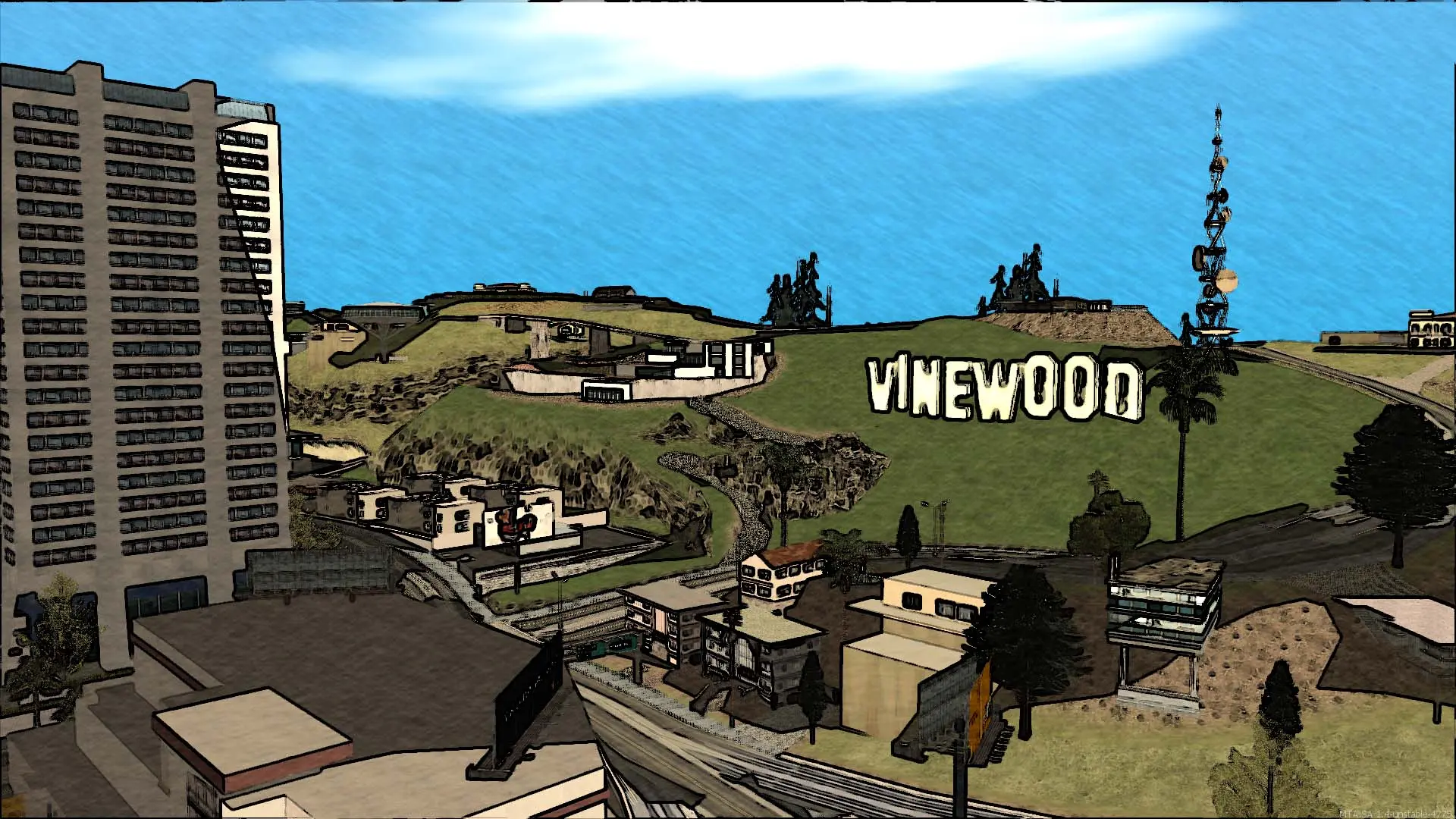
Your Multi Theft Auto: San Andreas server sets the highest frame rate players' games can run at while connected. The default is 36. Raising it makes the game smoother on good PCs, but some San Andreas physics, such as vehicle handling and climbing, behave differently at high frame rates.
Changing The FPS Limit
- 1Log in to Bropanel and select your server.
- 2In the sidebar, go to
Settings. - 3Under
Gameplay, editFPS Limit. - 4Click
Save & Restartto apply your changes.
Note
Set 0 to remove the limit. Values from 1 to 24 count as 25. Most servers use a limit between 36 and 100.