
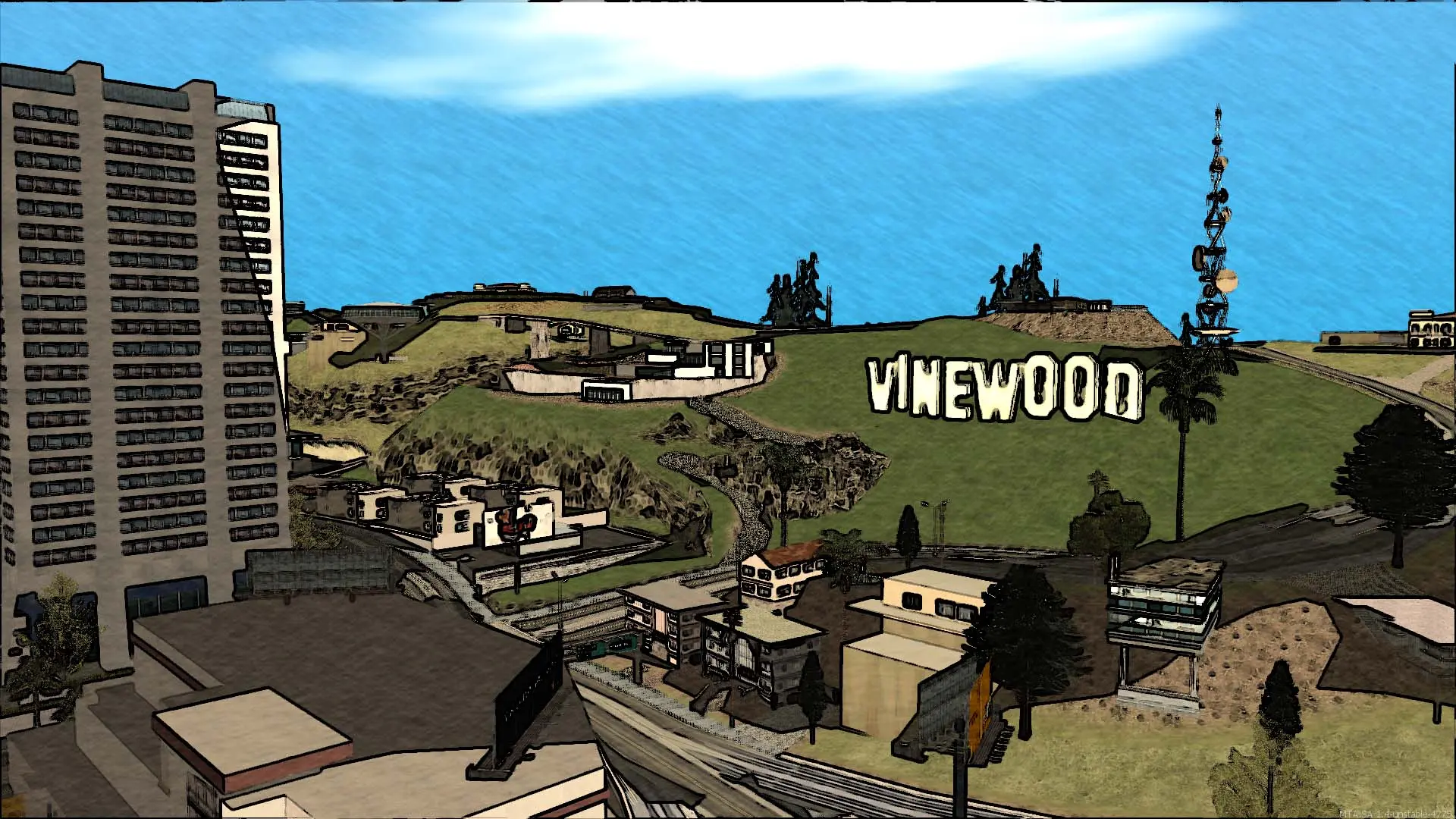
Here is how you can join your Multi Theft Auto: San Andreas server. Every player needs:
- A PC copy of Grand Theft Auto: San Andreas. The Steam, Rockstar and original disc versions all work.
- The free MTA:SA client from multitheftauto.com, version
1.6or newer. MTA offers to update an older client when you connect.
Connecting With Quick Connect
- 1Log in to Bropanel and select your server.
- 2Copy the server IP address and port from the
Overviewpage, for example123.45.67.89:22003. - 3Open Multi Theft Auto: San Andreas and click
Quick Connect. - 4Enter the IP address and port, and your server password if you set one.
- 5Click
Connect.
Connecting From the Server Browser
- 1Open Multi Theft Auto: San Andreas and click
Browse Servers. - 2On the
Internettab, type your server name in the search box. - 3Double-click your server to join.
Note
It can take a few minutes for a new server to appear in the server browser after it starts. Players can add it to the Favourites tab so it's always easy to find.