
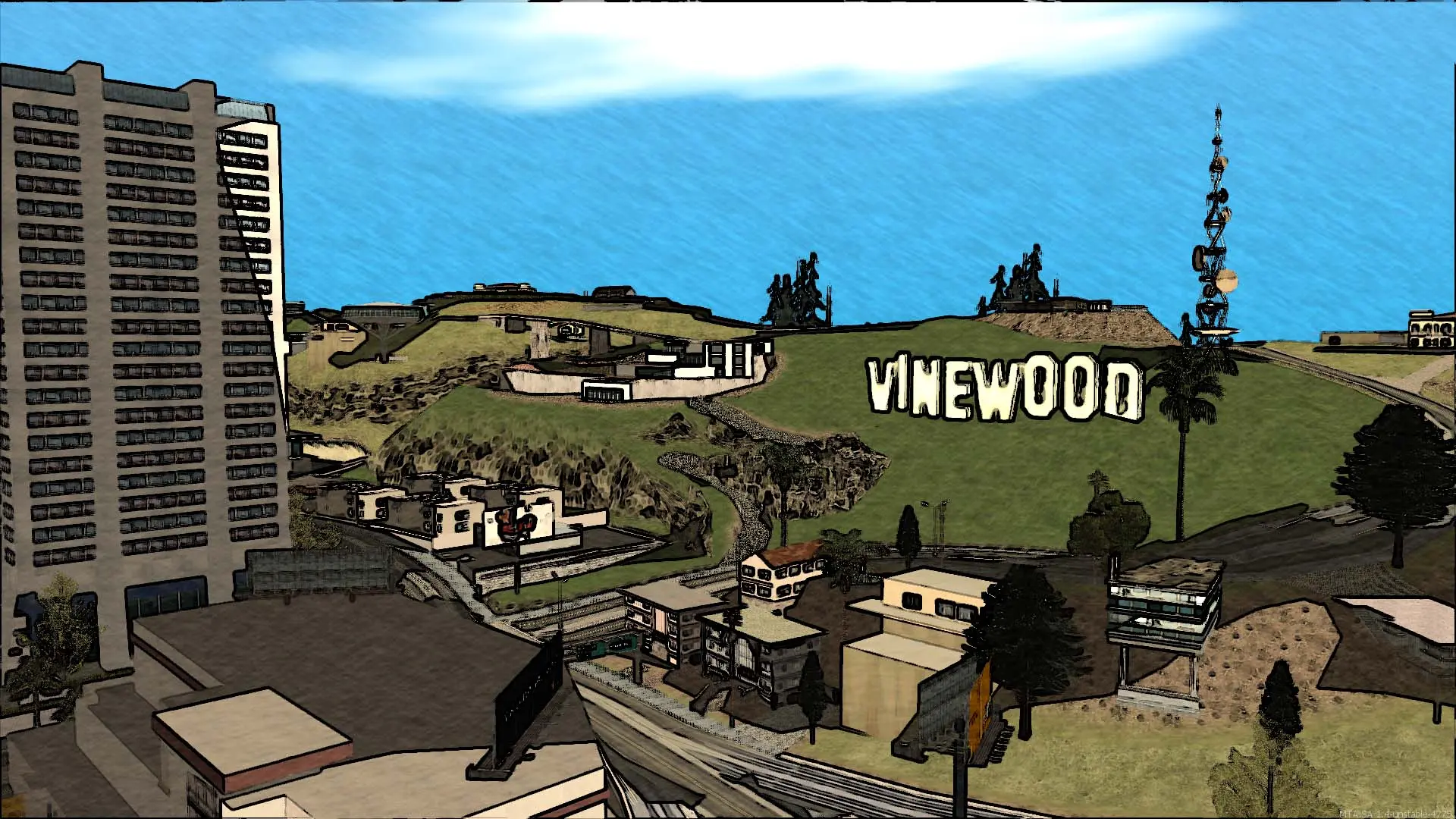
Voice chat lets players on your Multi Theft Auto: San Andreas server talk to each other with a microphone. It's off by default.
Turning Voice Chat On Or Off
- 1Log in to Bropanel and select your server.
- 2In the sidebar, go to
Settings. - 3Under
Gameplay, editVoice Chat. - 4Click
Save & Restartto apply your changes.
In game, players hold Z to talk. Each player can mute others from the scoreboard.