
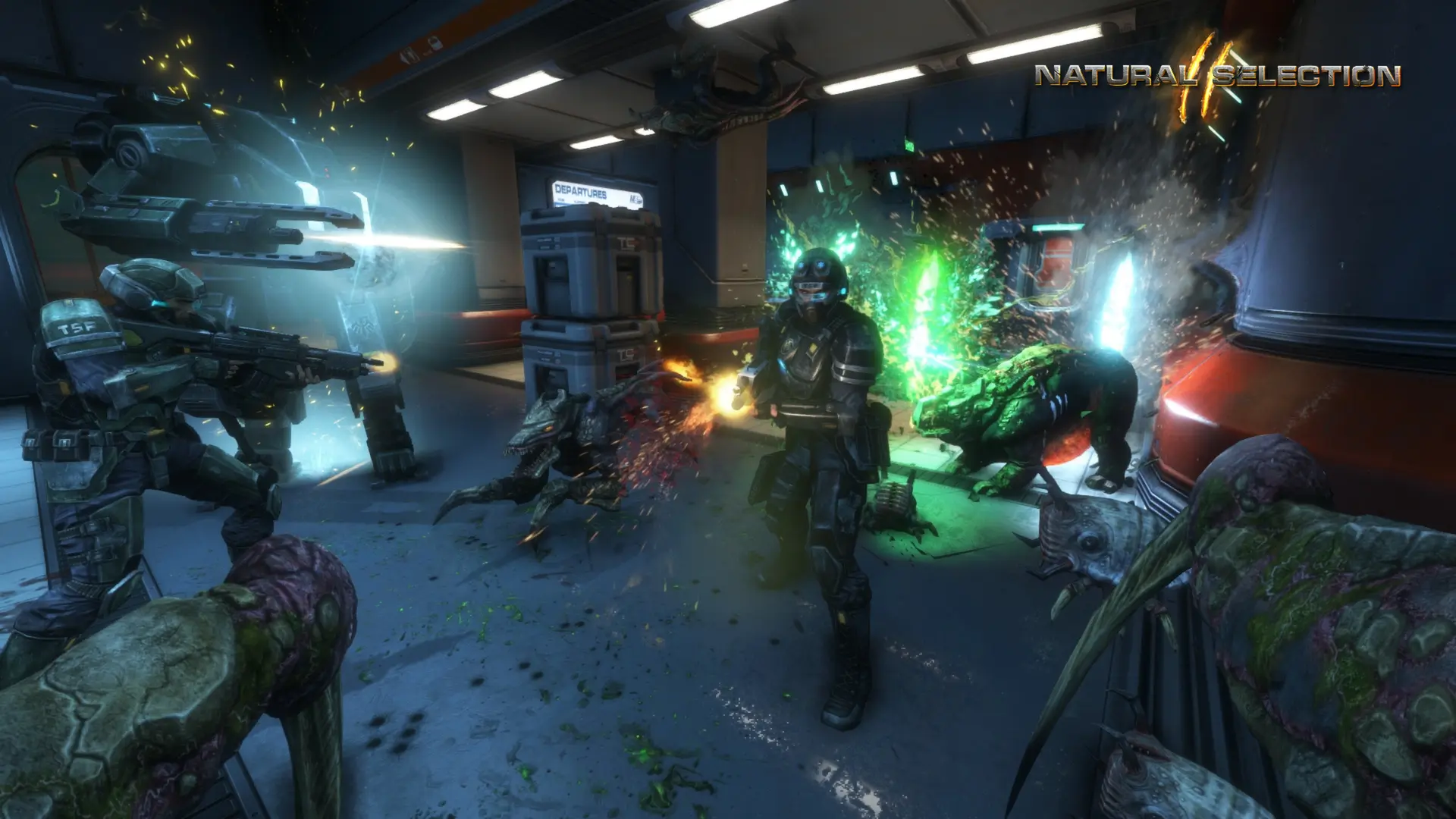
Your server can run Natural Selection 2 or NS2: Combat, the standalone spin-off without commanders where marines and aliens level up and buy upgrades instantly. Players need the matching game on Steam to join.
Changing The Game Mode
- 1Log in to Bropanel and select your server.
- 2In the sidebar, go to
Settings. - 3Under
Gameplay, setGame ModetoNatural Selection 2orNS2 Combat. - 4Click
Save & Restartto apply your changes.
The first time you switch to NS2: Combat, the server downloads it from Steam when it restarts, which takes a few minutes (about 11 GB). Both games stay installed afterwards, so switching back and forth is quick.
Each game keeps its own settings files: Natural Selection 2 uses the config folder and NS2: Combat uses config_combat. NS2: Combat starts on co_core unless you pick another start map.