
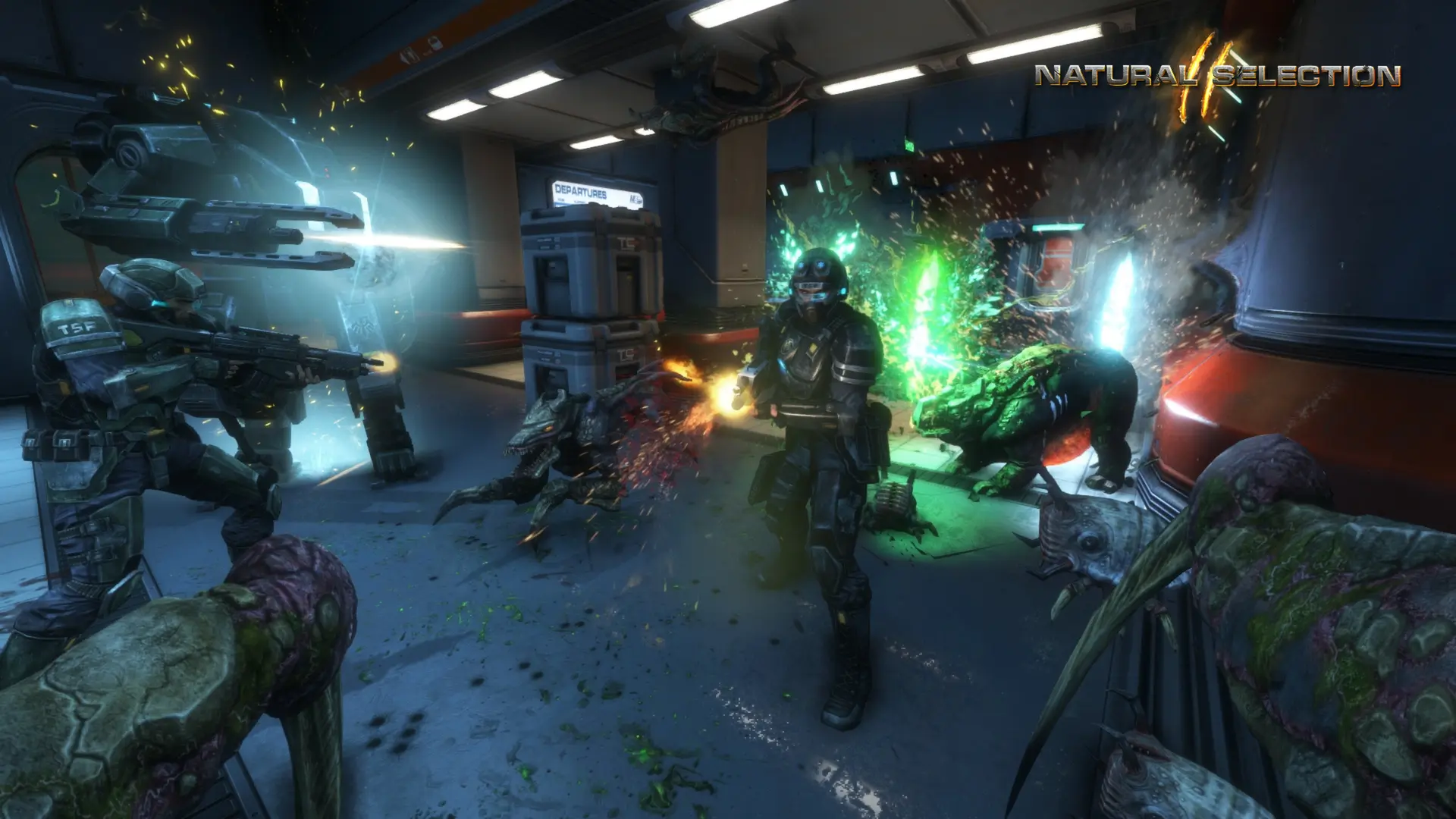
Web Admin is Natural Selection 2's built-in control page in your browser. You can see who is playing, change maps, kick and ban players and run console commands while the server is running.
Turning On Web Admin
- 1Log in to Bropanel and select your server.
- 2In the sidebar, go to
Settings. - 3Under
Advanced, enableWeb Admin. - 4Click
Save & Restartto apply your changes.
Opening Web Admin
- 1In
Settings, underAdvanced, note the number inWeb Admin Portand yourWeb Admin Password. - 2Copy your server IP address from the
Overviewpage. - 3In your browser, open
http://your-server-ip:port, for examplehttp://123.45.67.89:27017. - 4Log in with the user name
adminand yourWeb Admin Password.
To change the password, edit Web Admin Password under Advanced and click Save & Restart.
Tip
You don't need Web Admin to run commands. Commands you type in the Console on Bropanel go straight to your server, for example sv_changemap ns2_veil or sv_say Hello.