
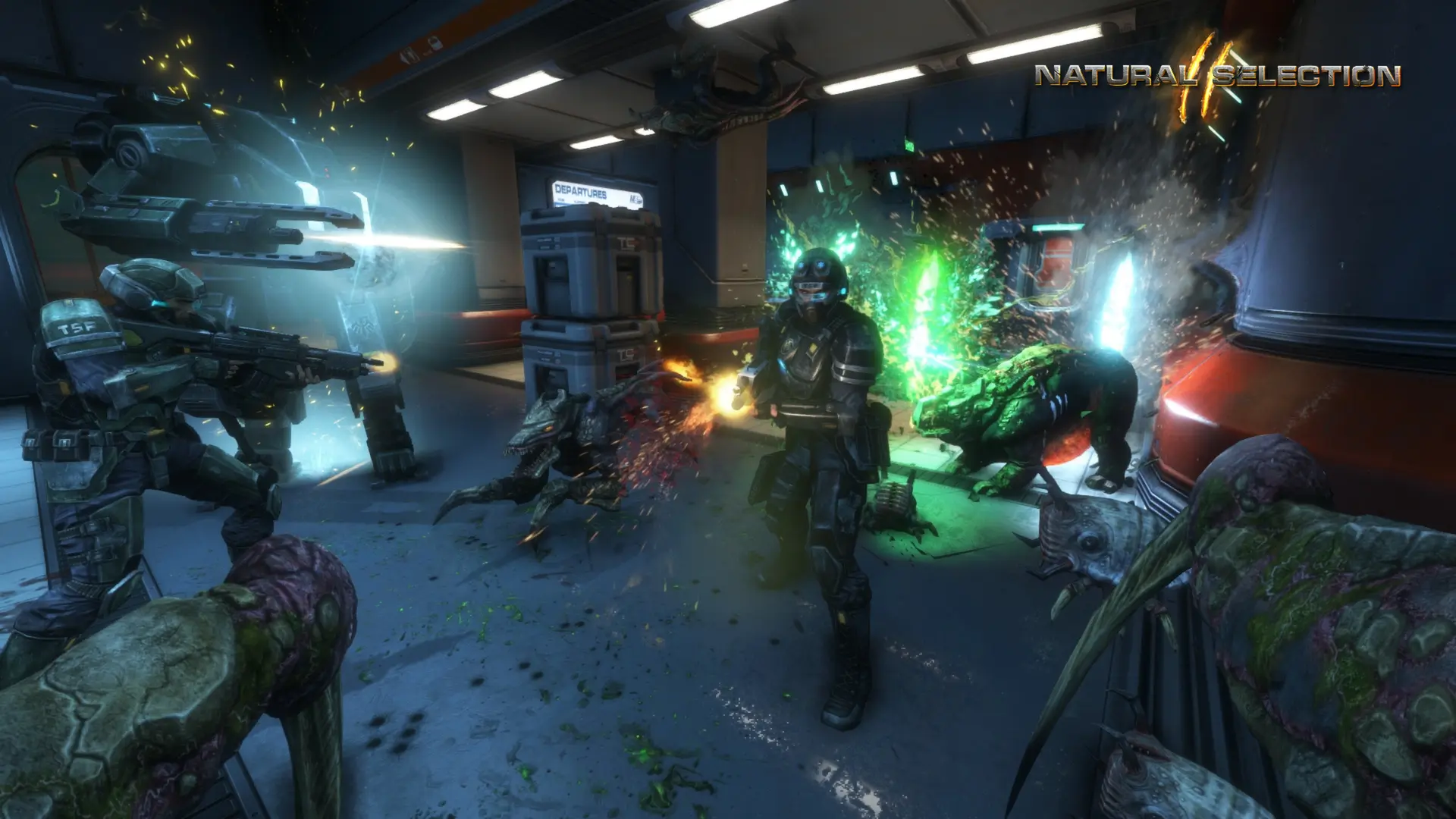
The start map is the map your server loads when it starts. After the first round, the map rotation takes over.
Changing The Start Map
- 1Log in to Bropanel and select your server.
- 2In the sidebar, go to
Settings. - 3Under
Gameplay, enter the map name inStart Map, for examplens2_veil. - 4Click
Save & Restartto apply your changes.
Leave Start Map empty to start on ns2_summit (or co_core in NS2: Combat).
| Natural Selection 2 maps | |
|---|---|
ns2_ayumi, ns2_biodome, ns2_caged, ns2_derelict | ns2_descent, ns2_docking, ns2_eclipse, ns2_kodiak |
ns2_metro, ns2_mineshaft, ns2_origin, ns2_refinery | ns2_summit, ns2_tanith, ns2_tram, ns2_unearthed, ns2_veil |
NS2: Combat maps are co_core, co_kestrel, co_legacy, co_nest, co_p33, co_pulse and co_sava.
Tip
To start on a Workshop map, add the map's mod id to Workshop Mods and enter the map name in Start Map.