
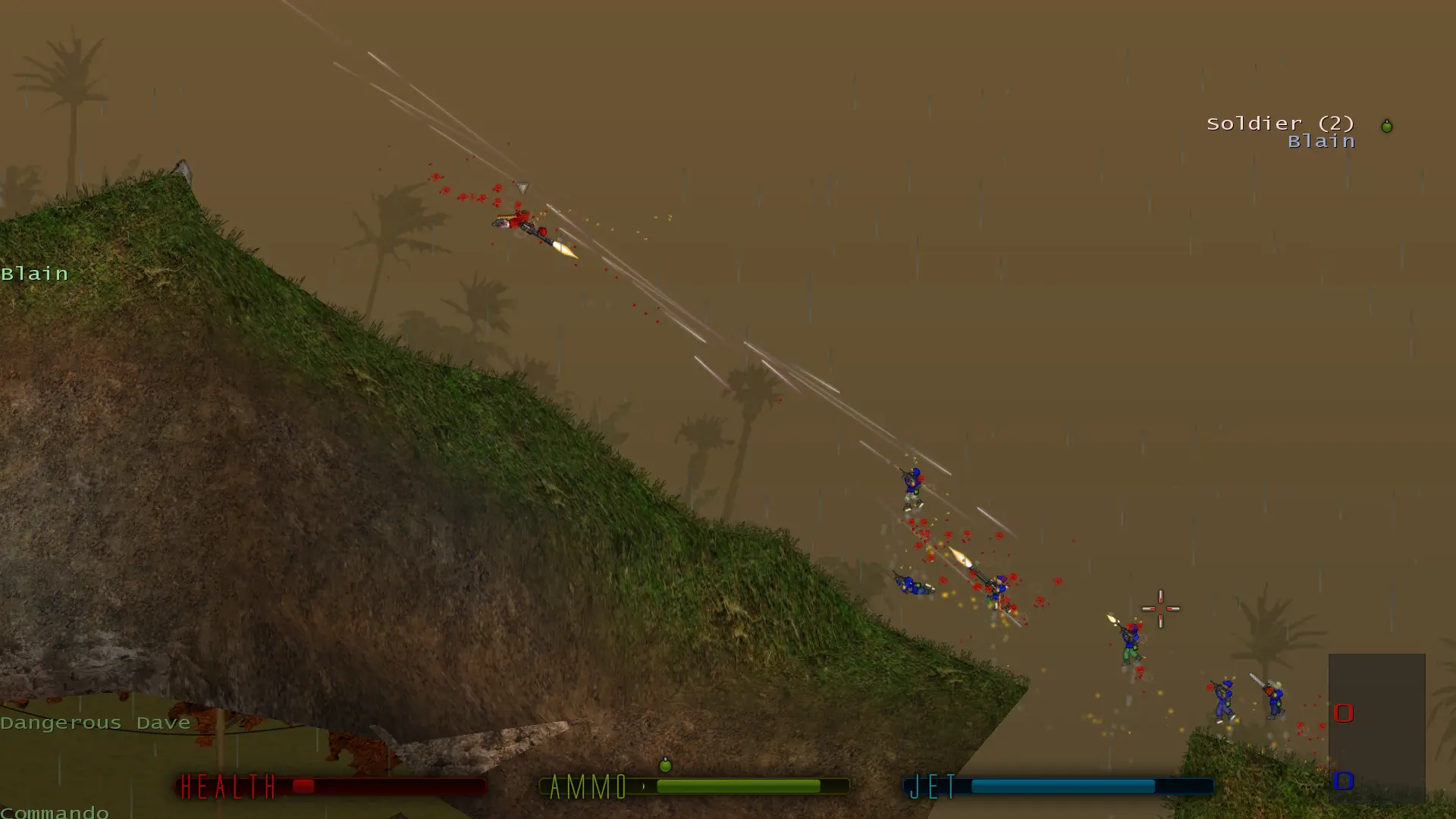
The admin password lets you run server commands, such as changing the map, kicking players or adding bots. Your server already has a random admin password; here's how to set your own and use it.
Setting Your Admin Password
- 1Log in to Bropanel and select your server.
- 2In the sidebar, go to
Settings. - 3Under
Basic, editAdmin Passwordand enter a new password. - 4Click
Save & Restartto apply your changes.
The password must be at least 8 characters and can only use letters, numbers, dashes and underscores.
Using Admin Commands In Game
- 1Join your server.
- 2Press
/to open the command line. - 3Type
/adminlog yourpasswordand pressEnter. - 4Run commands, for example
/map ctf_Run,/nextmap,/kick PlayerNameor/addbot Kruger.
You can also connect the Soldat Admin program to your server's IP address and port with the same password.
Tip
You can also type server commands in the Console page of Bropanel, for example map ctf_Run or say Hello.