
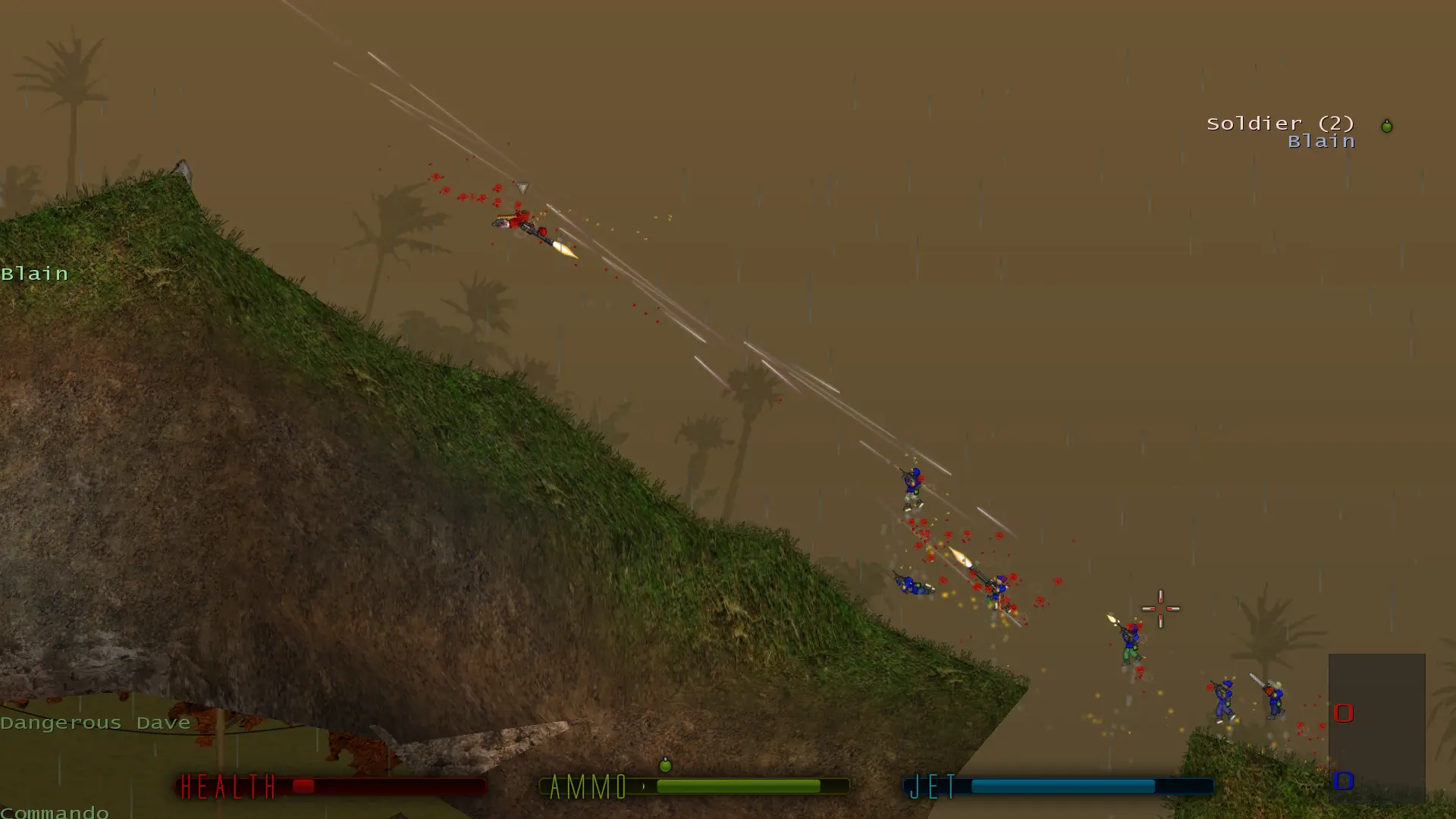
The score limit ends the round once a player or team reaches it. What counts depends on the game mode: kills in Deathmatch and Teammatch, flag captures in Capture the Flag, and points in the other modes.
Changing the Score Limit
- 1Log in to Bropanel and select your server.
- 2In the sidebar, go to
Settings. - 3Under
Gameplay, editScore Limitand enter a number. - 4Click
Save & Restartto apply your changes.
Leave the field empty to use the game mode's default: 30 kills in Deathmatch, 10 captures in Capture the Flag, 60 kills in Teammatch, 30 points in Pointmatch and Rambomatch, 90 in Infiltration and 80 in Hold the Flag.