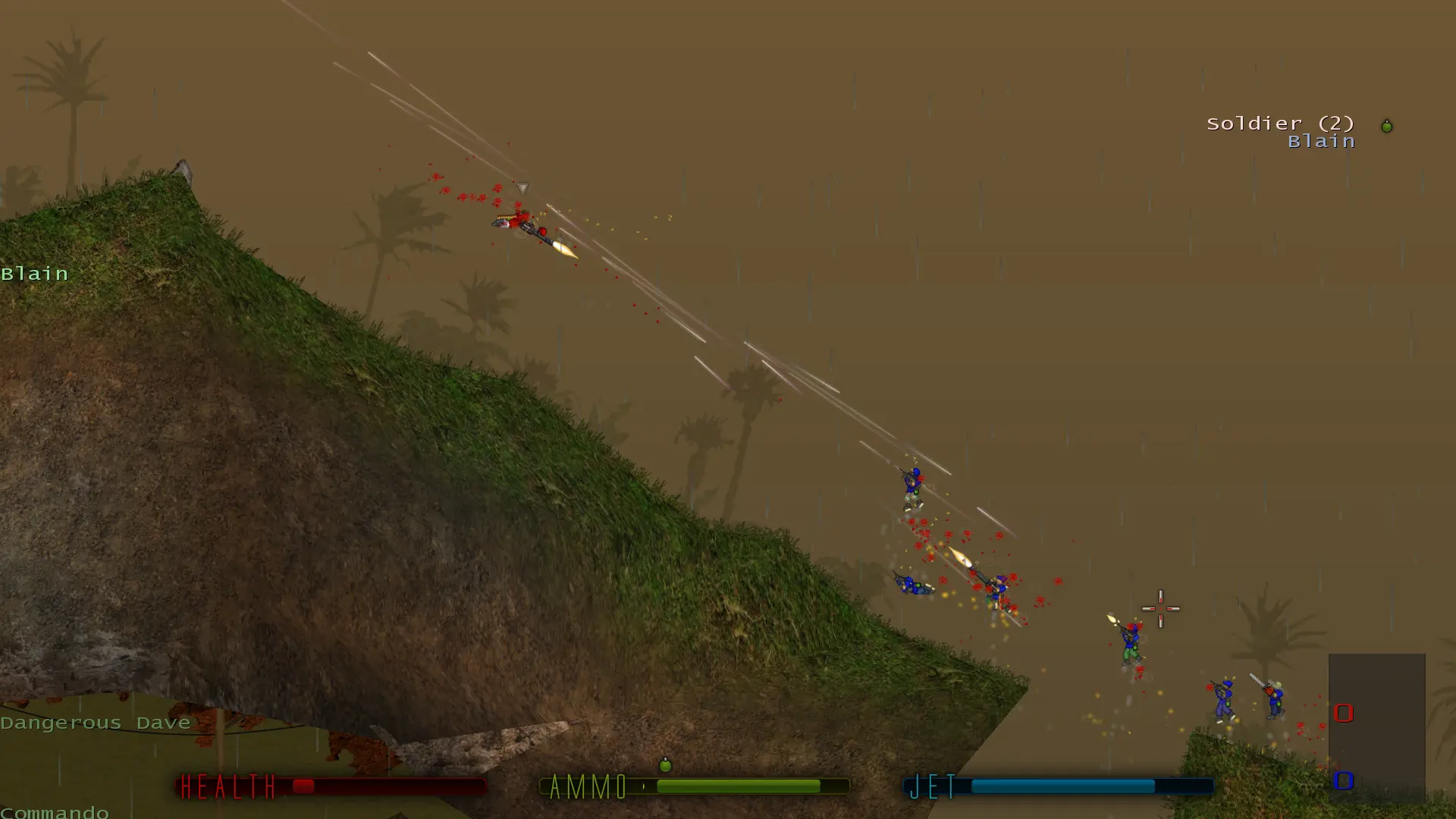
The greeting message is shown to players when they join your Soldat server. Here's how to change it.
Changing the Greeting Message
- Log in to Bropanel and select your server.
- In the sidebar, go to
Settings. - Under
Basic, editGreeting Messageand enter your message. - Click
Save & Restartto apply your changes.
Leave the field empty to turn the greeting off.