
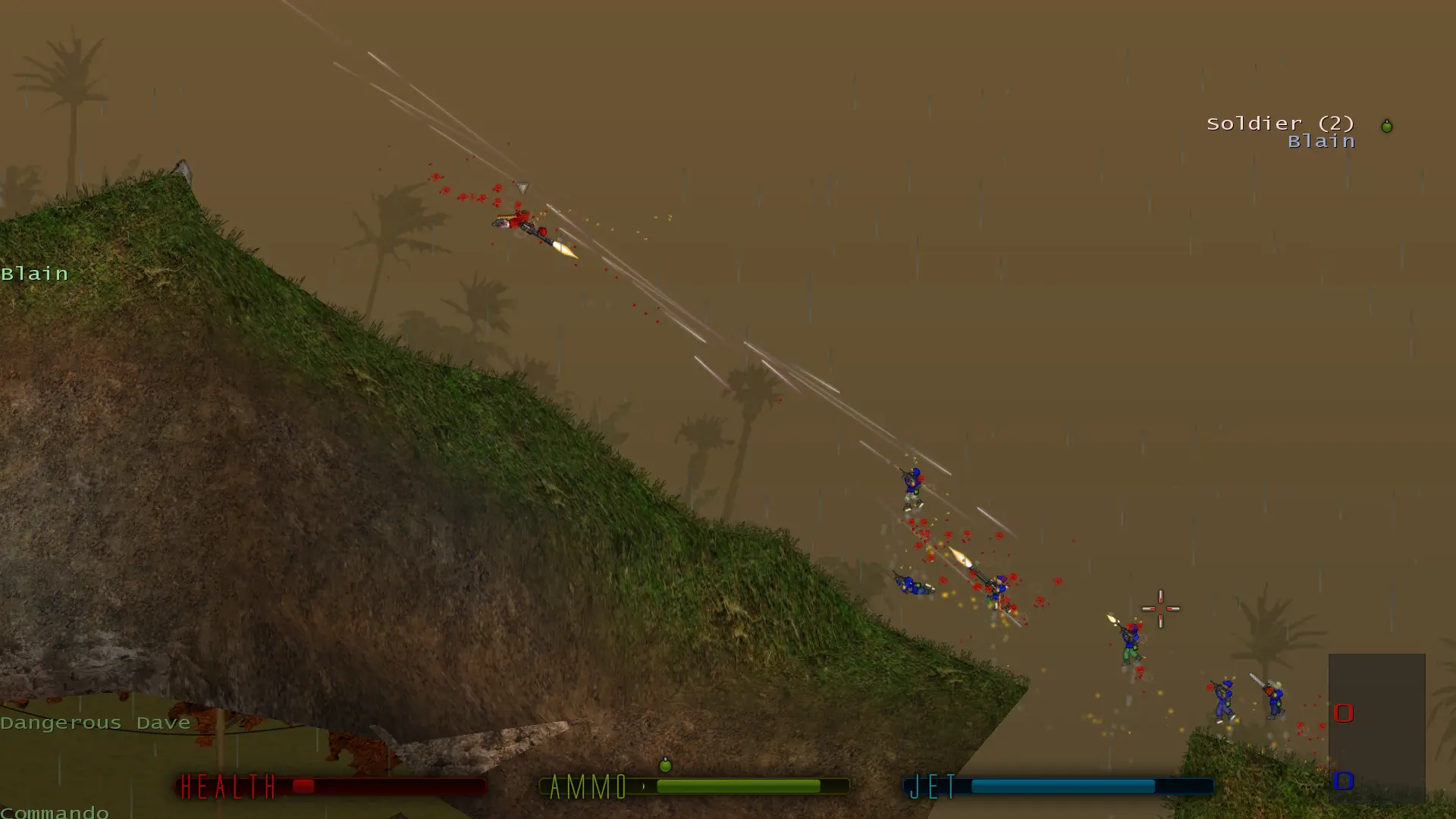
Soldat has seven game modes. Here's how to pick the one your server plays.
Changing the Game Mode
- 1Log in to Bropanel and select your server.
- 2In the sidebar, go to
Settings. - 3Under
Basic, editGame Modeand pick a mode. - 4Click
Save & Restartto apply your changes.
| Mode | How to win |
|---|---|
| Deathmatch | Most kills |
| Pointmatch | Most points; kills while holding the yellow flag and multi-kills count extra |
| Teammatch | Most kills for your team, with up to four teams |
| Capture the Flag | Bring the enemy flag back to your base |
| Rambomatch | Grab Rambo's bow to become the hunted, the only one who scores kills |
| Infiltration | Red team steals the flag, Blue team scores by guarding it |
| Hold the Flag | Hold the single yellow flag for as long as you can |
Your map rotation switches to the maps made for the new mode: ctf_ maps for Capture the Flag, inf_ maps for Infiltration, htf_ maps for Hold the Flag, and the other maps for the rest. If you made your own map list, it is kept as it is.