
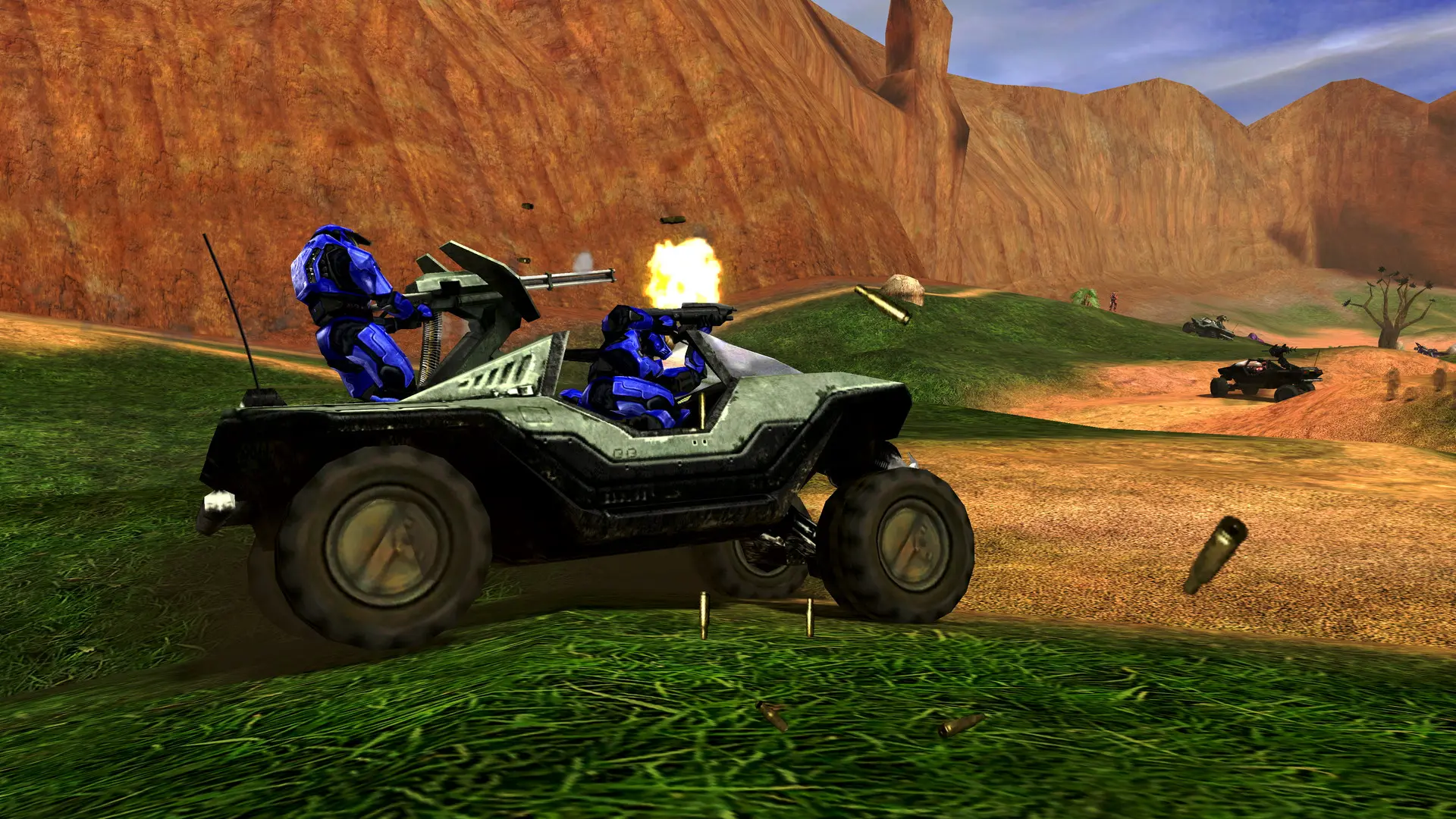
Halo Custom Edition has thousands of community maps. Here's how to add them to your server.
Uploading Custom Maps
To play the map, add its file name without .map to Maps, for example hugeass for hugeass.map.
Note
Halo Custom Edition doesn't send maps to players. Everyone joining needs the same .map file in their own maps folder, so share a download link with your players. Players using the Chimera client mod can download many community maps automatically.