
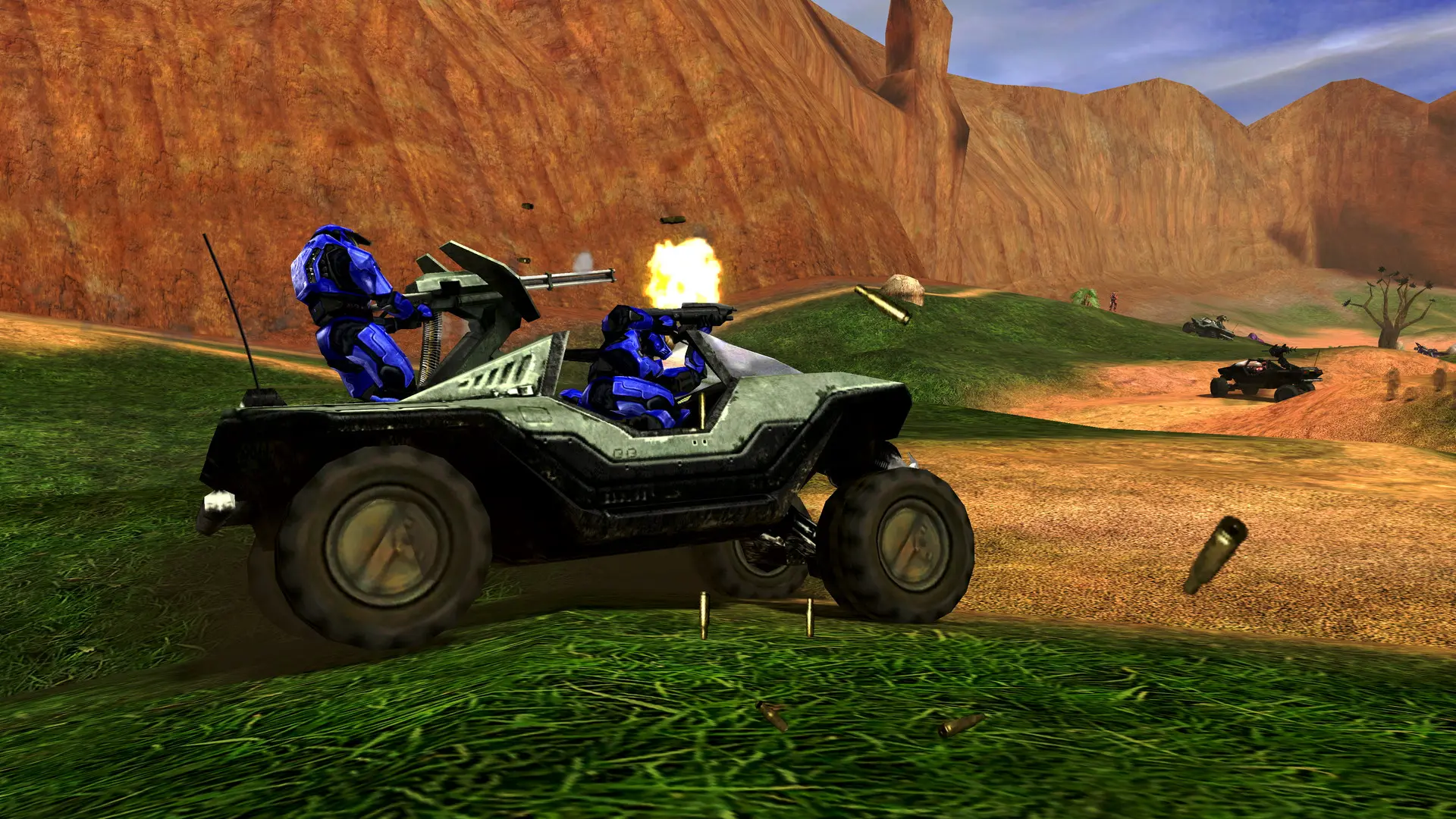
Your Halo: Combat Evolved server plays the maps in Maps one after another, then starts again from the first. You can list one map or as many as you like.
| Stock maps | ||
|---|---|---|
beavercreek | damnation | icefields |
bloodgulch | dangercanyon | infinity |
boardingaction | deathisland | longest |
carousel | gephyrophobia | prisoner |
chillout | hangemhigh | putput |
ratrace | sidewinder | timberland |
wizard |
Changing The Map Rotation
- 1Log in to Bropanel and select your server.
- 2In the sidebar, go to
Settings. - 3Under
Gameplay, editMaps. Separate maps with commas, for examplebloodgulch, sidewinder, hangemhigh. - 4Click
Save & Restartto apply your changes.
Every map is played with the Game Type you picked. To give one map its own mode, add a colon and the game type after it, for example bloodgulch, sidewinder:Team Slayer, hangemhigh:Slayer.
Note
Maps that aren't in your server's maps folder are skipped. To play your own maps, see adding custom maps.