
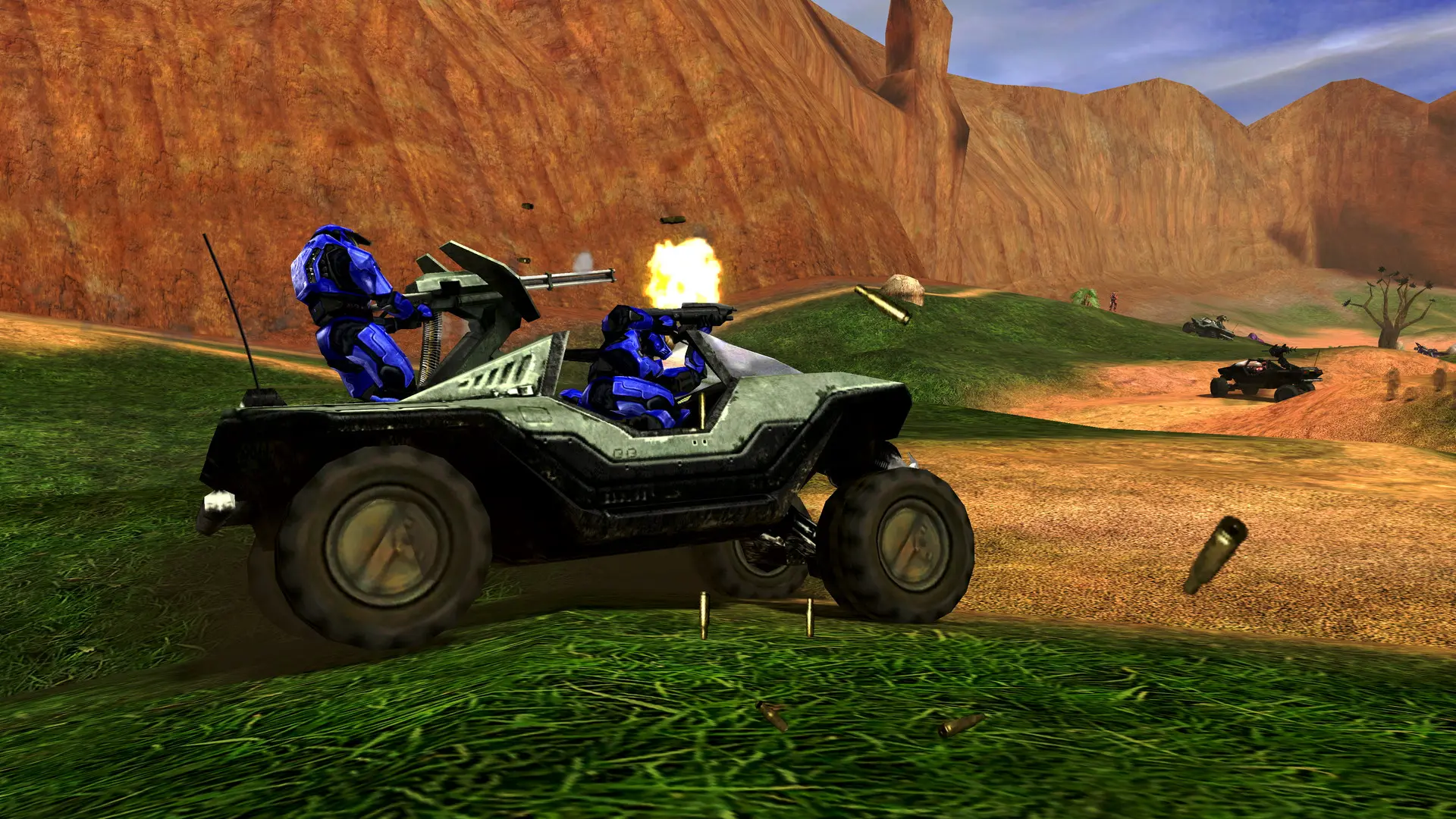
Your Halo: Combat Evolved server can run any of the game's built-in modes.
| Game Type | What it is |
|---|---|
CTF | Capture the Flag, two teams |
Slayer | Free for all, most kills wins |
Team Slayer | Two teams, most kills wins |
King, Team King, Crazy King | Hold the hill to score |
Oddball, Team Oddball | Hold the skull to score |
Juggernaut | One powerful player everyone hunts |
Race, Team Race | Drive through the checkpoints |
Assault | Carry the flag into the enemy base |
The Classic game types, such as Classic CTF, Classic Rockets or Classic Snipers, are the original presets from Halo PC.
Changing The Game Type
- 1Log in to Bropanel and select your server.
- 2In the sidebar, go to
Settings. - 3Under
Gameplay, changeGame Typeto the mode you want. - 4Click
Save & Restartto apply your changes.
Tip
To play a different mode on just one map, add it after the map name in Maps, for example sidewinder:Team Slayer.