
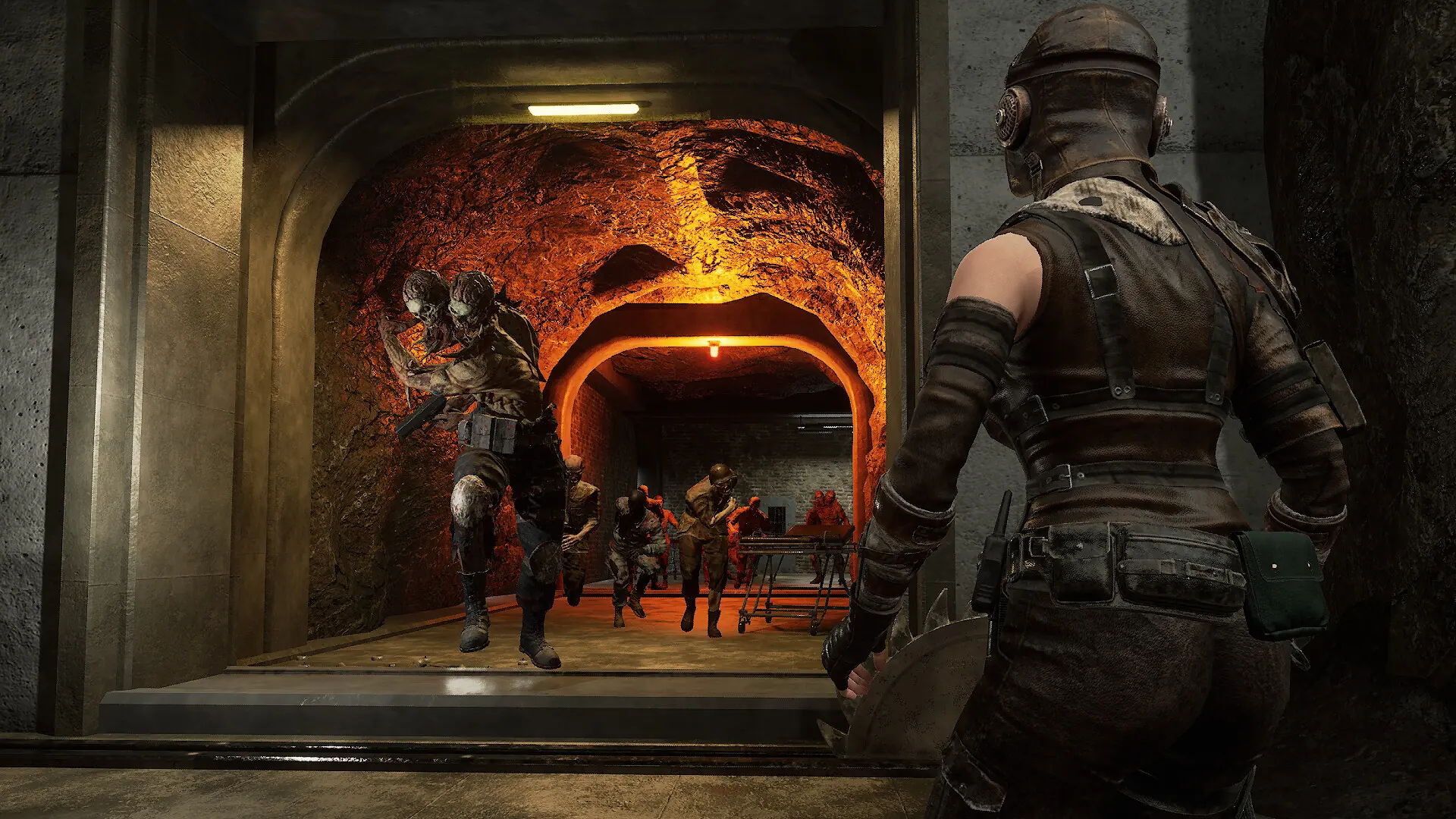
The message of the day greets players when they join your Night of the Dead server. Use it for server rules, your Discord link or news.
Changing the Message of the Day
- 1If anyone is playing, save the world in game first.
- 2Log in to Bropanel and select your server.
- 3In the sidebar, go to
Settings. - 4Under
Basic, editMessage of the Day. Leave it blank for no message. - 5Click
Save & Restartto apply your changes.