
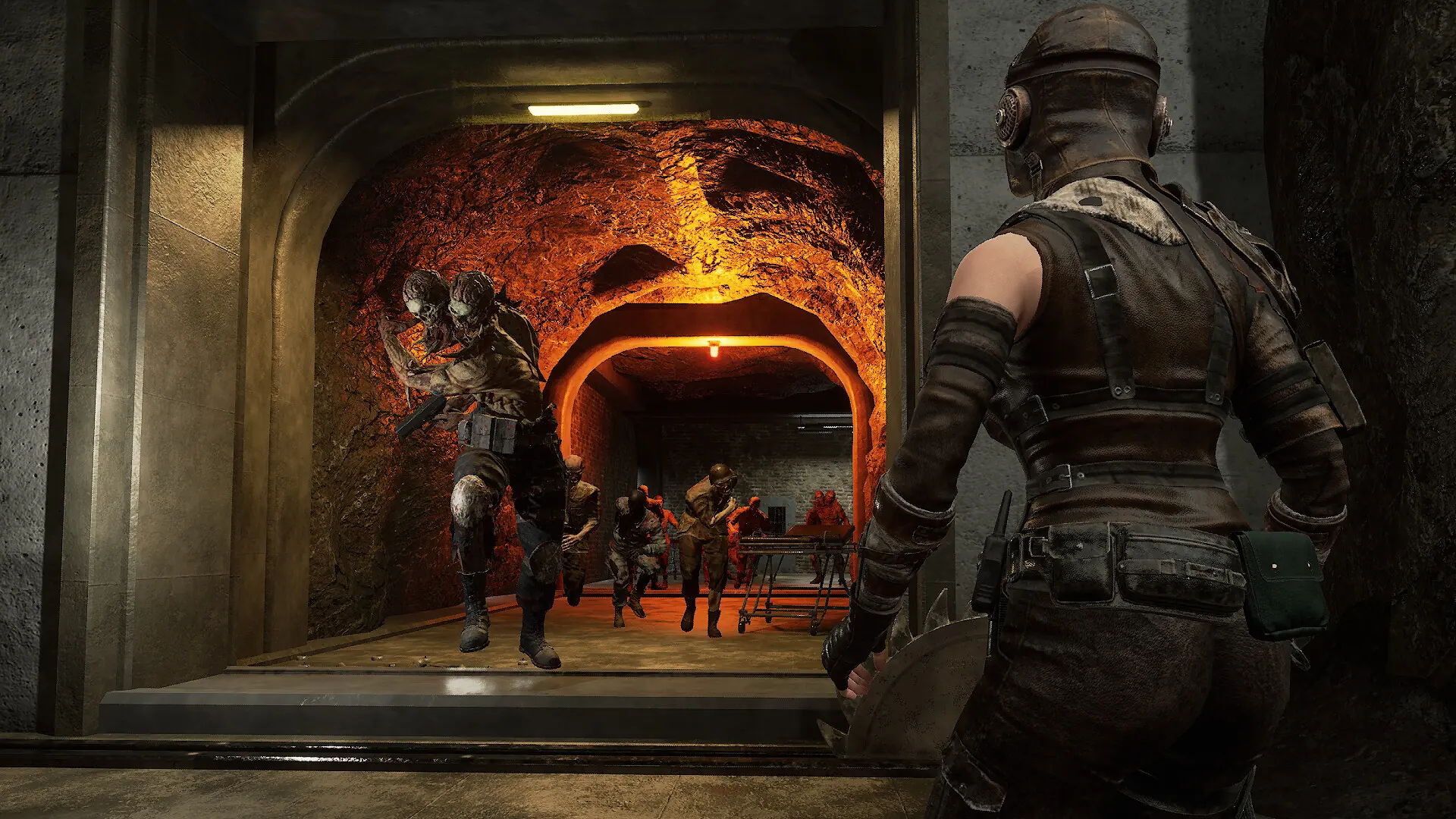
Your Night of the Dead server runs in PvE by default, where players team up against the zombies. In PvP, players can also attack each other.
Switching Between PvE and PvP
- 1If anyone is playing, save the world in game first.
- 2Log in to Bropanel and select your server.
- 3In the sidebar, go to
Settings. - 4Under
Gameplay, enablePvE Modefor PvE or disable it for PvP. - 5Click
Save & Restartto apply your changes.