
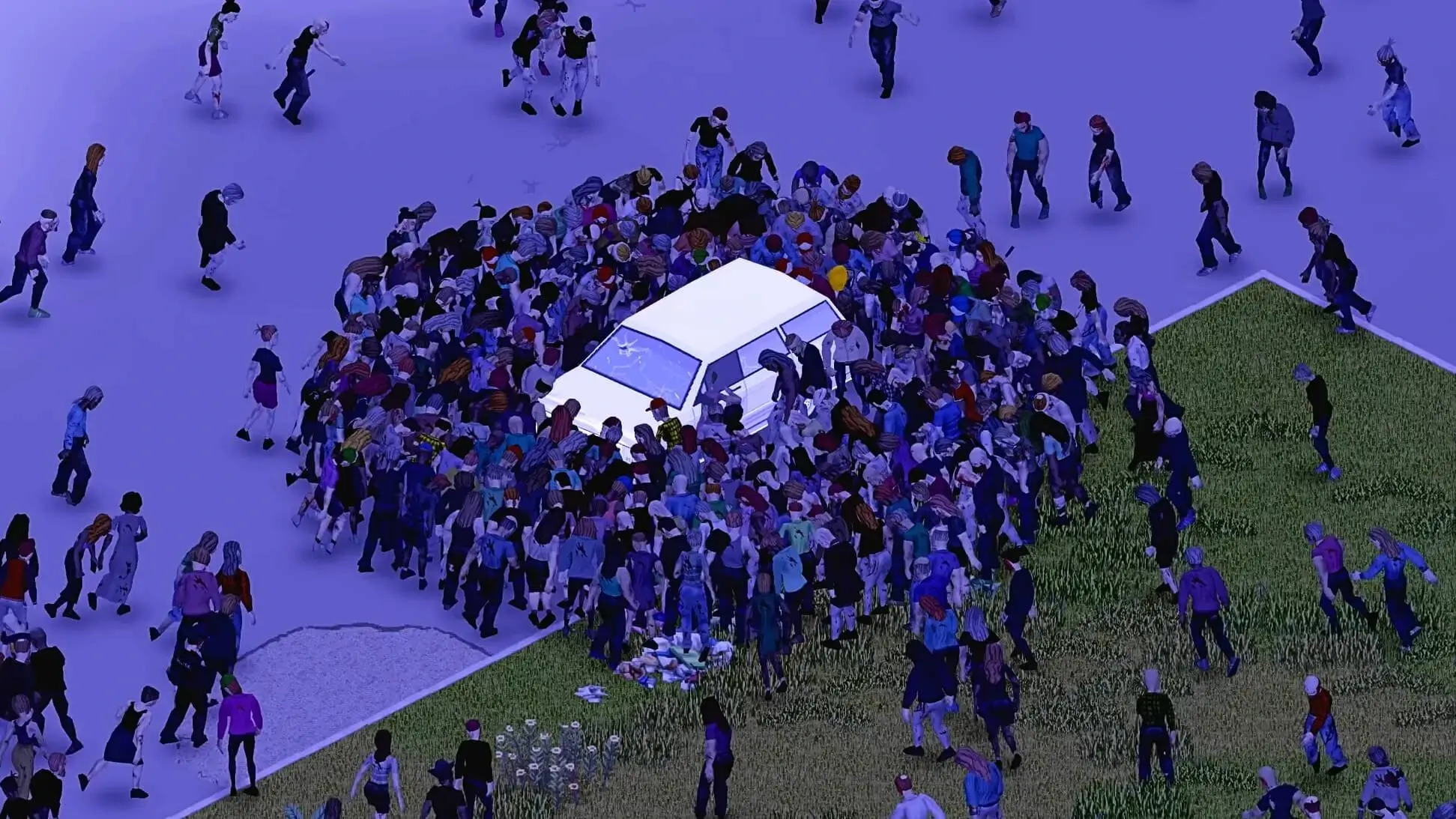
Here's how to set up a custom welcome message on your Project Zomboid server.
Setting A Welcome Message
- 1Log in to Bropanel and select your server.
- 2In the sidebar, go to
Settings. - 3Under
Basic, editServer Welcome Messageand enter your custom message. - 4Click
Save & Restartto apply your changes.
Formatting Your Message
You can use HTML formatting in your welcome message to add colours and new lines to your message:
- Colors:
<RGB:1,0,0>for red,<RGB:0,1,0>for green, and<RGB:0,0,1>for blue - Line breaks:
<LINE>to create new lines
For example:
<RGB:0,0,1> Welcome to our PZ server! <LINE> <RGB:0,1,0> Have fun surviving! Zombies are coming!