
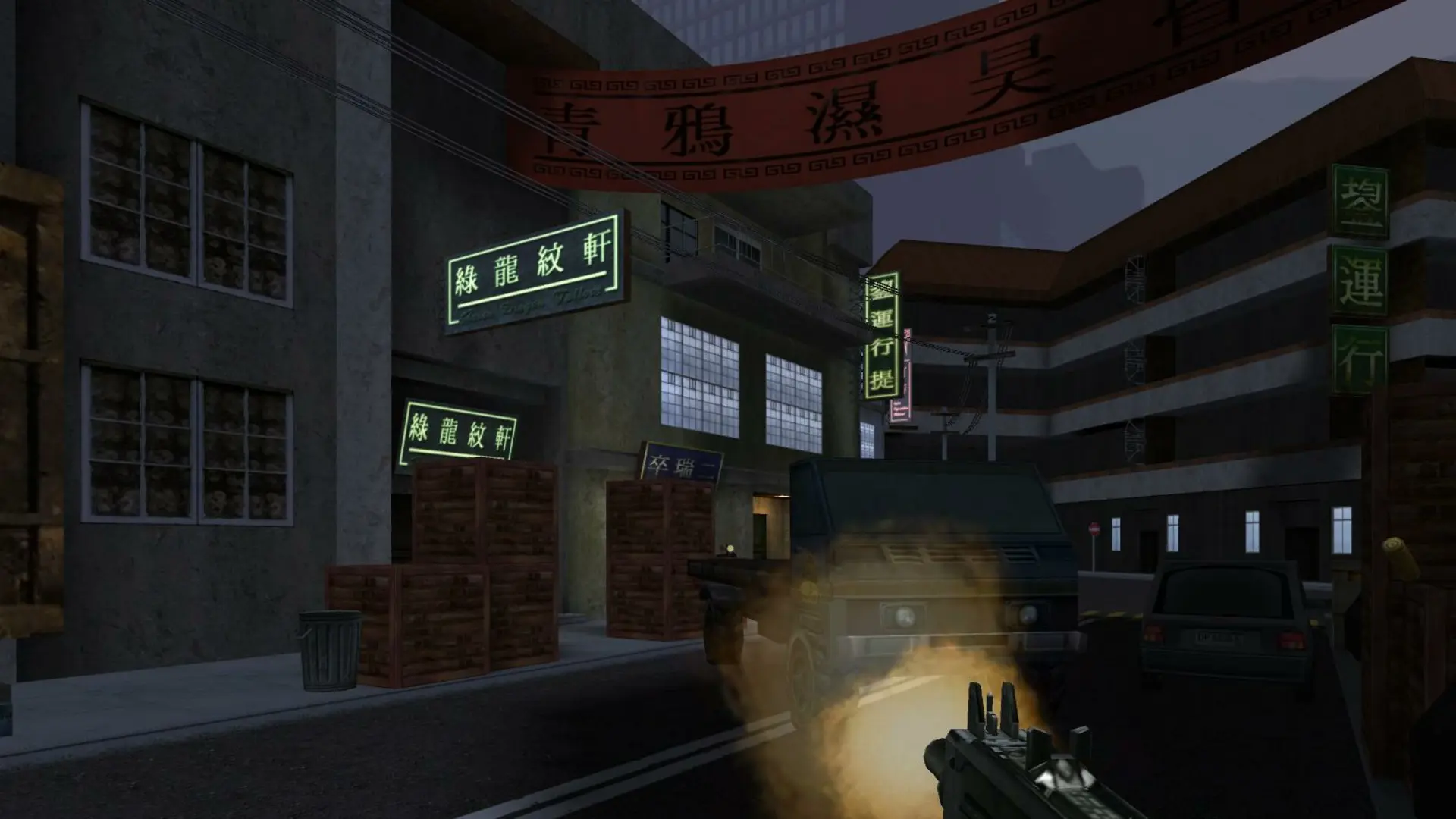
With 1fx. Mod running, trusted players can get admin powers and use commands like !k to kick, !m to mute and !map to change the map straight from the chat, without the RCON password.
| Level | Command | What they can do |
|---|---|---|
| B-Admin | addbadmin | Mute, pop, plant, strip and even out teams |
| Admin | addadmin | Everything above, plus kick, swap and lock teams |
| S-Admin | addsadmin | Everything above, plus ban, change maps and limits |
Adding An Admin
- 1Make sure the player is on your server.
- 2Log in to Bropanel and select your server.
- 3In the sidebar, go to
Console. - 4Type
statusand pressEnter. Thenumcolumn shows each player's ID. - 5Type the command for the level you want followed by the player's ID, for example
addsadmin 5to make player 5 an S-Admin, then pressEnter.
Admins are saved by IP address and stay after restarts. In game, admins type /adm list in the console to see the commands they can use. You can also run the same command with RCON, for example /rcon addsadmin 5.