
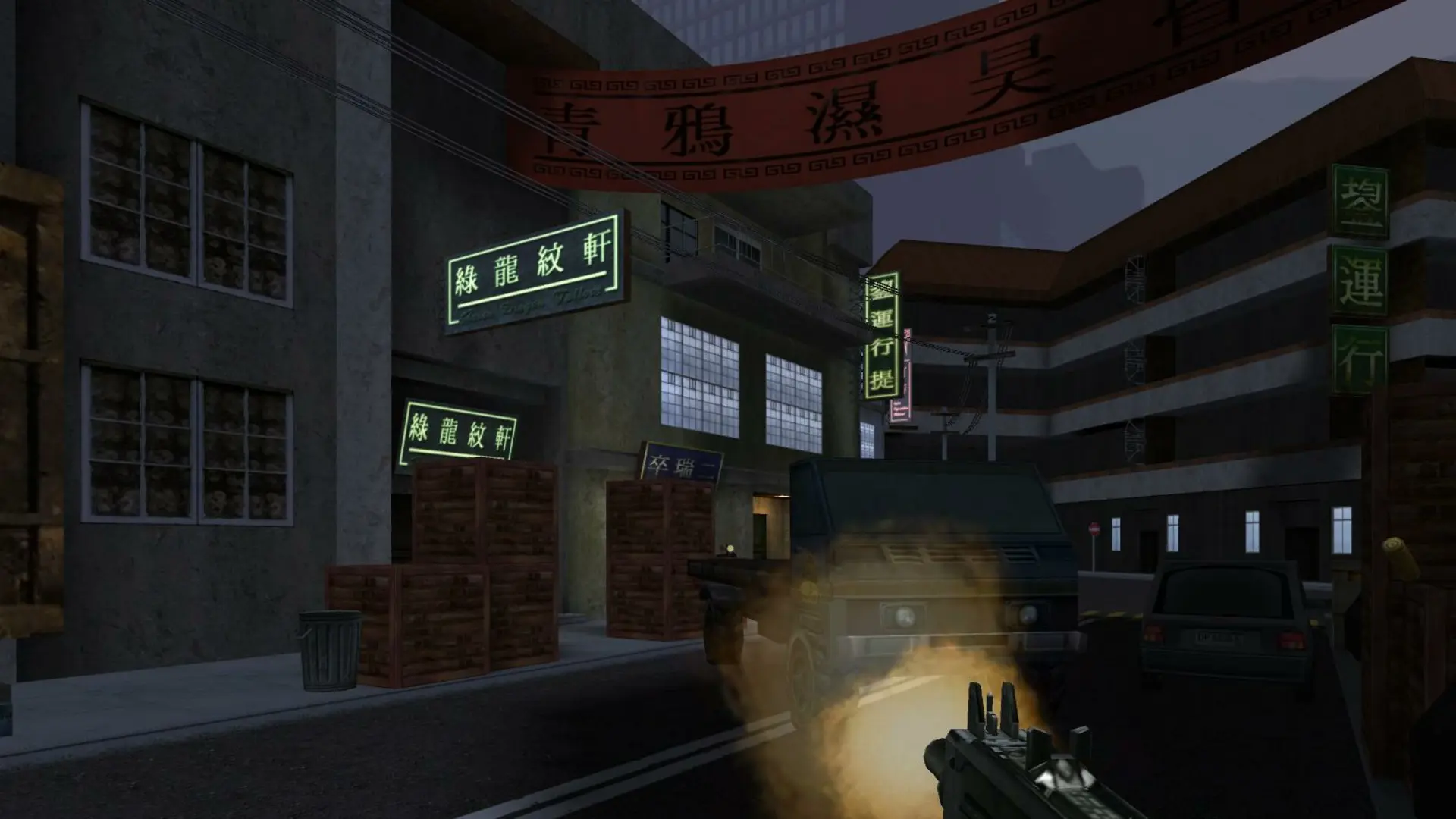
Your server runs 1fx. Mod by default. You can switch to the original game or a mod you upload with one setting and a restart, with no reinstall.
| Server Mod | What it runs |
|---|---|
1fx Mod | 1fx. Mod: patches for the game's known exploits and attacks, an admin system, and the Hide and Seek and Humans and Zombies game types. Players don't need to install anything. Default. |
None | The original Soldier of Fortune II 1.03 game. |
Custom | A mod folder you upload, see Installing a Custom Mod. |
Changing The Server Mod
- 1Log in to Bropanel and select your server.
- 2In the sidebar, go to
Settings. - 3Under
Modding, setServer Modto the mod you want. - 4Click
Save & Restartto apply your changes.
Each mod keeps its own settings file: 1fx/Config.cfg for 1fx. Mod, and base/server.cfg for the original game. Open it in Files to change settings that aren't in the panel, such as the message of the day or the available weapons, then restart your server.