
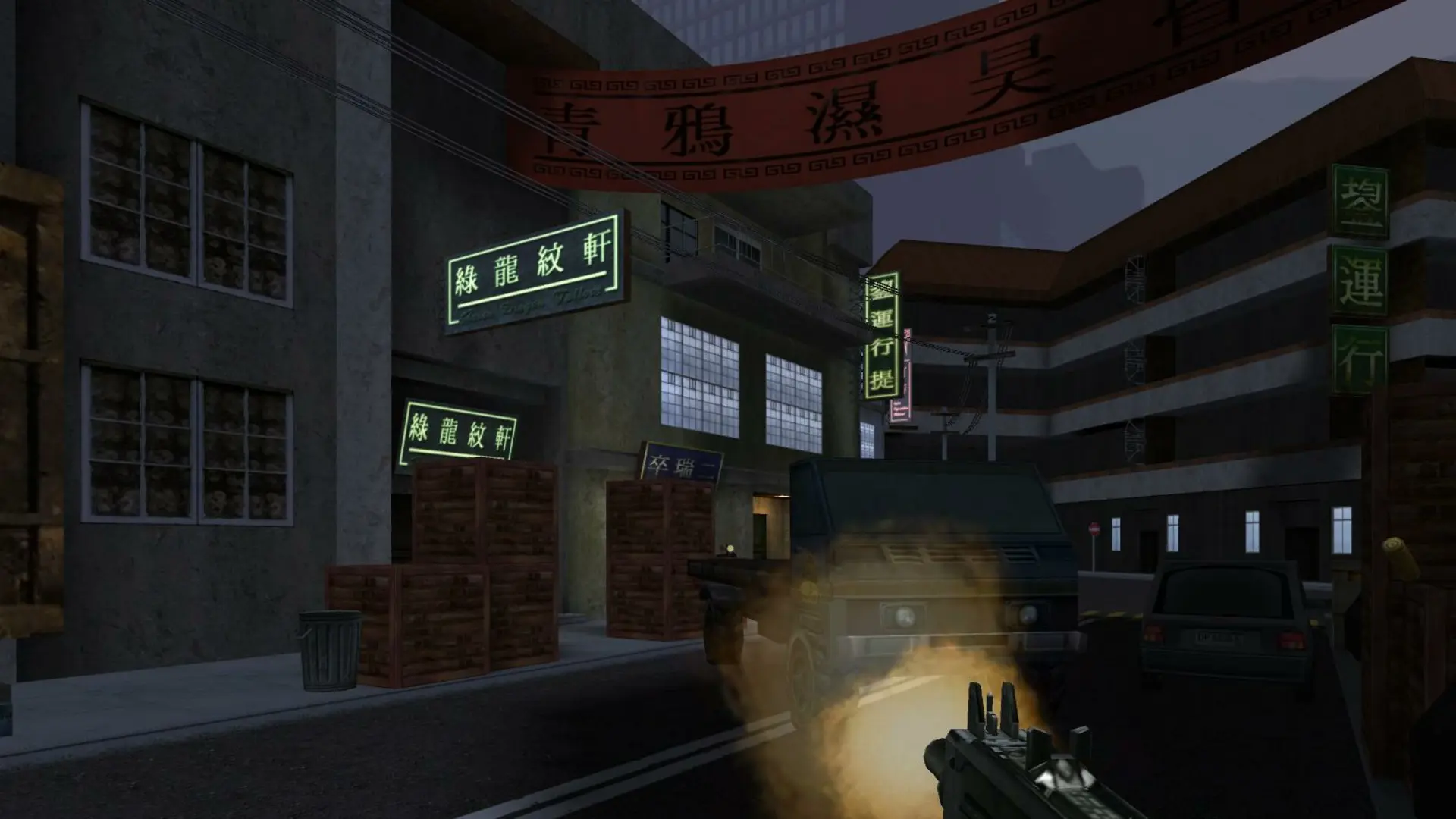
Here is how you can join your Soldier of Fortune II server. Your server runs version 1.03, the Gold Edition release, so players need SoF2 1.03.
| Your game | Can join? |
|---|---|
| Gold Edition, or the original game patched to 1.03 | Yes |
| The original game on 1.00 (Silver) | No, install the 1.03 patch first |
| The multiplayer demo | No |
Tip
The Gold Edition from GOG is already on 1.03 and ready to play.
Connecting With The IP Address
- 1Log in to Bropanel and select your Soldier of Fortune II server.
- 2Copy the server IP address and port from the
Overviewpage, for example123.45.67.89:20100. - 3Start Soldier of Fortune II Multiplayer and press the
~key to open the console. - 4Type
/connect 123.45.67.89:20100with your own IP and port, then pressEnter.
If your server has a password, type /password yourpassword in the console before you connect.
Connecting From The Server Browser
Your server lists on the original master server and on the community master server run by the 1fx. Mod team.
- 1Start Soldier of Fortune II Multiplayer and click
Join Server. - 2Set the source to
Internetand refresh the list. - 3Find your server name in the list and double-click it to join.
If your server doesn't show up, start the game with SoF2MP.1fxmaster.exe from the 1fx. client patches, which reads the community master server. Joining by IP always works.
Note
On Hide and Seek or Humans and Zombies, players need downloads turned on in the game's multiplayer options. The game then downloads the small 1fx. add-on the first time they join.