
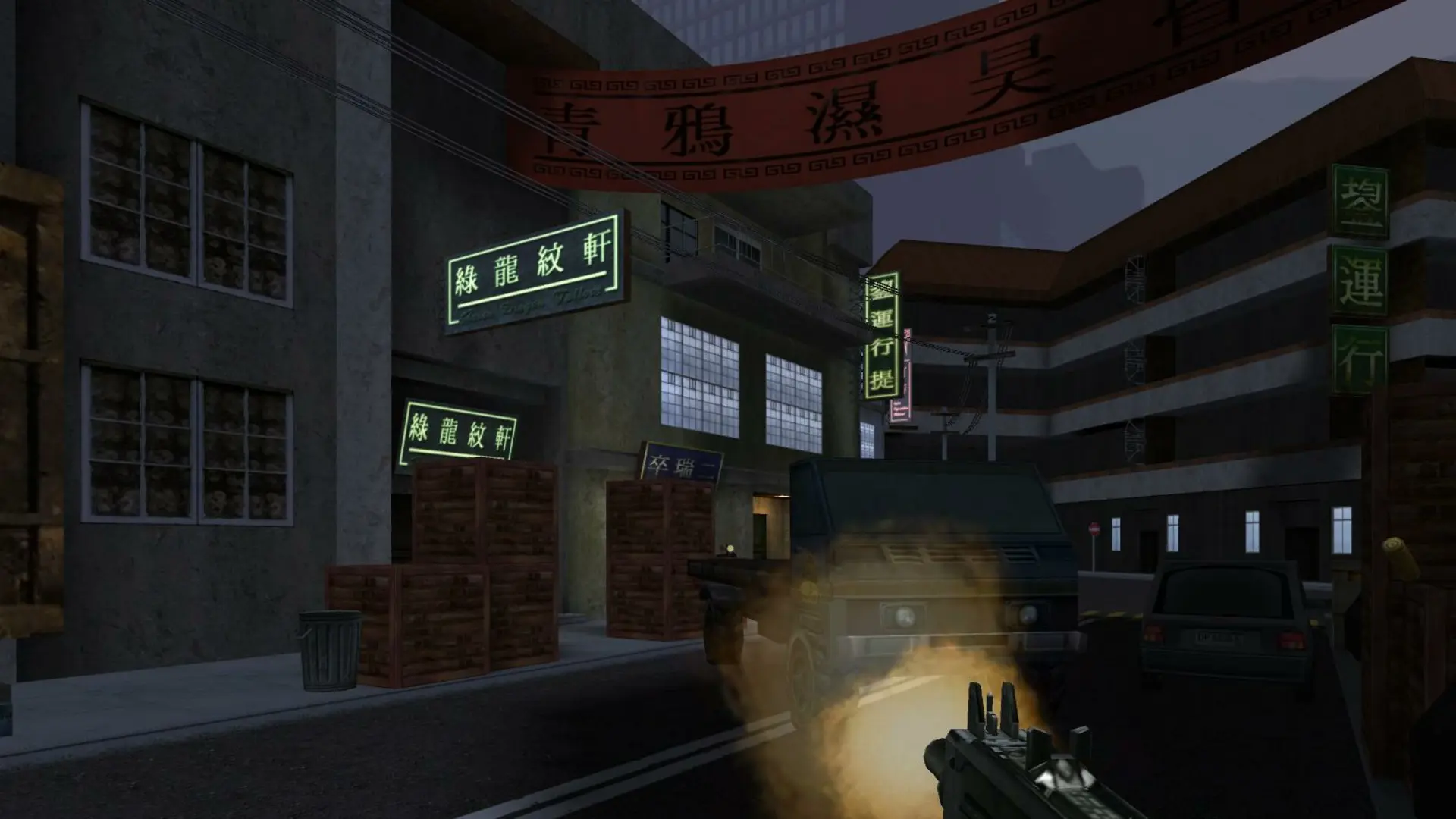
The game type decides how matches are played on every map in your rotation.
| Game Type | How it plays |
|---|---|
Deathmatch | Everyone for themselves. |
Team Deathmatch | Red against Blue, most kills wins. |
Capture the Flag | Take the enemy flag back to your base. |
Infiltration | One life per round. One team carries the briefcase to the target, the other stops them. Default. |
Elimination | One life per round, the last team standing wins the round. |
Demolition | One life per round. Attackers plant a bomb, defenders stop them. |
Hide and Seek | Hiders hide, seekers hunt them down. Needs 1fx. Mod. |
Humans and Zombies | Humans hold out while the zombies grow their numbers. Needs 1fx. Mod. |
Changing The Game Type
- 1Log in to Bropanel and select your server.
- 2In the sidebar, go to
Settings. - 3Under
Gameplay, choose aGame Type. - 4Click
Save & Restartto apply your changes.
When your Map Rotation is empty, the server plays every stock map that supports the game type. Hide and Seek and Humans and Zombies need 1fx. Mod, and players need downloads turned on in their multiplayer options to get its small add-on.