
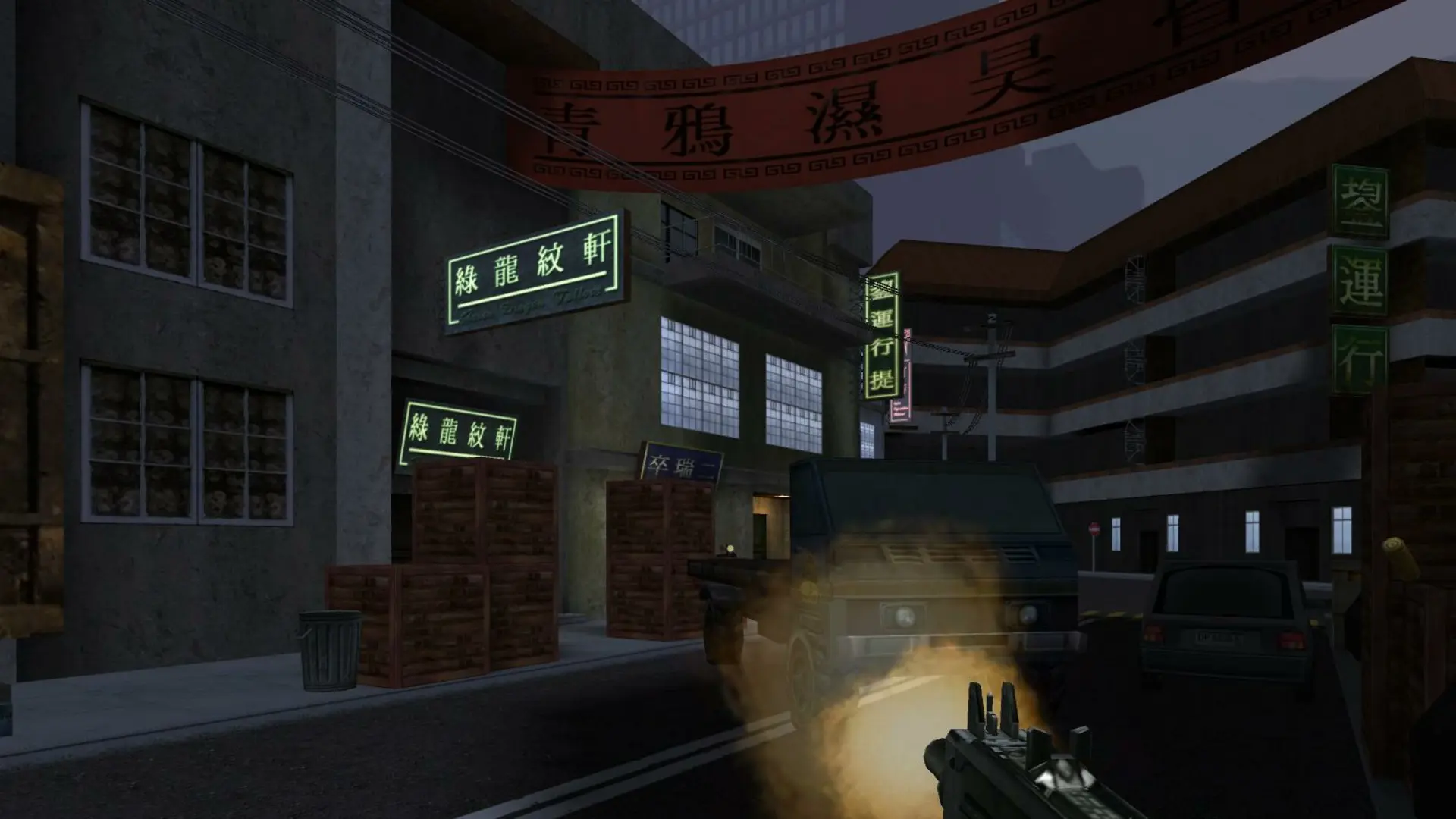
Custom maps come as .pk3 files. Players download them from your server the first time they join, as long as downloads are turned on in their multiplayer options.
Uploading A Custom Map
- 1Log in to Bropanel and select your server.
- 2In the sidebar, go to
Files. - 3
- 4Restart your server.
Then add the map's name, usually the .pk3 name without .pk3, to your Map Rotation. With the original game (Server Mod set to None), also open base/server.cfg and make sure sv_allowDownload is set to 1 so players can download the map.