
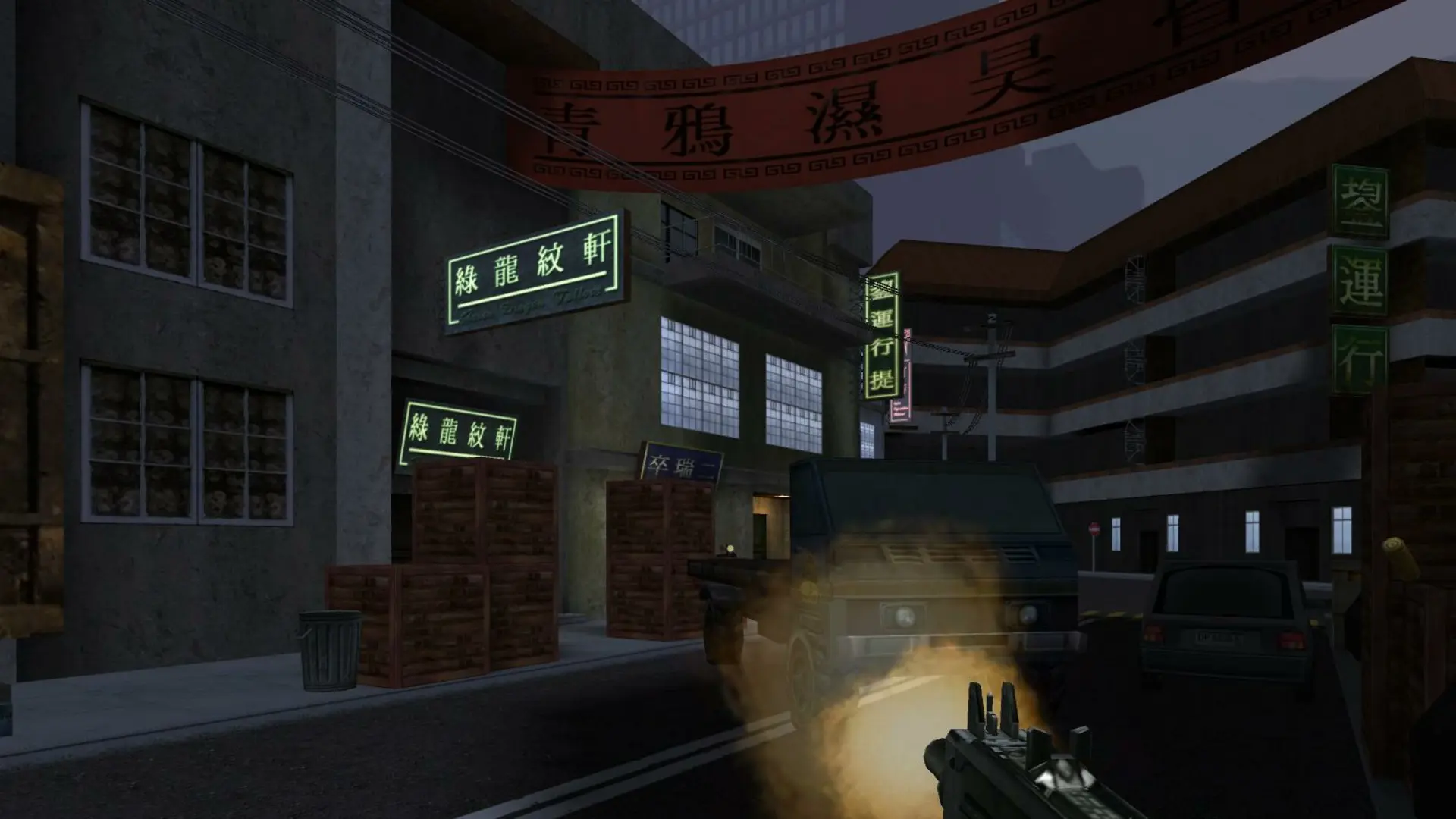
The map rotation is the list of maps your server plays, in order. When a map ends, the server moves to the next map in the list.
Changing The Map Rotation
- 1Log in to Bropanel and select your server.
- 2In the sidebar, go to
Settings. - 3Under
Gameplay, enter your maps inMap Rotation, separated by spaces, for examplemp_shop mp_jor1 mp_kam2. - 4Click
Save & Restartto apply your changes.
Leave Map Rotation empty to play every stock map that supports your game type. Not every map has every game type; for example Capture the Flag needs a map with flags.
These are the stock multiplayer maps: mp_air1, mp_barn, mp_col1, mp_col2, mp_finca, mp_hk1, mp_hk2, mp_hos1, mp_hos2, mp_jor1, mp_kam1, mp_kam2, mp_kam3, mp_kam4, mp_kam5, mp_pra1, mp_pra2, mp_raven, mp_shop and mp_shop2. You can also add custom maps.