
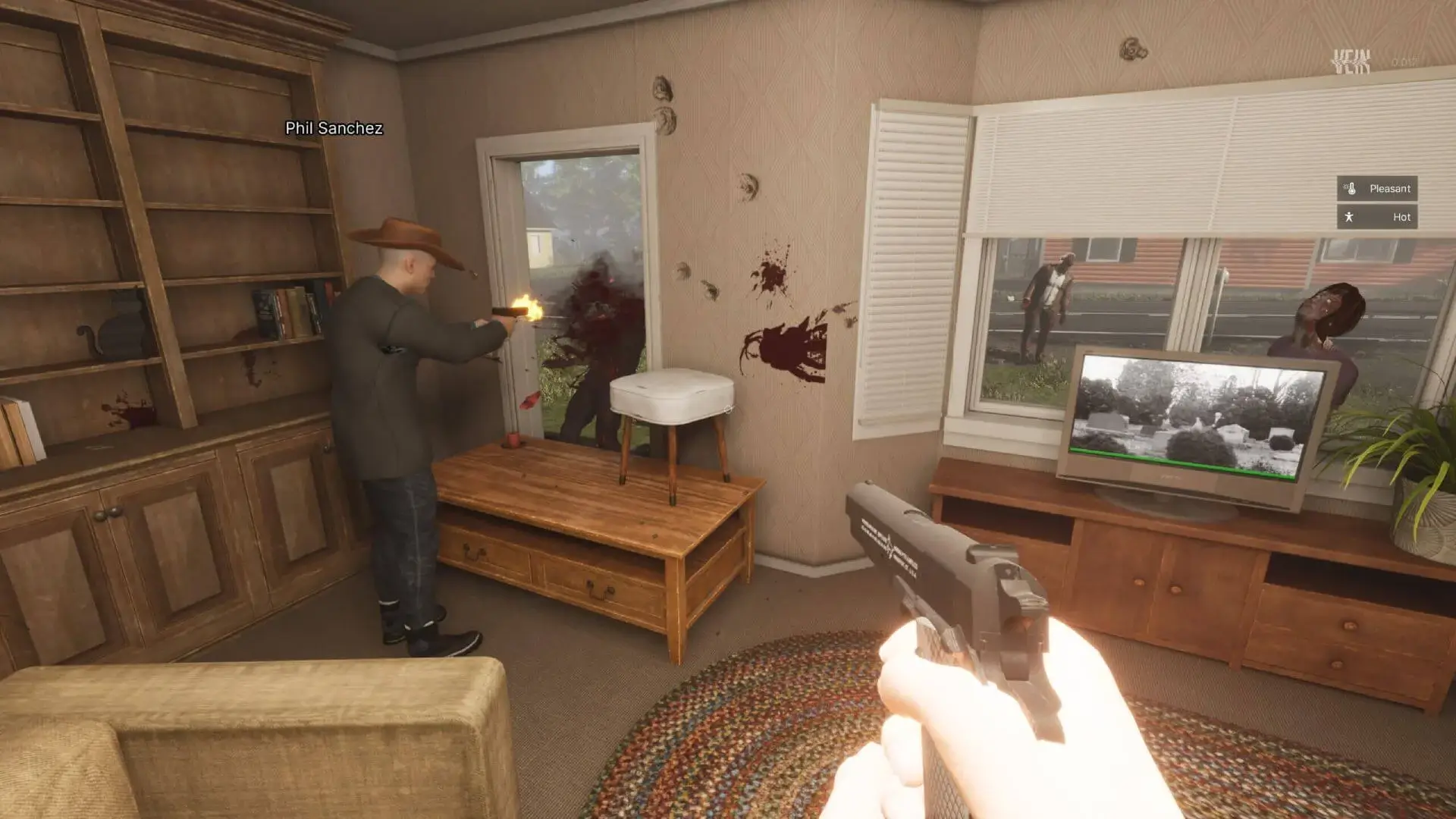
Here is how you can join your VEIN Server using your server name, or your server IP address.
Direct Connecting To Your Server Recommended
- 1Log in to Bropanel and select your VEIN server.
- 2Copy your server IP address from the
Overviewpage. - 3Open VEIN, and click
Join Multiplayer. - 4Click
Direct Connect. - 5Paste your server IP address and then click connect.
Using The Server Browser
- 1Log in to Bropanel and
Stopyour VEIN server. - 2In the sidebar, go to
Settingsand set aServer Name. - 3Click
Save & Restartto apply your changes. - 4Open VEIN and click
Join Multiplayer. - 5Search for your server name in the server browser.
- 6Select your server and click
Join.
Note
If your server is set to private, follow the private server guide to connect directly with your server IP.