
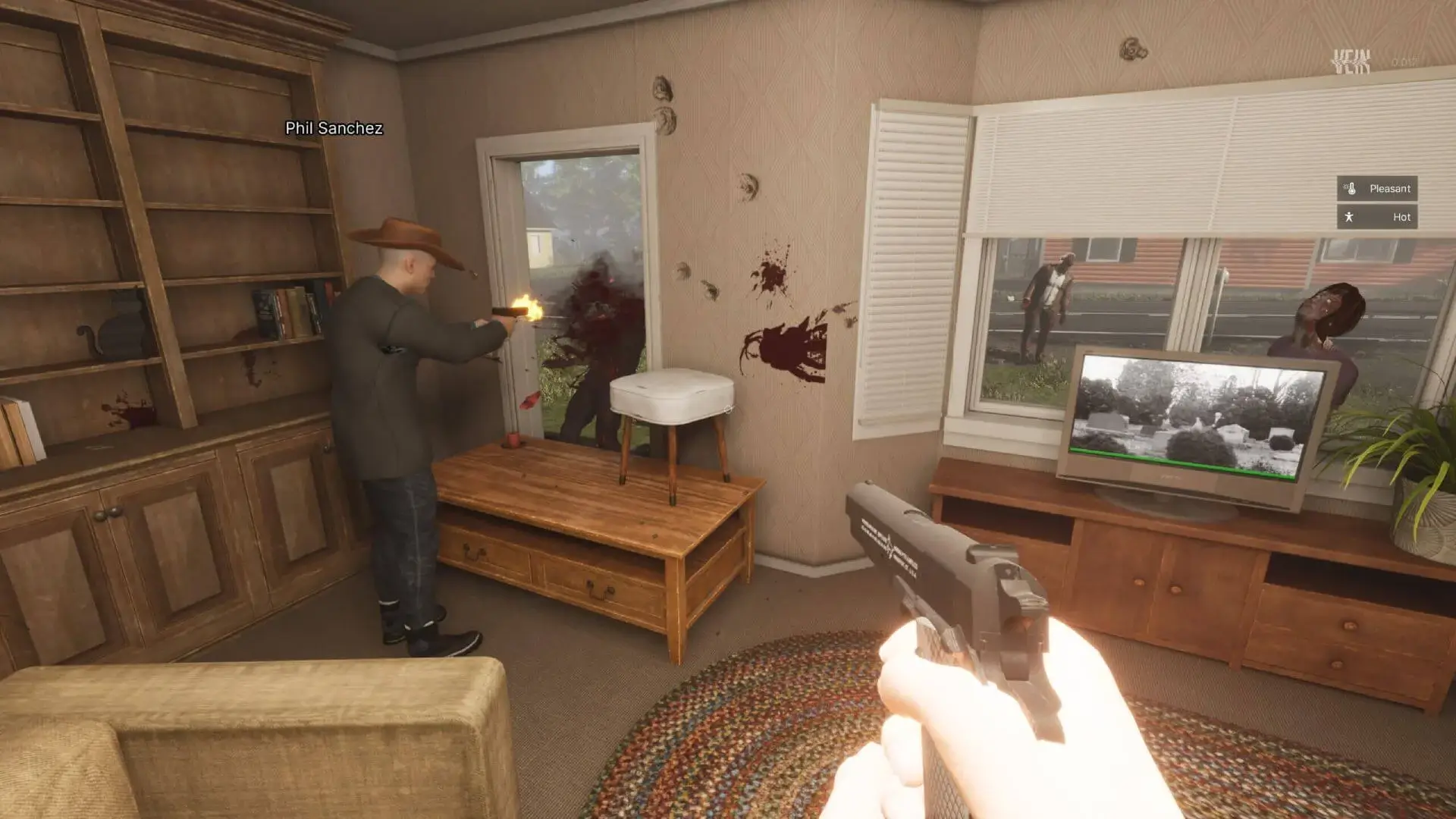
Here's how to set up a custom server description on your VEIN server. The server description is displayed to players in the server browser when they're looking for servers to join.
Setting A Server Description
- 1Log in to Bropanel and select your server.
- 2In the sidebar, go to
Settings. - 3Under
Basic, editServer Descriptionand enter your custom description. - 4Click
Save & Restartto apply your changes.
Formatting Your Description
You can use \n to create line breaks in your server description. This allows you to format your description with multiple lines for better readability.
For example:
Hosted by Game Host Bros\ngamehostbros.com\n\n• 6 Hour Restarts\n• Active Admins\n• 2x Loot\n• 3x Zombies\n\nServer Rules:\n- No griefing\n- Respect other players\n- Have fun!
This will display as:
Hosted by Game Host Bros
gamehostbros.com

• 6 Hour Restarts
• Active Admins
• 2x Loot
• 3x Zombies

Server Rules:
- No griefing
- Respect other players
- Have fun!