
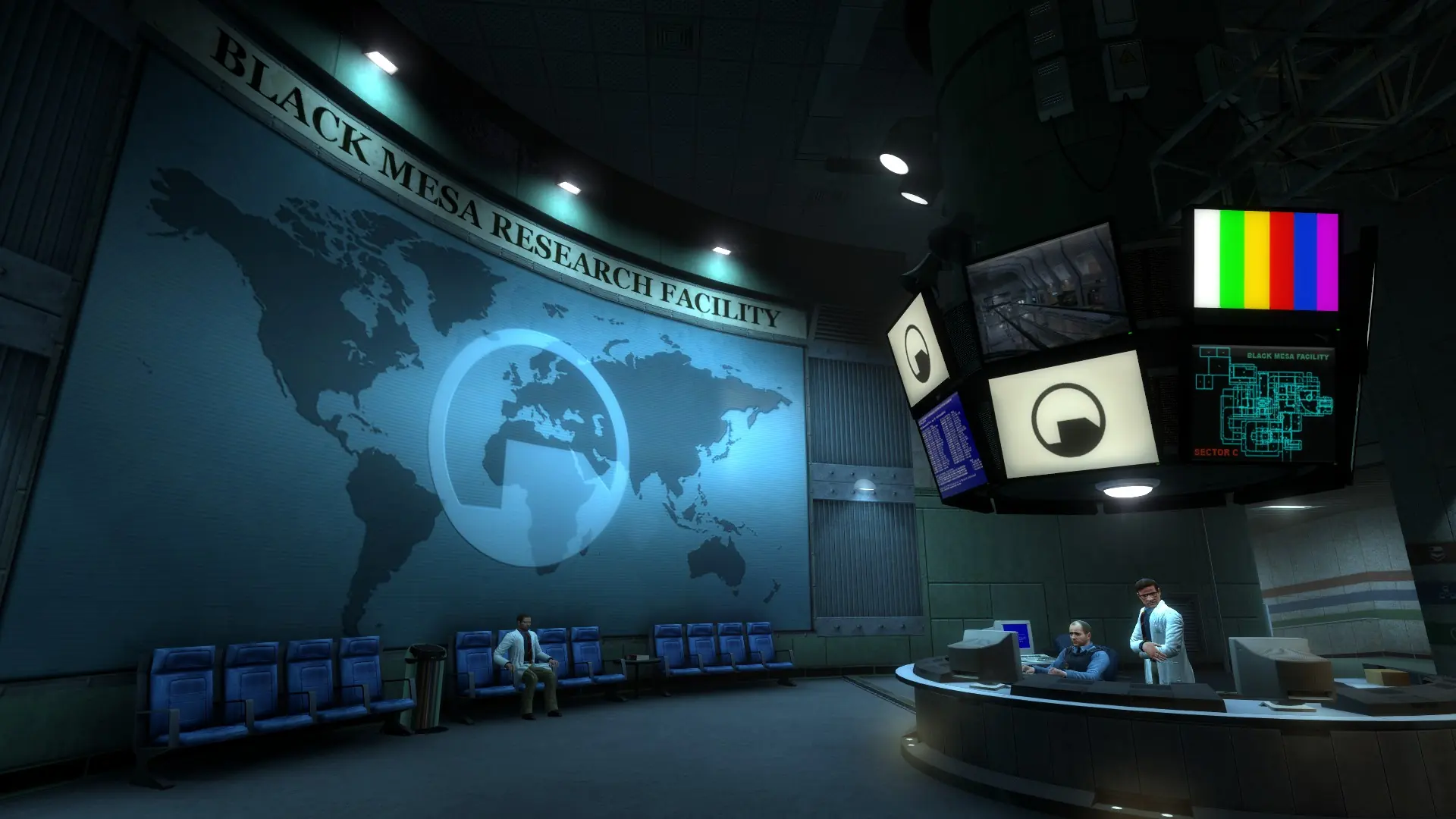
Here is how to join your Black Mesa server. Players need Black Mesa from Steam on Windows or Linux. Deathmatch comes with the game, and custom maps download automatically when players join.
Connecting With The IP Address
- 1Log in to Bropanel and select your server.
- 2Copy the server IP address and port from the
Overviewpage, for example123.45.67.89:27015. - 3Open Black Mesa and press the
~key to open the developer console. - 4Type
connect 123.45.67.89:27015with your own IP and port, then pressEnter.
If your server has a password, type password yourpassword in the console before you connect.
Tip
If the console doesn't open, right-click Black Mesa in your Steam library, select Properties and add -console to its Launch Options, then start the game again.
Connecting From Steam
- 1In Steam, open
Viewand selectGame Servers. - 2Go to the
Favoritestab and click the+button. - 3Enter your server IP and port, for example
123.45.67.89:27015, and clickAdd this address to favorites. - 4Select your server and click
Connect.