
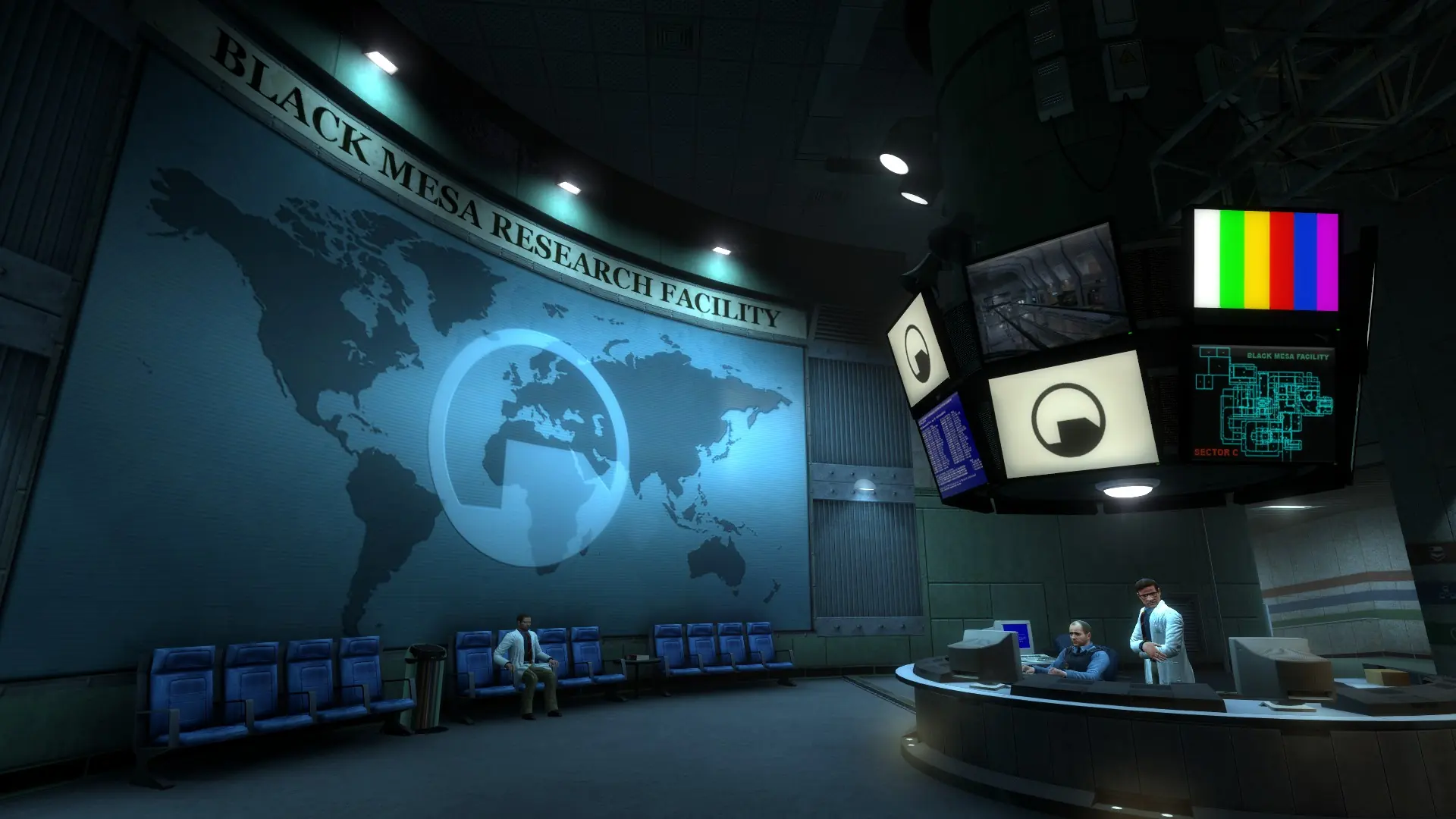
Here is how to reset your Black Mesa server and start completely fresh. This deletes all your files, configs, maps and plugins.
Caution
This should only be used as a last resort. If you keep having issues, reach out to a bro. We're here to help you.
- 1Log in to Bropanel and select your server.
- 2In the sidebar, go to
Settingsand clickReinstallin the top-right. - 3Select
Format and reset, then confirm and wait for the install to finish.
The reinstall downloads the whole Black Mesa server again, about 30 GB, so it takes a while.