
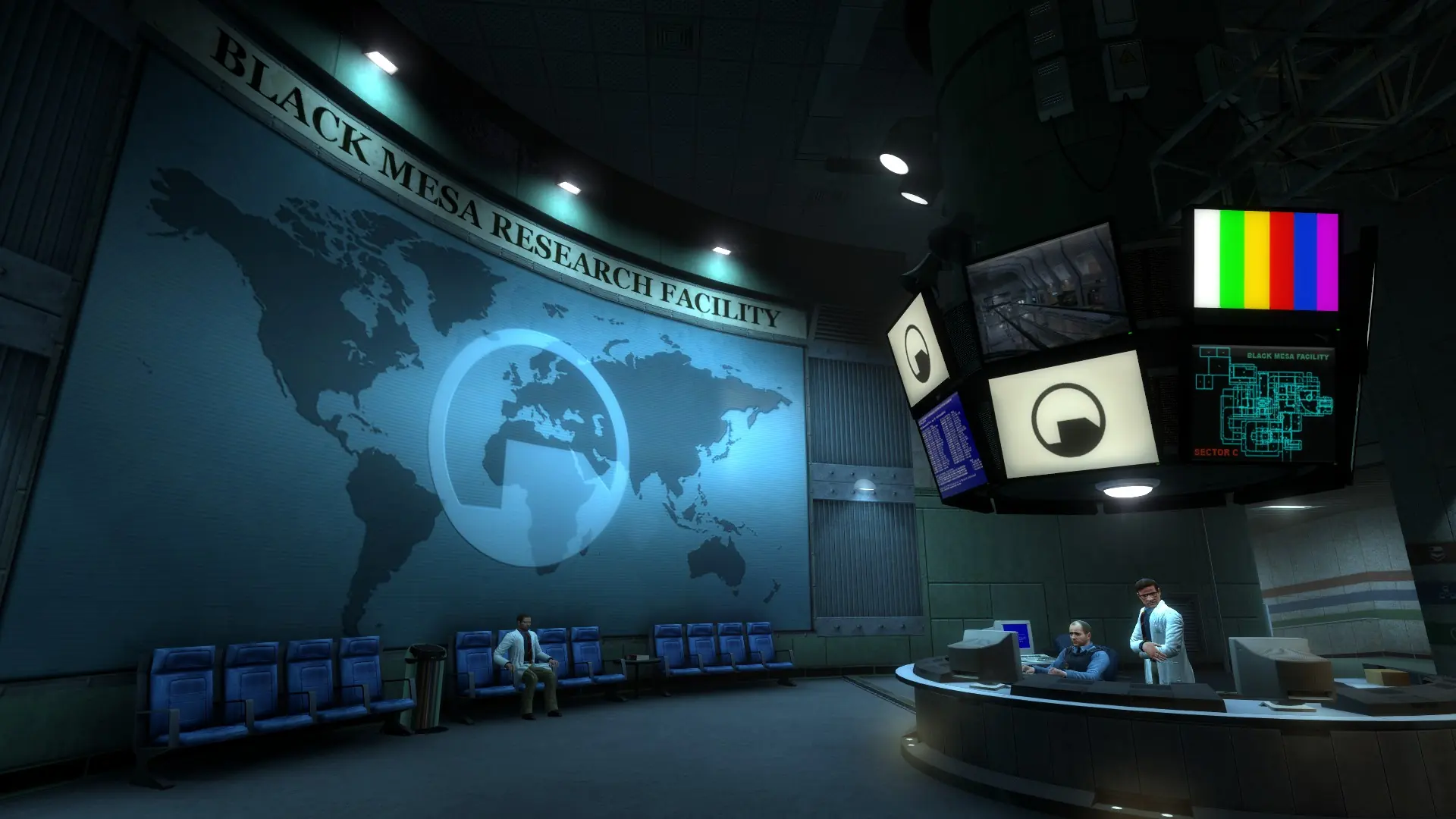
Your Black Mesa server comes with SourceCoop, the community co-op mod, so you and your friends can play through the campaign together. Players don't need to install anything; they join your server as usual.
The map your server starts on picks the mode. Deathmatch maps, which start with dm_, play deathmatch. Any other map plays co-op.
Starting The Campaign In Co-op
- 1Log in to Bropanel and select your server.
- 2In the sidebar, go to
Settings. - 3Under
Gameplay, setDefault Maptobm_c0a0ato start from the beginning, or to the first map of a chapter from the table below. - 4Click
Save & Restartto apply your changes.
New servers start on bm_c0a0a, so they are ready for co-op. While Auto Update is on, SourceCoop updates to its latest version when your server restarts. SourceCoop runs on SourceMod, so a co-op server always has SourceMod, even with the SourceMod setting off.
When players finish the campaign, the server goes back to the map it started on. A restart also starts again on Default Map, so to carry on where you left off, vote for your chapter with !changemap or set Default Map to it.
Chapter Maps
| Chapter | Map |
|---|---|
| 1. Black Mesa Inbound | bm_c0a0a |
| 2. Anomalous Materials | bm_c1a0a |
| 3. Unforeseen Consequences | bm_c1a1a |
| 4. Office Complex | bm_c1a2a |
| 5. We've Got Hostiles | bm_c1a3a |
| 6. Blast Pit | bm_c1a4a |
| 7. Power Up | bm_c2a1a |
| 8. On A Rail | bm_c2a2a |
| 9. Apprehension | bm_c2a3a |
| 10. Residue Processing | bm_c2a4a |
| 11. Questionable Ethics | bm_c2a4e |
| 12. Surface Tension | bm_c2a5a |
| 13. Forget About Freeman! | bm_c3a1a |
| 14. Lambda Core | bm_c3a2a |
| 15. Xen | bm_c4a1a |
| 16. Gonarch's Lair | bm_c4a2a |
| 17. Interloper | bm_c4a3a |
| 18. Nihilanth | bm_c4a4a |
| 19. Endgame | bm_c5a1a |
Tip
To jump to another chapter while the server is running, type changelevel and the map in the server console, for example changelevel bm_c2a5a. To switch between co-op and deathmatch, change Default Map and restart instead.
Player Commands
Players type these in chat. In the console, use sm_ instead of !, for example sm_coopmenu.
| Command | What it does |
|---|---|
!coopmenu | Opens the co-op menu with votes and player options. |
!thirdperson / !firstperson | Switches between third-person and first-person view. |
!changemap | Opens a menu to vote for another chapter or map. |
!restartmap | Starts a vote to restart the current map. |
!skipintro | Starts a vote to skip the tram ride and go straight to Anomalous Materials. |
!survival | Starts a vote for survival mode. |
stuck | Typed in the console, frees you when you are stuck. Works once a minute. |
Hold E on a fallen teammate to revive them.
Co-op Settings
SourceCoop's settings go in bms/cfg/server.cfg, one per line, see config files. Restart your server after changing them.
| Command | What it does |
|---|---|
sourcecoop_survival_mode 2 | Survival mode. Players who die watch until the next checkpoint, and the map restarts if everyone dies. 0 turns it off, which is the default. |
sourcecoop_respawntime 2 | Seconds before a dead player respawns. |
sourcecoop_difficulty_auto -1 | Stops enemies getting tougher as more players join. sourcecoop_difficulty then sets the difficulty, from 0 up. |
sourcecoop_revive_time 4 | Seconds to hold E to revive a teammate. |
sourcecoop_thirdperson_enabled 0 | Turns off third-person view. |
sourcecoop_voting_changemap 0 | Stops players voting to change the map. sourcecoop_voting_restartmap, sourcecoop_voting_skipintro and sourcecoop_voting_survival do the same for the other votes. |
In co-op the server also sets mp_teamplay 1, mp_friendlyfire 0 and mp_fraglimit 0 in server.cfg, so players are on one team, can't hurt each other and a high score can't end the map.
Switching Back To Deathmatch
- 1Log in to Bropanel and select your server.
- 2In the sidebar, go to
Settings. - 3Under
Gameplay, setDefault Mapto a deathmatch map, for exampledm_crossfire. - 4Click
Save & Restartto apply your changes.
SourceCoop switches off, and your mp_teamplay, mp_friendlyfire and mp_fraglimit lines go back to what they were before co-op. See change map for the deathmatch maps and map rotation.