
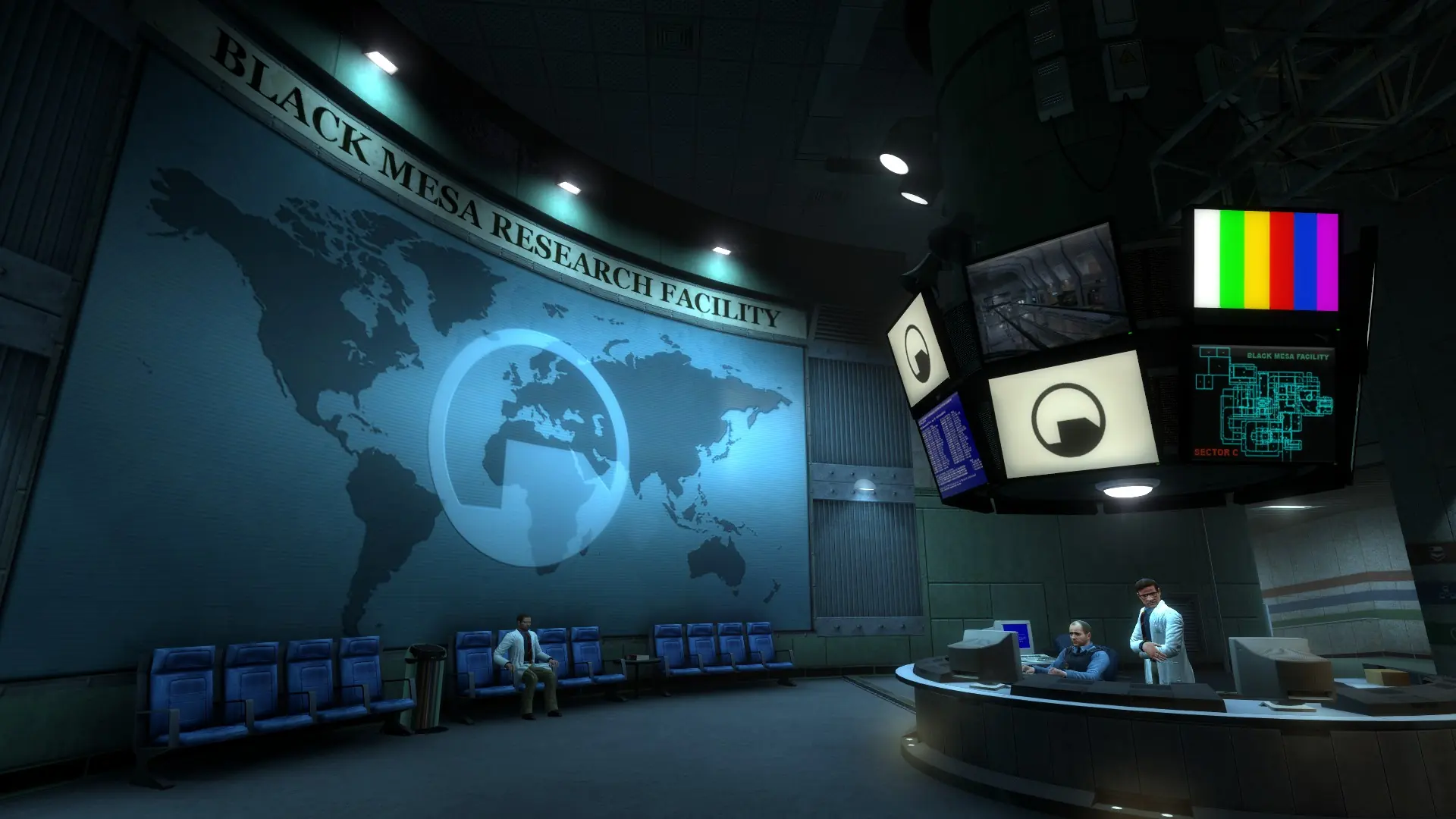
FastDL lets players download custom maps, models, materials and sounds quickly when they join your Black Mesa server, instead of slowly through the game server. It is set up for you, so all you need to do is upload your custom maps.
How Does FastDL Work?
- When your server starts, custom files in the
bmsfolder, and in add-on folders insidebms/custom, are synced to thefastdlfolder. sv_downloadurlis set for you, so players' games know where to download from.- New files reach players after the next restart, and files you delete from your server are removed from FastDL on the next start.
- To see your FastDL address, type
sv_downloadurlin the server console.
These folders are synced:
| Folder | Files |
|---|---|
| maps | .bsp and .nav, plus their .bz2 copies |
| materials | All files |
| models | All files |
| sound | All files |
| particles | .pcf |
Using Your Own Download Server
If you already host your files elsewhere, you can use that instead. See Download Redirect.