
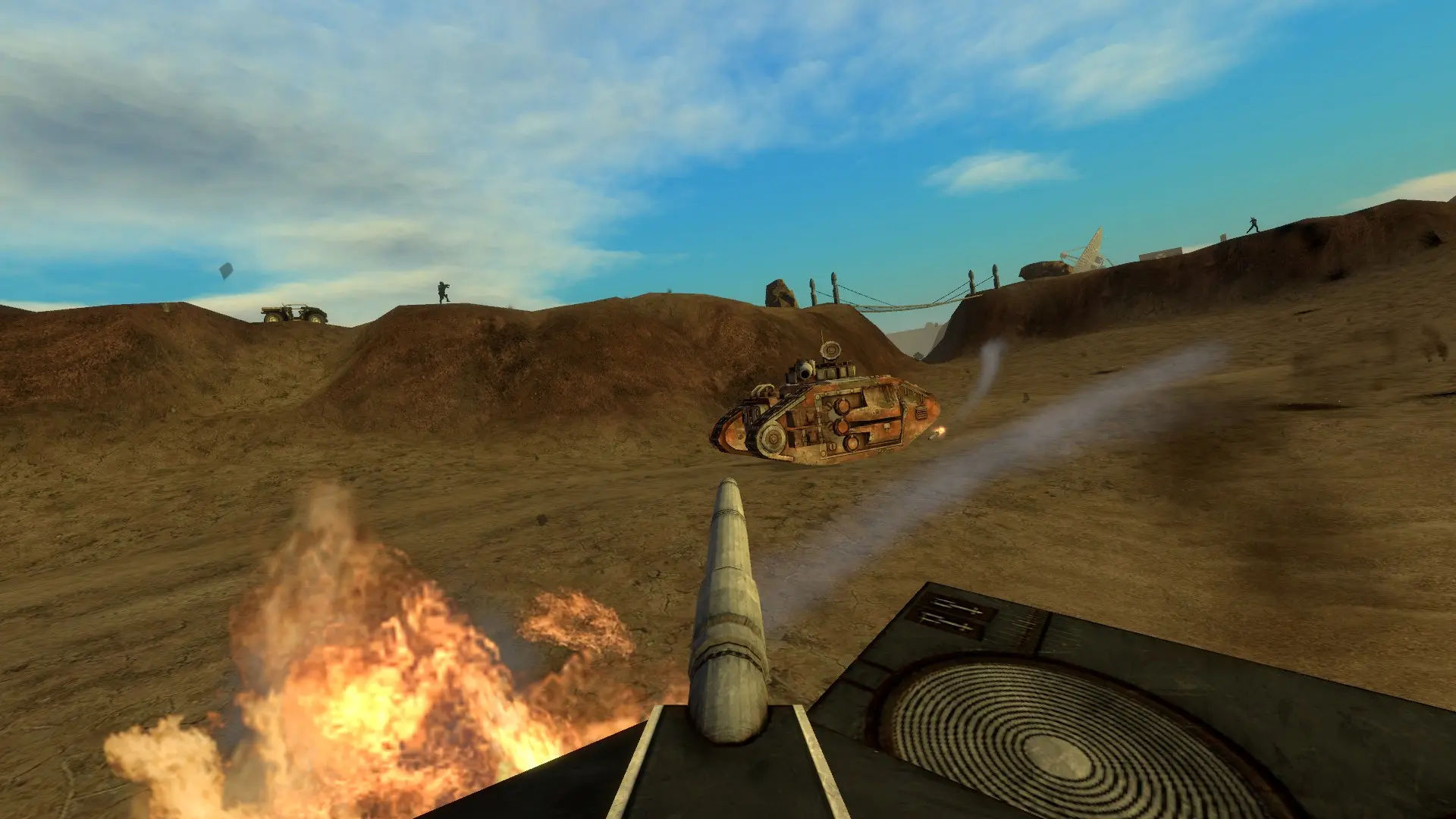
Your Empires server starts on con_district402 unless you choose another map.
Changing The Starting Map
- 1Log in to Bropanel and select your server.
- 2In the sidebar, go to
Settings. - 3Under
Gameplay, editMapand enter the map name without.bsp, for examplecon_district402. - 4Click
Save & Restartto apply your changes.
If the map isn't on your server, it starts on con_district402 instead. You can see every installed map in empires/maps in the Files page.
The maps that come with Empires are as_escort, con_district402, con_eastborough, con_glycencity, con_urbanchaos, emp_arid, emp_bush, emp_canyon, emp_chain, emp_coast, emp_crossroads, emp_cyclopean, emp_duststorm, emp_isle, emp_midbridge, emp_money, emp_mvalley, emp_palmbay, emp_slaughtered, emp_streetsoffire and mm_crossroads.
Changing The Map Cycle
The server moves through the maps listed in empires/mapcycle.txt, one map name per line.
- 1Log in to Bropanel and
Stopyour server. - 2In the sidebar, go to
Files. - 3Open
empires/mapcycle.txt, list the maps you want in order, and save the file. - 4Start your server.
Tip
To change map right away, type changelevel mapname in the Console page of Bropanel.