
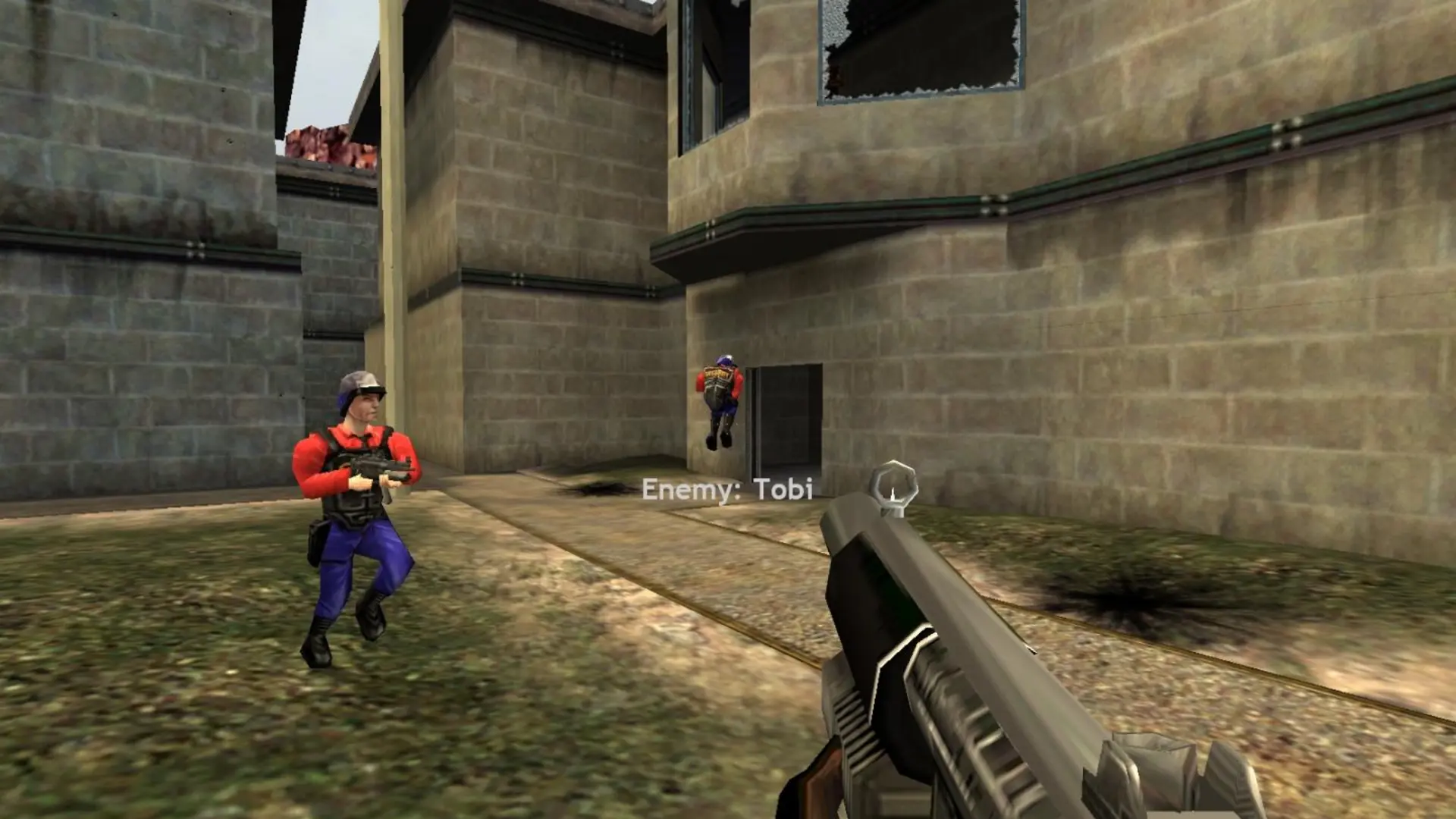
Most settings on your Half-Life Deathmatch: Source server live in two files in the hl1mp folder. You can edit them in Files.
server.cfg
Location: hl1mp/cfg/server.cfg
The server runs this file when it starts and on every map change. Use it for rules like these, one per line:
| Command | What it does |
|---|---|
mp_timelimit 20 | Minutes per map. |
mp_fraglimit 30 | Frags that end the map. 0 turns it off. |
mp_teamplay 1 | Turns on team play. |
mp_friendlyfire 1 | Lets teammates damage each other. |
mp_falldamage 1 | Realistic fall damage. |
mp_weaponstay 1 | Weapons respawn straight away. |
mp_forcerespawn 0 | Players respawn when they choose. |
sv_alltalk 1 | Everyone hears everyone on voice chat. |
hostname, sv_password and rcon_password are set from your Settings page every time the server starts, so change them there.
mapcycle.txt
Location: hl1mp/mapcycle.txt
Your map rotation, one map per line. See change map.
Tip
To find a command, type find and a word in the server console, for example find gravity.