
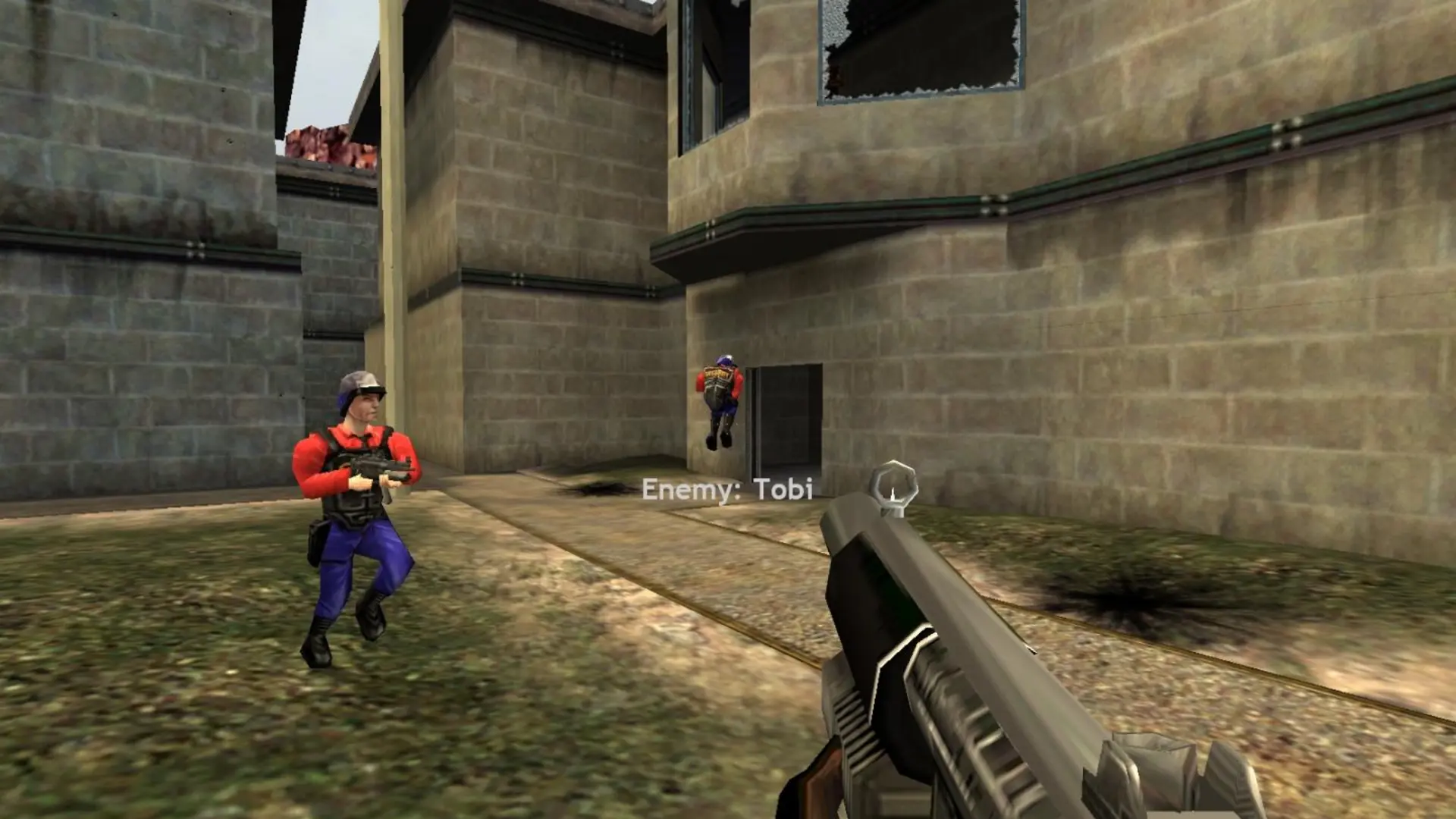
FastDL lets players download custom maps, models, materials and sounds quickly when they join your Half-Life Deathmatch: Source server. It is set up for you, so all you need to do is upload your content.
How Does FastDL Work?
- Each time your server starts, custom files in
hl1mpare compressed and copied to thefastdlfolder. sv_downloadurlis added tohl1mp/cfg/server.cfgautomatically.- New files reach players after the next restart.
- To see your FastDL address, type
sv_downloadurlin the server console.
These folders are synced:
| Folder | Extensions |
|---|---|
| maps | .bsp, .nav, .res, .txt |
| materials | .vmt, .vtf, .raw, .svg, .png |
| models | .mdl, .vtx, .vvd, .phy |
| sound | .mp3, .wav, .txt, .ogg |
| sprites | .spr, .tga, .txt |
| particles | .pcf |
| resource | .txt, .res |
If you need another file type, reach out to a bro and we will add it.
Using A Third-Party FastDL
- 1Log in to Bropanel and
Stopyour server. - 2In the sidebar, go to
Files. - 3Navigate to
hl1mp/cfgand createfastdl.cfgwith the linesv_downloadurl "https://your.fastdl.url". - 4Open
server.cfgand addexec fastdlas the last line. - 5Start your server.