
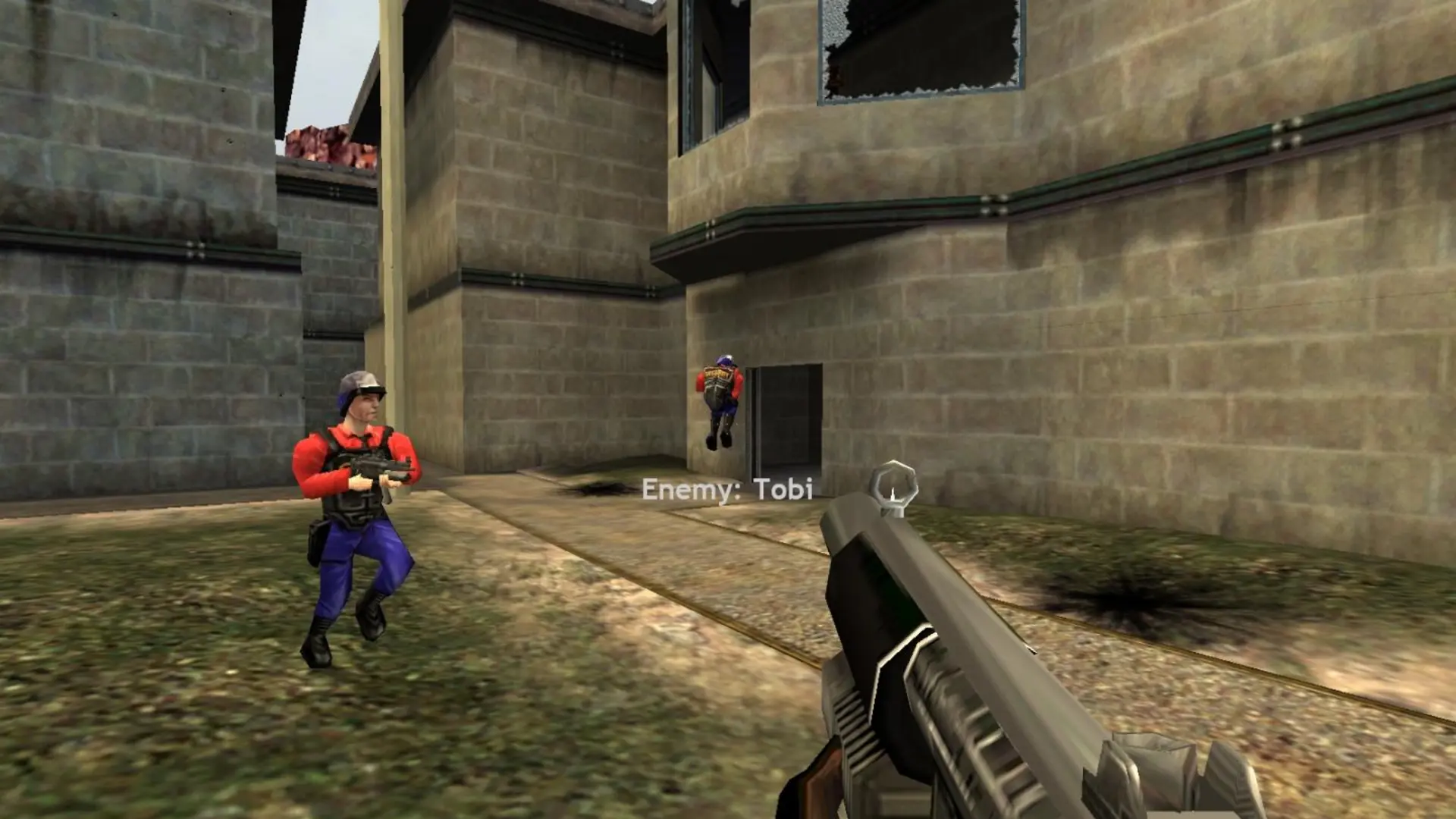
SourceMod is the plugin framework most server plugins need. Game Host Bros installs it for you on your Half-Life Deathmatch: Source server with one setting.
How To Install SourceMod
- 1Log in to Bropanel and select your server.
- 2In the sidebar, go to
Settings. - 3Under
Modding, enableEnable SourceMod. - 4Click
Save & Restartto apply your changes.
Whenever your server starts, SourceMod and Metamod update to the latest stable version. Your plugins and their configs are kept.
Note
If you want to install a specific SourceMod or Metamod version yourself, keep this setting off so our system leaves those files alone. Turning it off moves our managed addons folder aside, so nothing is deleted.
How To Install Plugins
Some plugins also need an extension (a .so file for Linux) in hl1mp/addons/sourcemod/extensions, or a config in hl1mp/cfg/sourcemod. Check the plugin's page for what it needs.