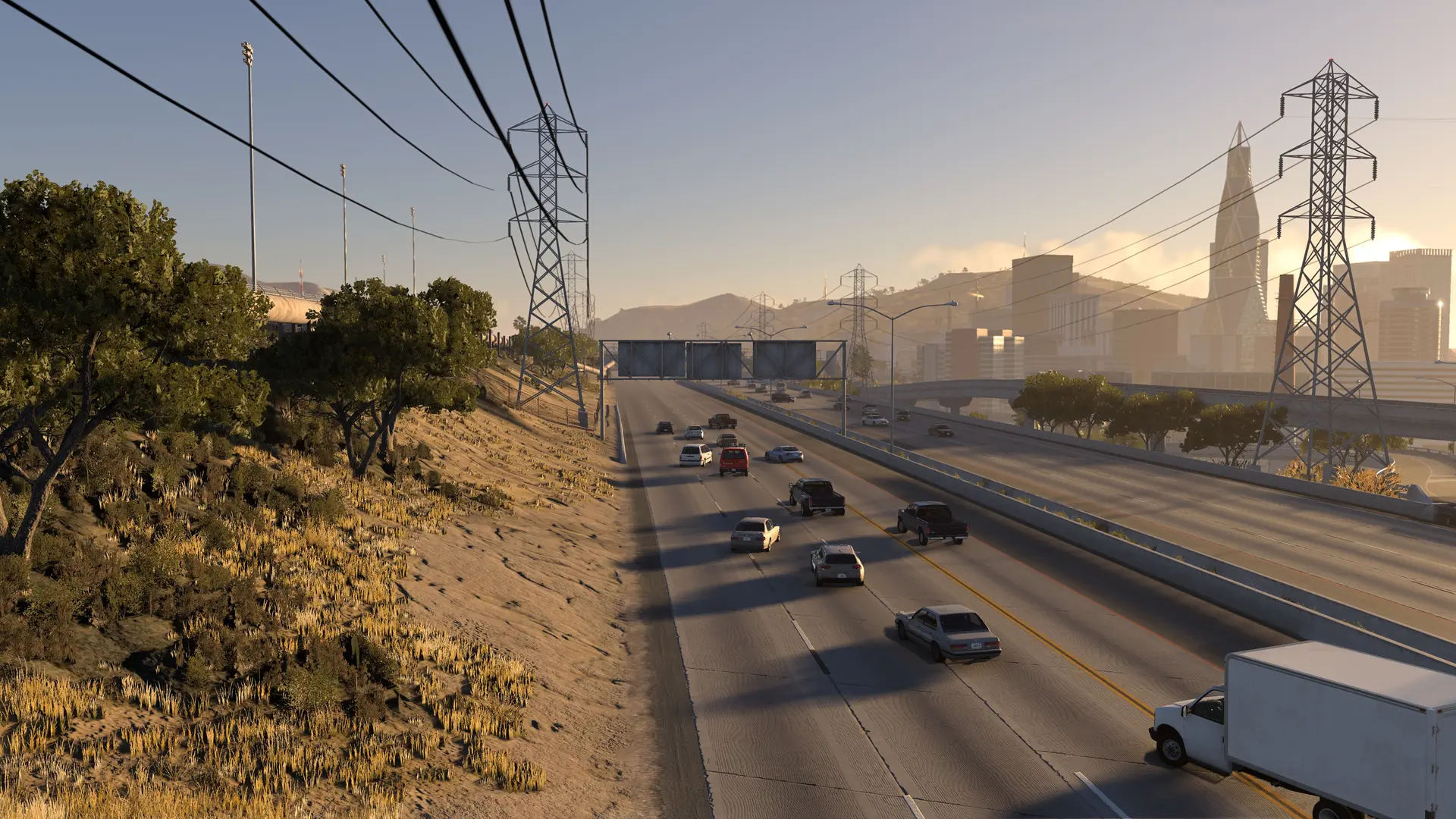
Your HighBeam server can run any of BeamNG.drive's own maps, or a map from a mod. New servers start on Gridmap.
Changing Your Map
- 1Log in to Bropanel and select your server.
- 2In the sidebar, go to
Settings. - 3Under
Basic, editMapand enter the map's name from the table below, for examplewest_coast_usa. - 4Click
Save & Restartto apply your changes.
| Map name | Map in the game |
|---|---|
west_coast_usa | West Coast, USA |
east_coast_usa | East Coast, USA |
italy | Italy |
utah | Utah, USA |
jungle_rock_island | Jungle Rock Island |
johnson_valley | Johnson Valley |
small_island | Small Island, USA |
industrial | Industrial Site |
hirochi_raceway | Hirochi Raceway |
automation_test_track | Automation Test Track |
derby | Derby Arenas |
gridmap_v2 | Gridmap |
Using A Map From A Mod
- 1
- 2In the sidebar, go to
Settings. - 3Under
Basic, setMapto the zip's name without.zip, for examplemycustommap. - 4Click
Save & Restartto apply your changes.
A zip can hold more than one map, one in each folder inside its levels folder. The zip's name picks the first of them. To pick another one, enter that folder's name in Map instead. If your server doesn't know a map, it says so in the Console.
Changing The Map While Players Are On
Type map italy in the Console, or /map italy in the in-game chat as an admin. Everyone loads the new map and comes back with the car they were driving, without leaving the server. map on its own lists every map your server has. This change lasts until your server restarts, then it goes back to the Map in Settings.
To change maps on a timer, set up a map rotation.