Here are fixes for the most common problems on a HighBeam server. Your server's Console usually says what went wrong, and the logs folder in Files has a file for each day with more detail.
My Server Isn't In The Server List
- Wait a minute after your server starts. It shows up once the server list can reach it.
- Check that Private is off in
Settings. - Type
nettestin theConsole. It checks your server's connection to the server list and says what it sees.
Players can still join a server that isn't listed by its address or an invite link, see Connect To Your Server.
Players Can't Join
- If Whitelist is on, only the players on it and your staff can join.
- If you set a password, players need to type it.
- If the server is full, raise Max Players.
- If players get kicked as they join, the
Consolesays why: banned, wrong password, full, or an old HighBeam that needs to update. HighBeam updates itself when players restart it.
The Map Doesn't Load
Check the spelling of Map in Settings. For a map from a mod, its zip must be in the mods folder and Map must be the zip's name without .zip, or the name of a folder inside its levels folder. The Console warns you when your server doesn't know a map. See Change Map.
A Mod Doesn't Download
Mods have to be .zip files straight inside the mods folder, not in a folder inside it. Restart your server or type reloadmods in the Console after adding one. See Installing Mods.
There Is No Traffic
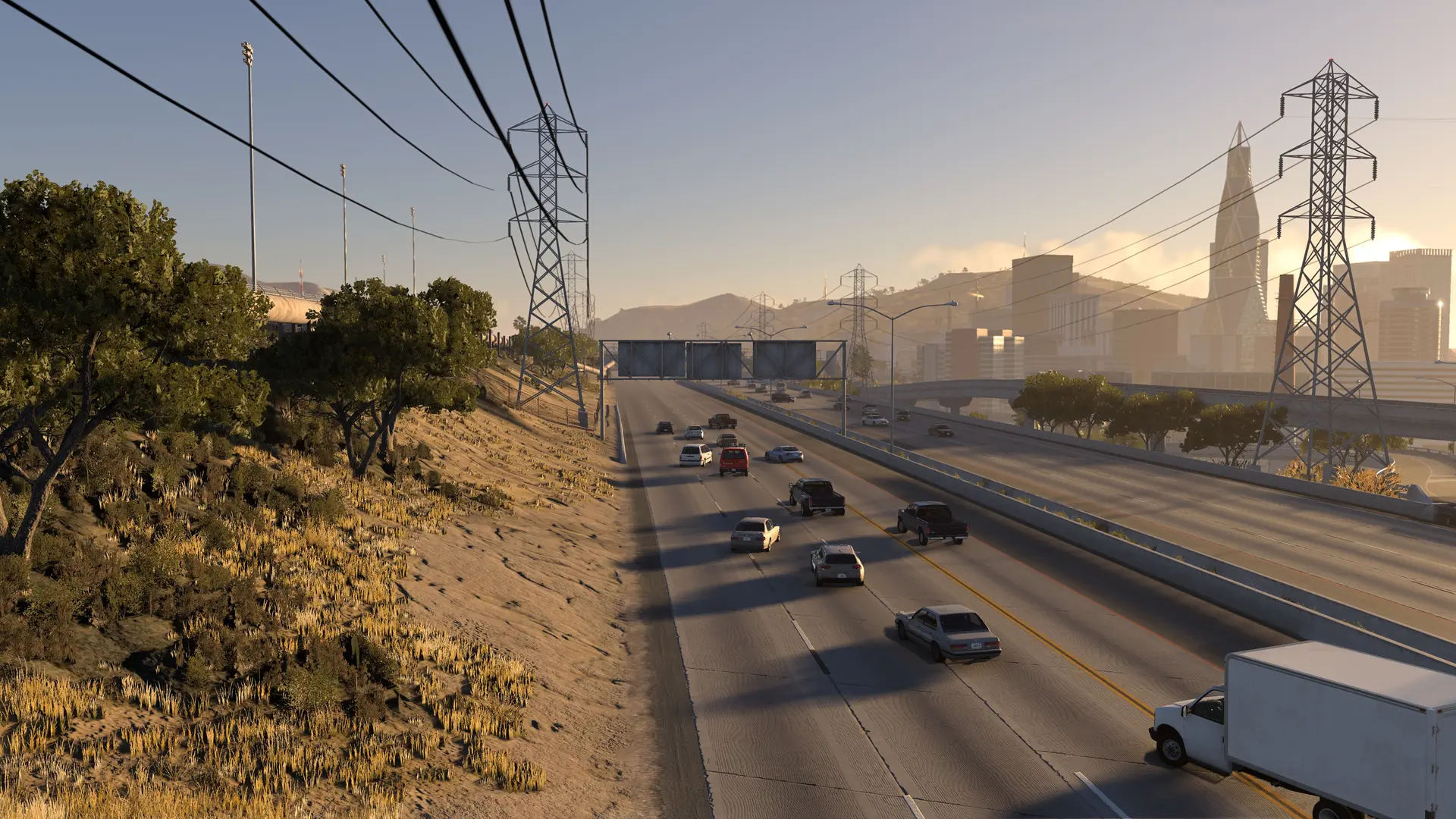
Set Traffic Cars above 0. The cars need the map's roads, which the first player's game sends to your server, so they appear a few seconds after someone joins.
Players Stutter Or Crash
Every player's PC draws every car on your server, players' cars and traffic together. About 25 cars or more needs a graphics card with more than 6 GB of video memory. Lower Traffic Cars first, then Max Players or Cars Per Player. Fewer and smaller mods help too.