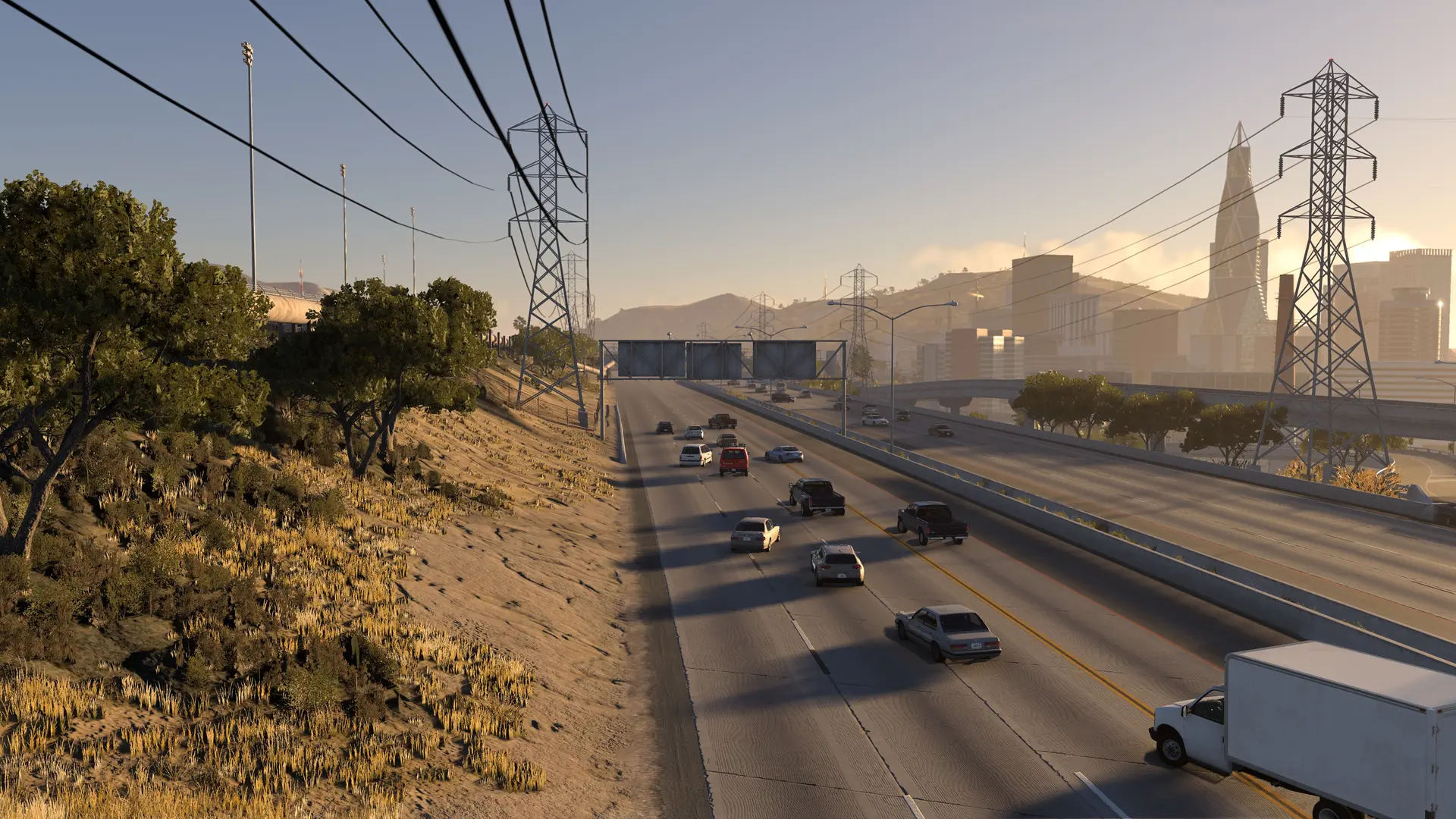
Max Players is how many people can be on your HighBeam server at once. New servers take 8 players, and you can raise it to 255.
Changing Max Players
- 1Log in to Bropanel and select your server.
- 2In the sidebar, go to
Settings. - 3Under
Basic, editMax Players. - 4Click
Save & Restartto apply your changes.
Before You Raise It
- Players' PCs draw every car. About 25 cars or more on a server, players' cars and traffic together, needs a graphics card with more than 6 GB of video memory on each player's PC. With less, the game can stutter or crash.
- Cars per player add up. Each player can spawn as many cars as Cars Per Player allows.
Tip
To keep slots free for your admins and moderators on a busy server, open configs/server.cfg in Files and set staff_slots, for example staff_slots=2, then restart your server. Other players see the server as full once only those slots are left.