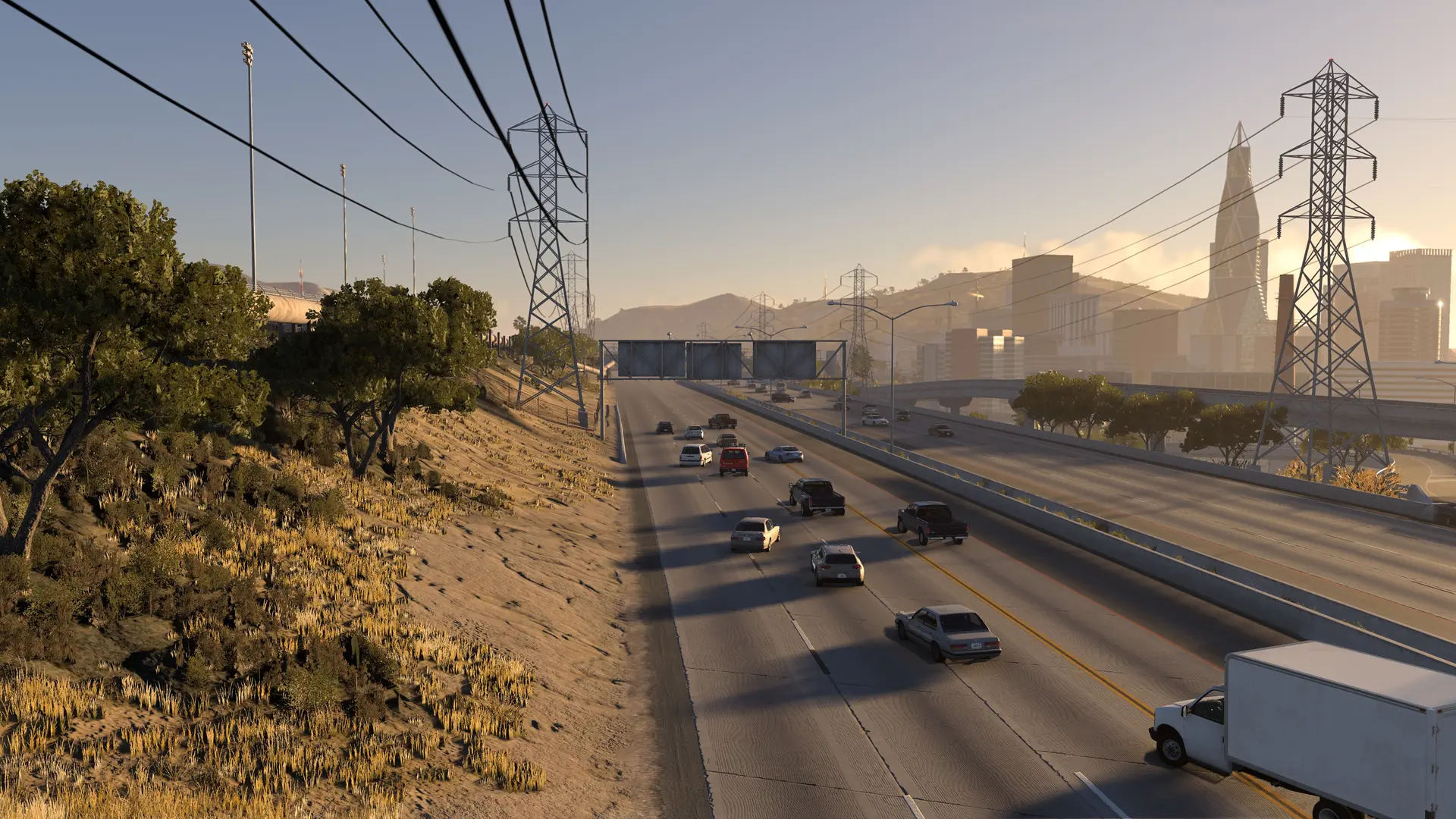
Your HighBeam server can drive its own traffic on the map's roads. Every player sees the same cars in the same places: they keep to their lane, follow the speed limits, signal, queue and give way at junctions. A traffic car a player hits stops with its hazard lights on.
Adding Traffic Cars
- 1Log in to Bropanel and select your server.
- 2In the sidebar, go to
Settings. - 3Under
Gameplay, setTraffic Carsto how many cars you want, up to100. - 4Click
Save & Restartto apply your changes.
New servers have no traffic. Set Traffic Cars to 0 to turn it off again.
Good To Know
- Traffic appears after the first player joins. The cars need the map's roads, which the first player's game sends to your server, so they show up a few seconds after someone joins. They only drive while players are on.
- Players' PCs draw every car. About 25 cars or more on a server, traffic and players' cars together, needs a graphics card with more than 6 GB of video memory on each player's PC. If players stutter, lower
Traffic Cars. - Traffic drives near players. Cars drive within 500 metres of the players' cars. To change that, set
bot_rangeinconfigs/server.cfginFiles, for examplebot_range=300, or0for the whole map, then restart your server.
Tip
Type bots in the Console to see what the traffic is doing, for example how many cars are driving and how many players see them.