
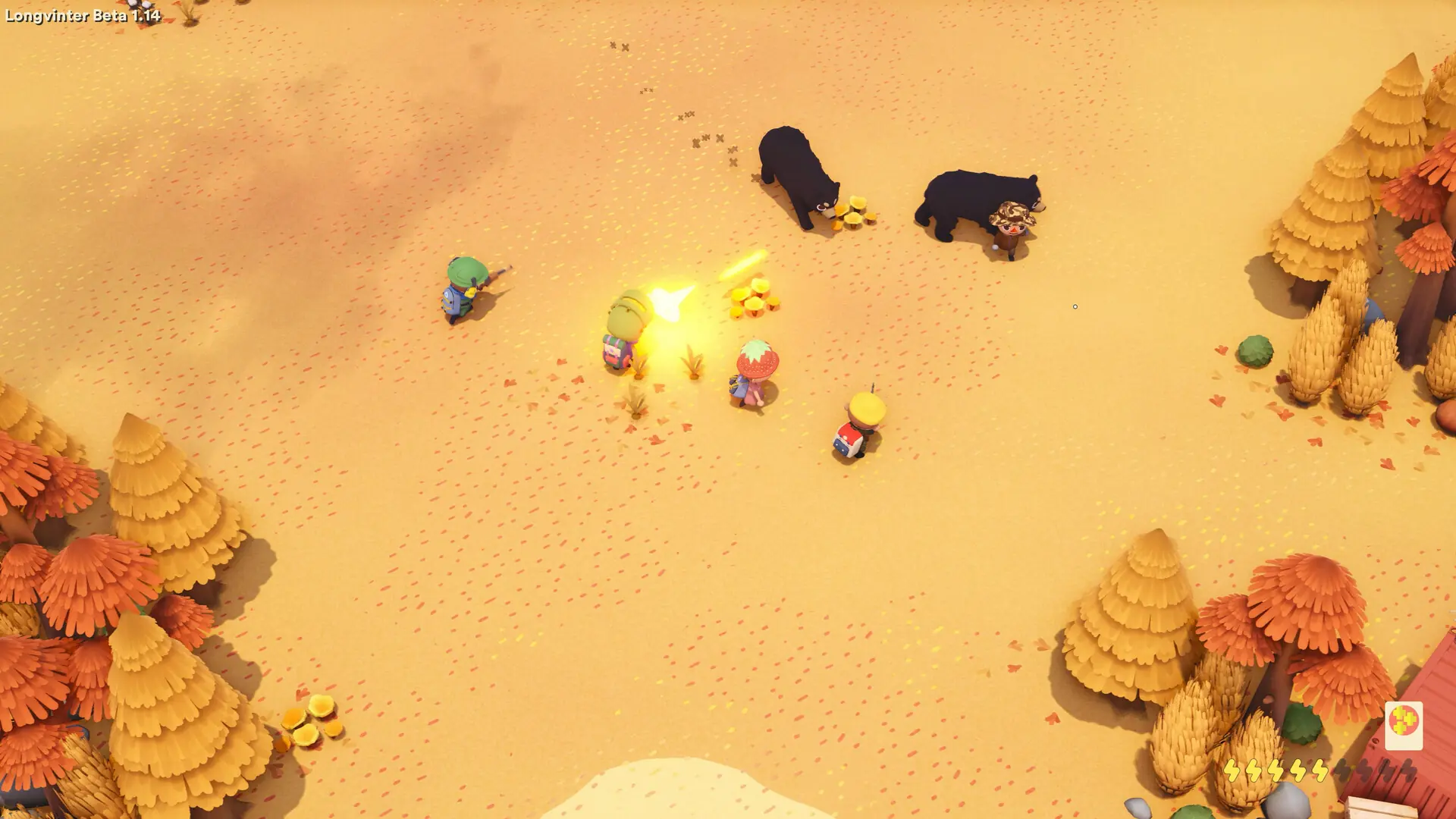
Admins on a Longvinter server can open the in-game admin panel to kick and ban players. Admins are added by their EOS ID, not their Steam ID.
Finding An EOS ID
- 1Open Longvinter and go to
Options. - 2Open the
Generaltab and scroll down to your EOS ID. - 3Copy the ID. It is 32 letters and numbers long.
Each admin finds their own ID this way and sends it to you.
Adding Admins
- 1Log in to Bropanel and select your server.
- 2In the sidebar, go to
Settings. - 3Under
Basic, editAdmin EOS IDsand paste the EOS IDs. Separate several IDs with a single space. - 4Click
Save & Restartto apply your changes.
Kicking And Banning Players
- 1Join your server with an admin account.
- 2Press
Escand clickAdmin panelin the top left. - 3Open the
Current Playerstab and click the plus icon next to the player. - 4Choose
Kickto disconnect them, orBanto keep them out until you lift the ban.
To lift a ban, open the Banned ID's tab in the admin panel and click UnBan next to the player's EOS ID.
Tip
If Admin panel doesn't show up, check that the ID in Admin EOS IDs matches the one in your game exactly and that the server has restarted since you added it.