
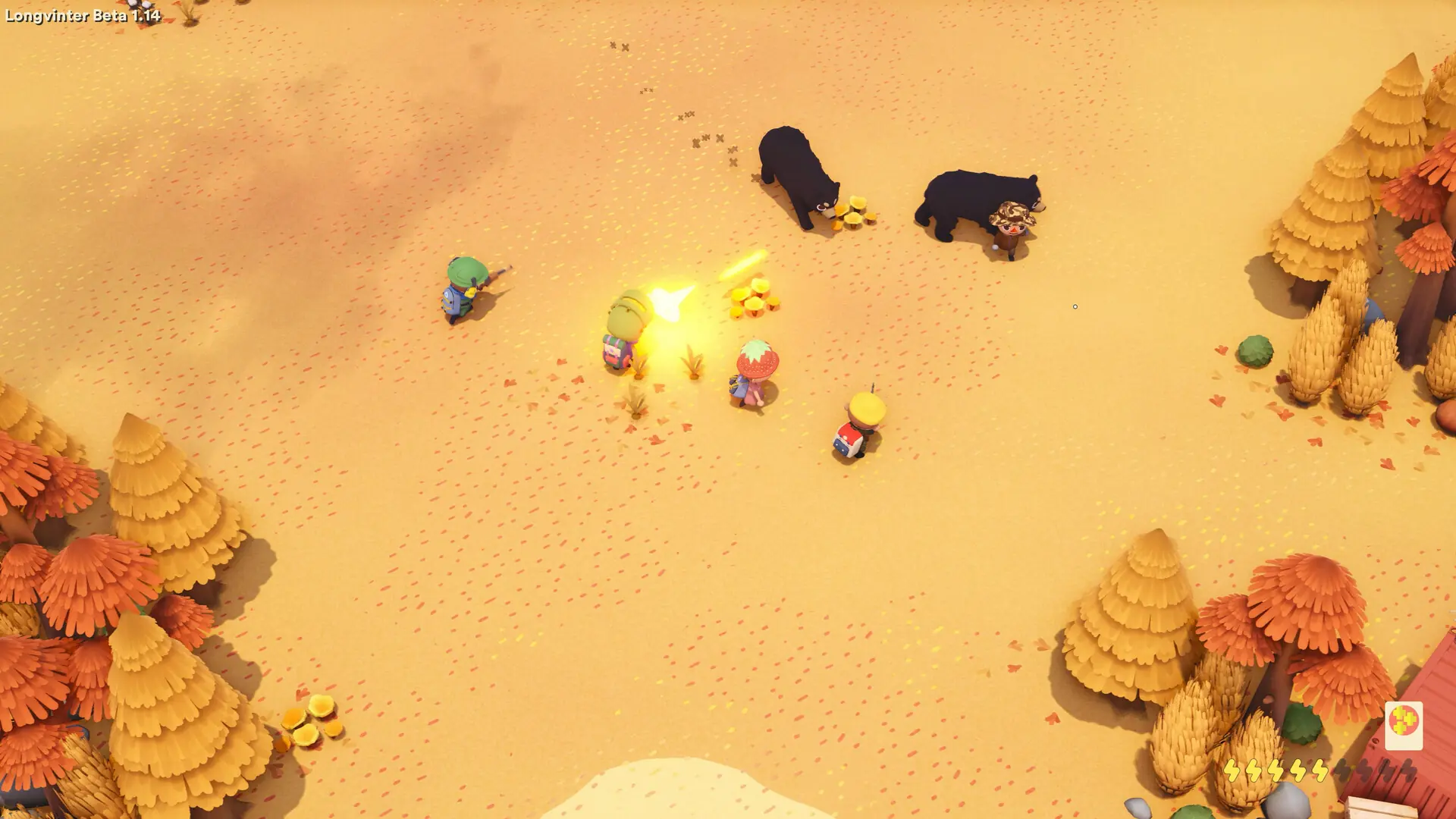
A server tag is one word shown with your server in the Longvinter server browser, such as PVE or RP. It helps players find the kind of island they are looking for.
Setting Your Server Tag
- 1Log in to Bropanel and select your server.
- 2In the sidebar, go to
Settings. - 3Under
Basic, editServer Tagand enter one tag. Leave it empty for no tag. - 4Click
Save & Restartto apply your changes.
Caution
Don't use OFFICIAL as your tag. It is reserved for servers run by the developer.