
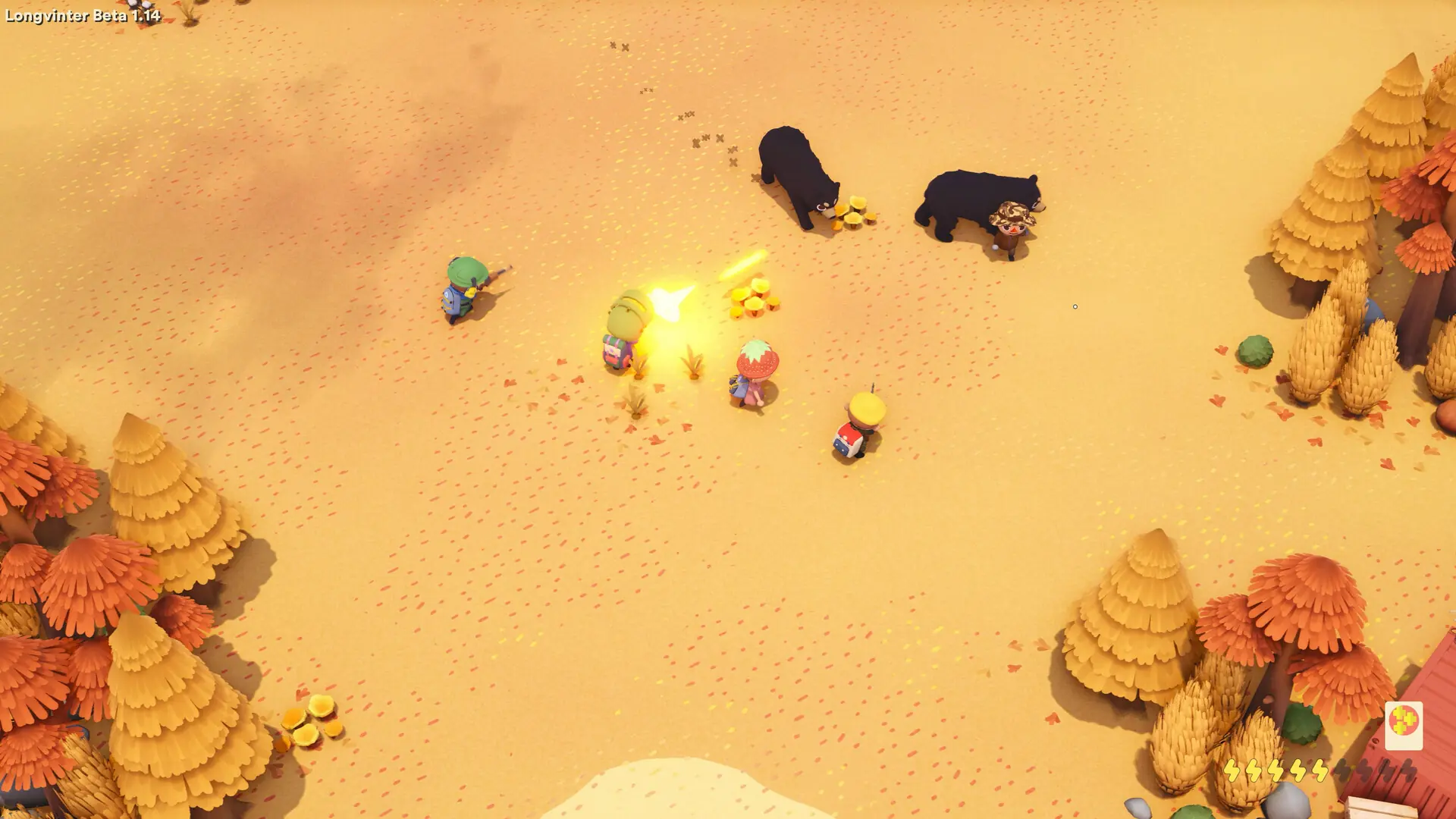
Wandering traders spawn on your island by default. This is what you do if you want to stop them from spawning.
Disabling Wandering Traders
- 1Log in to Bropanel and select your server.
- 2In the sidebar, go to
Settings. - 3Under
Gameplay, enableDisable Wandering Traders. - 4Click
Save & Restartto apply your changes.
To bring the traders back, disable Disable Wandering Traders and click Save & Restart.