
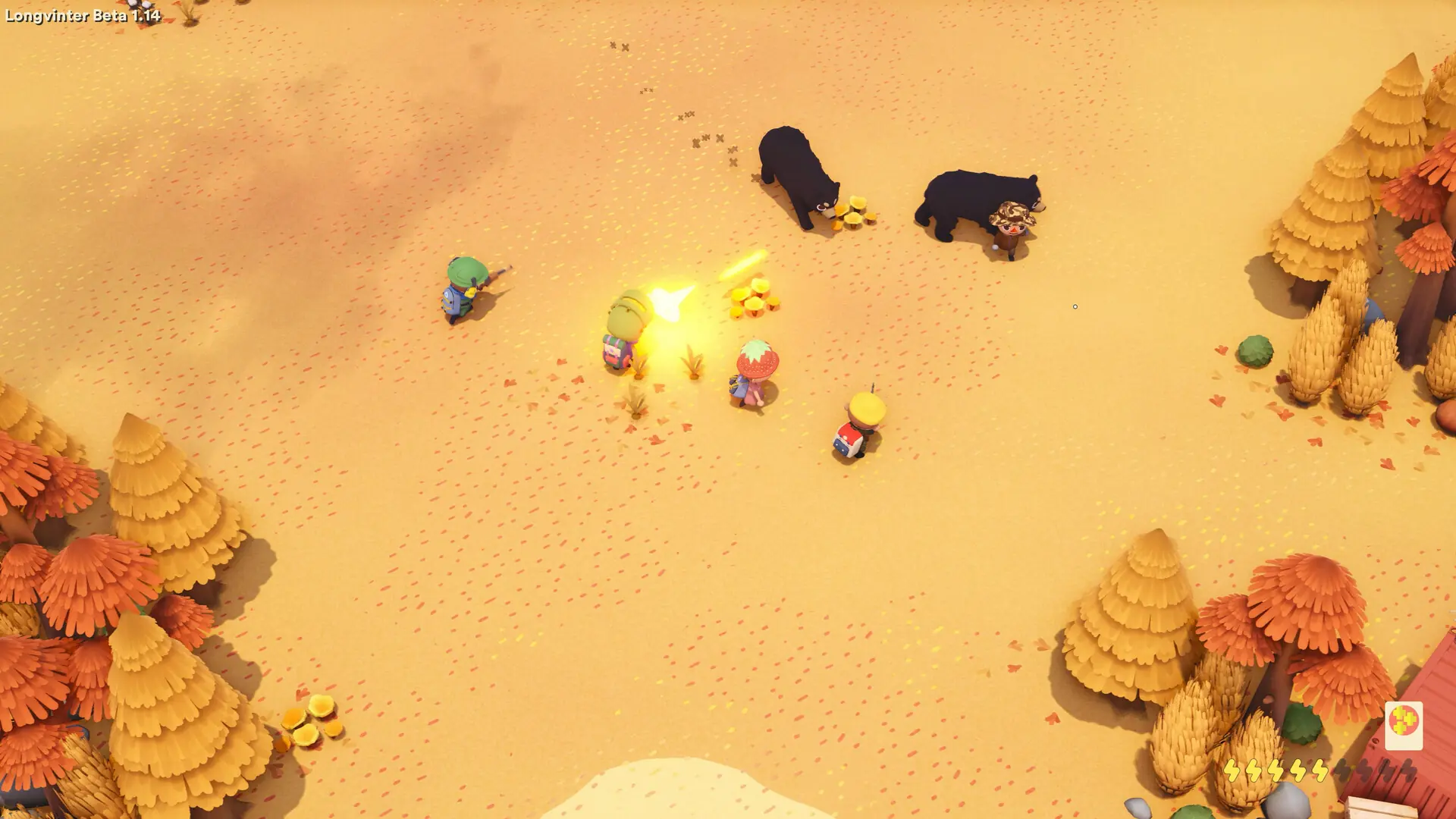
Cooperative play is for groups who want to play the island together. With it on, every player spawns at the same outpost, so the whole group starts in one place. It is off by default.
Turning Cooperative Play On Or Off
Cooperative play is for PvE islands, so turn PvP off when you turn it on. With PvP on, cooperative play may not take effect.
- 1Log in to Bropanel and select your server.
- 2In the sidebar, go to
Settings. - 3Under
Gameplay, enable or disableCooperative Play. - 4If you are turning cooperative play on, also disable
PVPunderGameplay. - 5Click
Save & Restartto apply your changes.
Choosing The Spawn Outpost
- 1Log in to Bropanel and select your server.
- 2In the sidebar, go to
Settings. - 3Under
Gameplay, changeCooperative SpawntoWest,SouthorEast. - 4Click
Save & Restartto apply your changes.
Cooperative Spawn only matters while Cooperative Play is on. New servers use West.