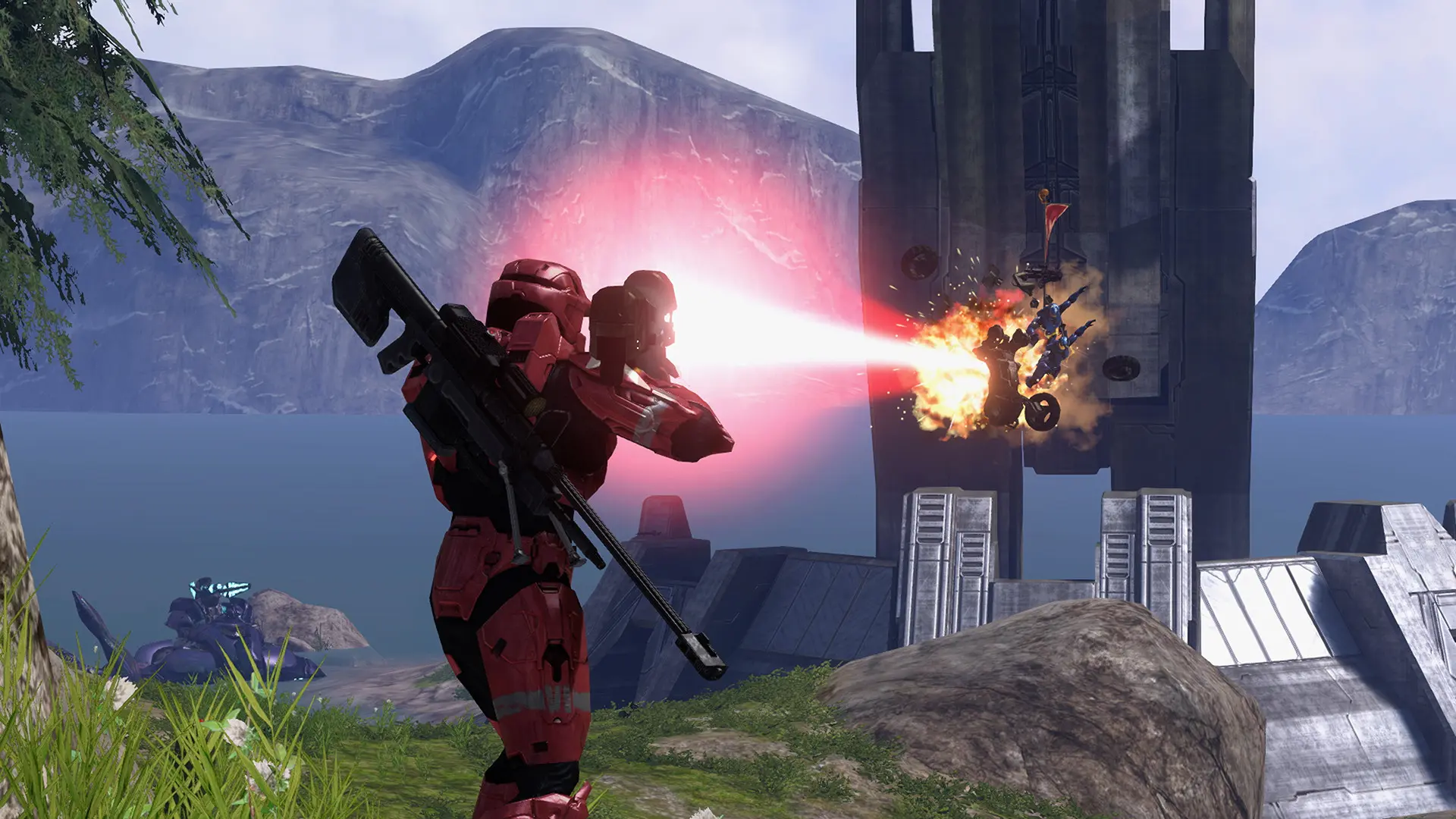
Your Project Reclaimer server can play Halo 3's campaign in co-op for up to 16 players, with no player hosting. It starts the mission you choose once a player is in, goes on to the next mission when it's finished, and starts again from your mission after the last one. Players find it under the Campaign filter in the Server Browser.
Uploading the Campaign Files
The server needs campaign.map and the map file of every mission it plays, from your own copy of Halo: The Master Chief Collection. See Upload Halo 3 Files for how to upload them.
| Mission | File | Mission | File |
|---|---|---|---|
| Sierra 117 | 010_jungle.map | Floodgate | 050_floodvoi.map |
| Crow's Nest | 020_base.map | The Ark | 070_waste.map |
| Tsavo Highway | 030_outskirts.map | The Covenant | 100_citadel.map |
| The Storm | 040_voi.map | Cortana | 110_hc.map |
| Halo | 120_halo.map |
The server only goes on to missions it has, so upload every mission for a server that plays through the whole campaign, about 4 GB.
Turning On Campaign Co-op
- Log in to Bropanel and select your server.
- In the sidebar, go to
Settings. - Under
Gameplay, setCampaign Co-opto the mission to start from, such asSierra 117. - Click
Save & Restartto apply your changes.
Changing the Difficulty
- Log in to Bropanel and select your server.
- In the sidebar, go to
Settings. - Under
Gameplay, setCampaign DifficultytoEasy,Normal,HeroicorLegendary. - Click
Save & Restartto apply your changes.